Graphic Design Techniques : How to Make Your Own Business Cards
TL;DR
Learn how to make your own business cards in Photoshop with step-by-step instructions and tips.
Transcript
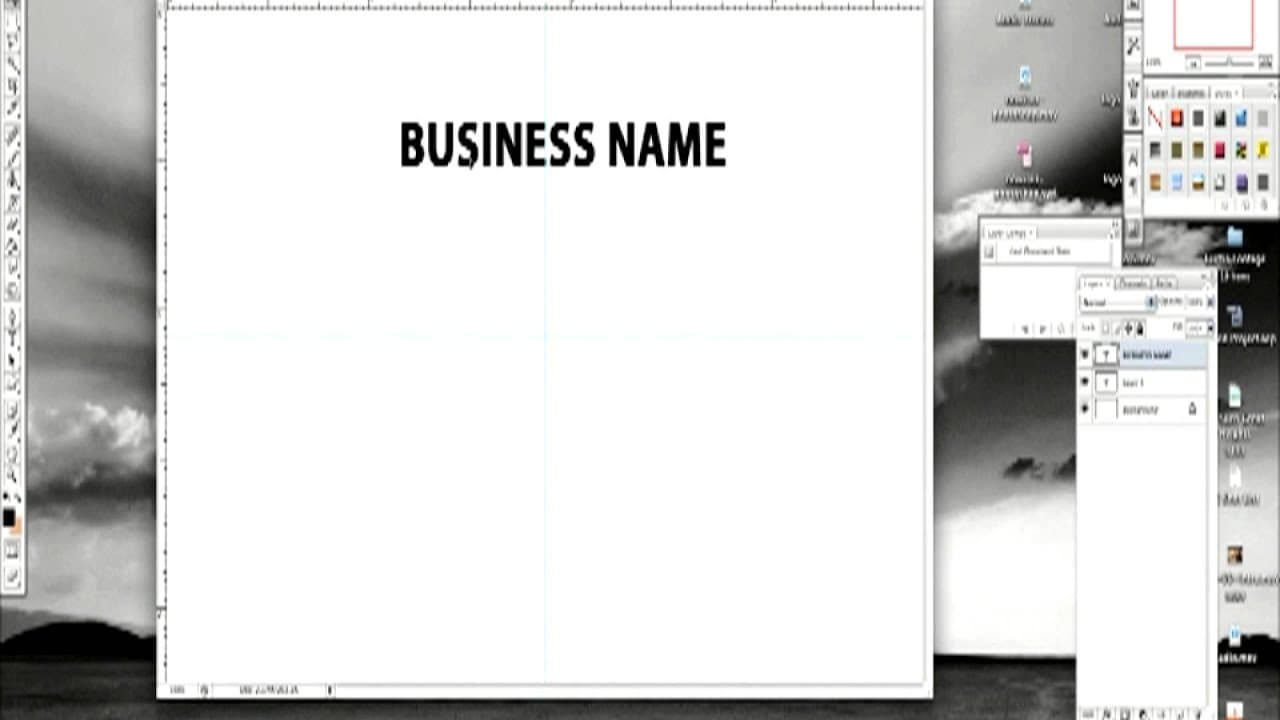
ok I'm going to show you how to make your own business cards in our photo shop so we're going to go up to New we're going to change our paper to print it's got us generally business cards go to millimeters generally you want actually we'll go to we'll go two inches all right generally you want about 3.5 width by about to light and i'm just going to... Read More
Key Insights
- 👨💼 Adjusting the dimensions and resolution is crucial for creating a printable business card.
- 👀 Centering your text and aligning it precisely can enhance the overall look of the card.
- 👨💼 Experimenting with additional design elements, such as graphics or shapes, can make your business card more visually appealing.
- 🎨 Including a bleed area ensures that essential design elements are not accidentally trimmed during printing.
- 🥶 There are countless ways to customize your business card; feel free to explore different placements, colors, and fonts.
- 🖤 Keeping the design simple with black and white can also be effective for a minimalist look.
- 👨💼 Photoshop offers various tools and features that enable you to have full creative control over your business card design.
Install to Summarize YouTube Videos and Get Transcripts
Explore YouTube Video Summarizer or Get YouTube Transcript Extractor
Questions & Answers
Q: What are the recommended dimensions and resolution for a business card in Photoshop?
For printing, it is suggested to use a width of 3.5 inches, a height of 2 inches, and a resolution of 300dpi to ensure a high-quality result.
Q: How can I center my text on the business card?
To center your text, you can use the ruler tool, drag it across the card, and snap it to the dead center. This will help you align your text precisely.
Q: Can I customize the design further by adding graphics or shapes?
Absolutely! You can experiment with adding shapes, graphics, or other elements to make your business card more visually appealing. Photoshop offers many tools to help you achieve this.
Q: Are there any specific guidelines for the "bleed" area on a business card?
It is recommended to include an extra 2.25 inches of bleed area to ensure that important design elements are not cut off when the cards are trimmed. This accounts for slight shifts during printing.
Summary & Key Takeaways
-
Set up the business card template in Photoshop, adjusting the dimensions and resolution for printing.
-
Customize the card by adding your business name, contact information, and any additional details.
-
Explore different design options, such as adding graphics or adjusting the placement of elements.
Read in Other Languages (beta)
Share This Summary 📚
Summarize YouTube Videos and Get Video Transcripts with 1-Click
Try YouTube Summary with ChatGPT & Claude or YouTube Transcript Generator
Explore More Summaries from ehow 📚

Summarize YouTube Videos and Get Video Transcripts with 1-Click
Try YouTube Summary with ChatGPT & Claude or YouTube Transcript Generator