How to Podcast with an iPhone or iPad (Best for Travel & Interviews) - Podcasting Gear
TL;DR
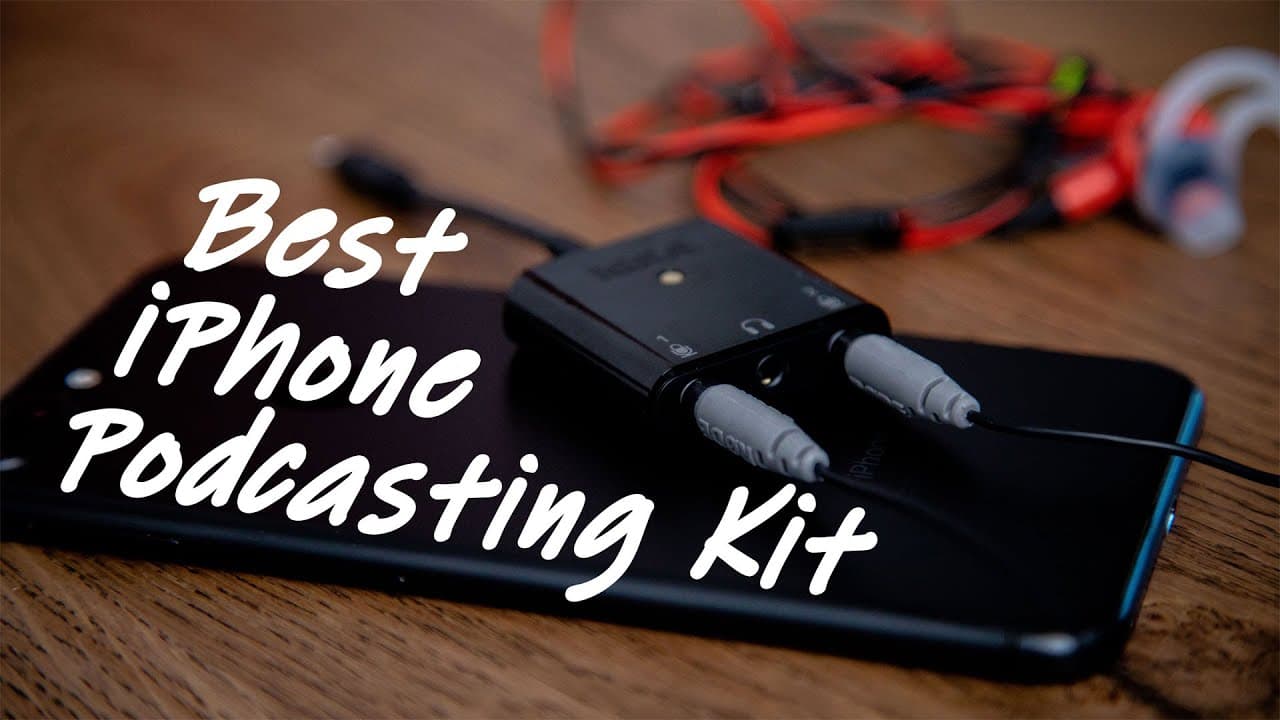
Pat shares his experience using a lightweight and professional portable podcasting kit that provides high-quality sound using an iPhone or iPad.
Transcript
- Hey what's up? It's Pat here. If you're looking to record a podcast just with your iPhone or an iPad, you want something that's lightweight that you can travel with that actually sounds pretty professional too, well make sure you stick around 'cause in this video I found a kit that is really small, lightweight, it sounds good and it's actually ri... Read More
Key Insights
- 🔪 Pat recommends using a portable and lightweight podcasting kit for recording on the go.
- 🔊 The RODE smartLav+ microphones provide high-quality sound and can be easily connected to an iPhone or iPad.
- 😀 The Ferrite recording app is a paid app that offers advanced features for podcast recording.
- 👻 The SC6-L adaptor allows for monitoring the sound quality and connecting multiple microphones.
- 👂 The kit is recommended for podcasters who frequently conduct interviews and want professional sound quality.
- ✋ Prices for the components may vary, but investing in a durable and high-quality kit is worth it.
- ❓ Pat promises to share more equipment recommendations for podcasters in the future.
Install to Summarize YouTube Videos and Get Transcripts
Explore YouTube Video Summarizer or Get YouTube Transcript Extractor
Questions & Answers
Q: What are the main components of the portable podcasting kit?
The main components are the SC6-L connector adaptor, RODE smartLav+ microphones, and optional cable extensions.
Q: How does the Ferrite recording app improve the sound quality?
The Ferrite app allows you to connect the microphones to your iPhone or iPad, providing better sound quality compared to the device's built-in microphone.
Q: Is the portable podcasting kit suitable for interviews?
Yes, you can connect a second microphone to the SC6-L adaptor to conduct interviews easily.
Q: How much does the kit cost?
The SC6-L adaptor costs $75 to $85, each RODE smartLav+ microphone costs $50 to $80, and the optional cable extension (SC1) costs about $20.
Summary & Key Takeaways
-
Pat introduces a portable podcasting kit that consists of a connector adaptor, high-quality microphones, and optional cable extensions.
-
He recommends using the RODE smartLav+ microphones, which can be connected to the connector adaptor for recording.
-
Pat suggests using the Ferrite recording app for better sound quality and provides a demonstration of how to set it up.
Read in Other Languages (beta)
Share This Summary 📚
Summarize YouTube Videos and Get Video Transcripts with 1-Click
Try YouTube Summary with ChatGPT & Claude or YouTube Transcript Generator
Explore More Summaries from Pat Flynn 📚



Summarize YouTube Videos and Get Video Transcripts with 1-Click
Try YouTube Summary with ChatGPT & Claude or YouTube Transcript Generator