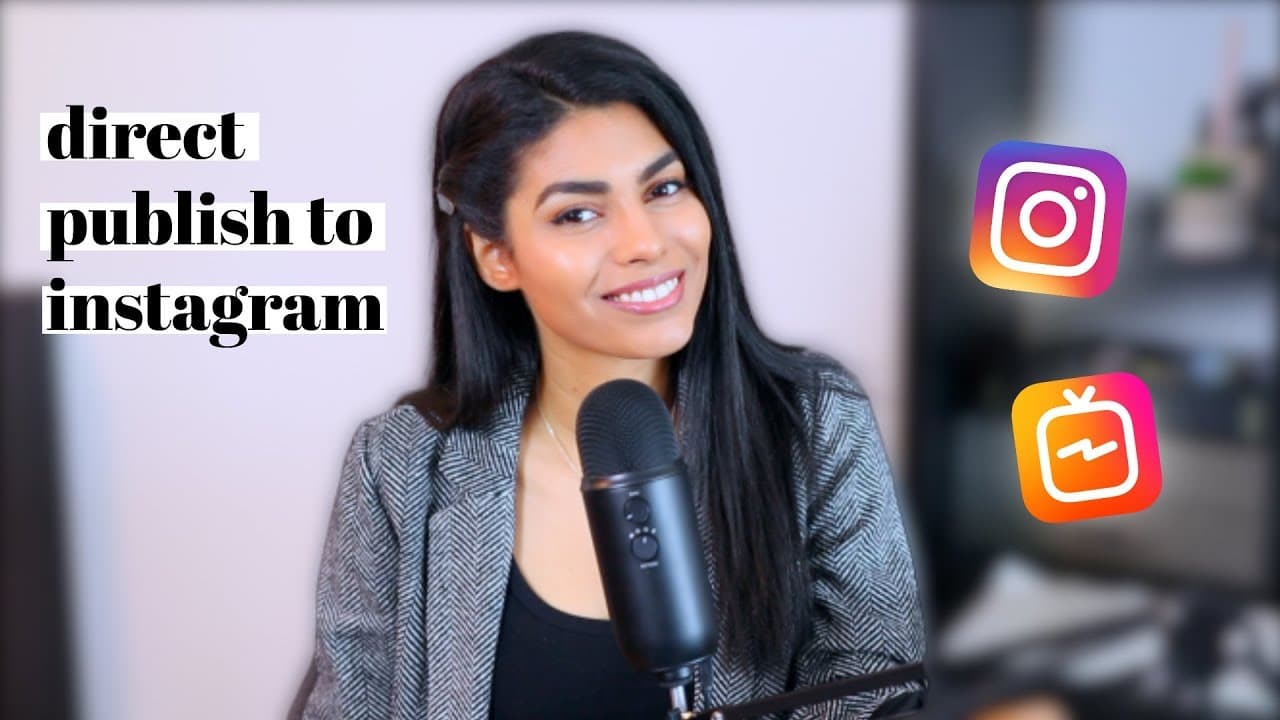
How to DIRECT SCHEDULE Instagram Posts for FREE
TL;DR
Learn to schedule Instagram posts directly and freely.
Transcript
hello everyone welcome back to my channel or welcome to my channel if you're new my name's Latasha and I'm a freelance social media manager and a business coach and I have some very exciting news for you I hope if you are in the entrepreneurial community if you are social media manager if you're a marketing consultant if you're an influencer you gu... Read More
Key Insights
- Instagram posts and IGTV can now be scheduled directly through Facebook's Creator Studio, without violating Instagram's Terms of Service.
- This new feature eliminates the need for post reminders and allows users to schedule posts with captions, hashtags, and location tags.
- To use this feature, users need a business or creator account on Instagram linked to a Facebook page.
- The Creator Studio offers analytics and content management, but currently does not support scheduling for Instagram Stories.
- Users can post directly to Facebook simultaneously, and the platform allows for video and image carousels.
- The scheduling feature requires users to upload videos in mp4 format for IGTV posts.
- Business accounts may face future restrictions similar to Facebook pages, but the scheduling feature can be beneficial for those managing multiple accounts.
- This feature is particularly useful for social media managers and influencers who handle multiple client accounts.
Install to Summarize YouTube Videos and Get Transcripts
Explore YouTube Video Summarizer or Get YouTube Transcript Extractor
Questions & Answers
Q: How can Instagram posts be scheduled directly?
Instagram posts can be scheduled directly through Facebook's Creator Studio. This platform allows users to schedule posts with full details, such as captions, hashtags, and location tags, without requiring post reminders. It is a free service that complies with Instagram's Terms of Service, making it a valuable tool for digital professionals.
Q: What are the requirements for using Creator Studio for scheduling?
To use Creator Studio for scheduling Instagram posts, users need to have a business or creator account on Instagram. This account must be linked to a Facebook page. The platform provides tools for scheduling posts, managing content, and accessing analytics, but it does not support scheduling for Instagram Stories yet.
Q: Can videos be scheduled using Creator Studio?
Yes, videos can be scheduled using Creator Studio. Users can upload video files for both Instagram feed posts and IGTV. However, for IGTV posts, videos must be uploaded in mp4 format. The platform also supports video and image carousels, allowing for flexible content scheduling.
Q: What limitations exist with the current scheduling feature?
The current scheduling feature in Creator Studio does not support Instagram Stories, meaning users cannot schedule Stories directly through the platform. Additionally, while it allows for video uploads, IGTV videos must be in mp4 format. These limitations may require users to adjust their content creation processes accordingly.
Q: What potential changes might affect business accounts?
Business accounts on Instagram might face potential restrictions similar to those experienced by Facebook pages. This could impact their visibility and engagement on the platform. However, the ability to directly schedule posts through Creator Studio remains a significant advantage for managing multiple accounts efficiently.
Q: Why is this scheduling feature considered a game-changer?
This scheduling feature is considered a game-changer because it allows users to fully automate their Instagram posting process without needing post reminders. It streamlines content management by enabling detailed scheduling, including captions and hashtags, directly through a computer, which is especially beneficial for social media managers and influencers.
Q: How does Creator Studio enhance content management?
Creator Studio enhances content management by providing tools for scheduling posts, accessing analytics, and managing content across both Instagram and Facebook. It allows users to schedule posts with detailed information and offers insights into post performance, making it a comprehensive tool for digital content management.
Q: What are the benefits of linking Instagram to a Facebook page?
Linking Instagram to a Facebook page allows users to access Creator Studio for scheduling posts and managing content. It enables simultaneous posting to both platforms, provides analytics, and enhances content management capabilities. This integration is particularly useful for users managing multiple accounts or those looking to streamline their social media strategy.
Summary & Key Takeaways
-
Latasha introduces a new way to schedule Instagram posts directly through Facebook's Creator Studio. This feature allows users to schedule posts with all necessary details, like captions and hashtags, without needing reminders. It is free and complies with Instagram's Terms of Service, making it a game-changer for digital professionals.
-
To utilize this feature, users must have a business or creator Instagram account linked to a Facebook page. The Creator Studio offers additional tools like analytics and content management. However, scheduling Instagram Stories is not yet supported, and video uploads must be in mp4 format for IGTV.
-
Latasha emphasizes the potential future restrictions on business accounts, similar to Facebook pages, but highlights the benefits of direct scheduling for those managing multiple accounts. She encourages viewers to consider the advantages and provides resources for further learning and support.
Read in Other Languages (beta)
Share This Summary 📚
Summarize YouTube Videos and Get Video Transcripts with 1-Click
Try YouTube Summary with ChatGPT & Claude or YouTube Transcript Generator
Explore More Summaries from Latasha James 📚




Summarize YouTube Videos and Get Video Transcripts with 1-Click
Try YouTube Summary with ChatGPT & Claude or YouTube Transcript Generator