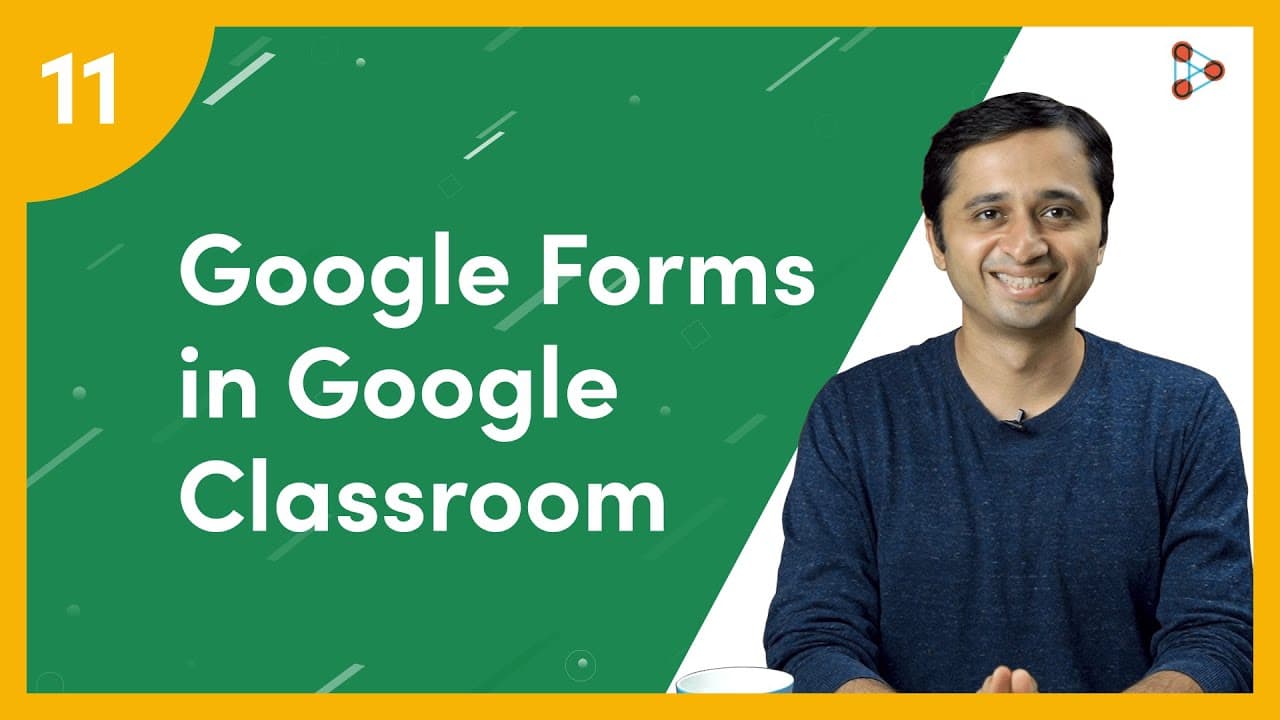
How to create quizzes in Google Classroom using Google Forms? | Ep.11 | Don't Memorise
TL;DR
Google Classroom and Google Forms make it easy to create and grade quizzes, saving teachers time and allowing for various question types.
Transcript
[ YouTube Learning ] Now you know how to ask students a single question, or how to give them long form assignments using Google Classroom. It’s also easy to create Quiz Assignments which have many questions in them! And the best part is that you don’t have to grade them. Google Classroom does it for you! [ Don't Memorise intro music ] Pick the clas... Read More
Key Insights
- 🧑🏫 Google Classroom integrates seamlessly with Google Forms, making it convenient for teachers to create and grade quizzes.
- 🧡 Google Forms offers a wide range of question types, including short answer, long answer, multiple-choice, and file upload options.
- 🧑🎓 Teachers can customize quizzes by adding themes, images, and descriptions to engage students.
- 🧑🏫 Google Classroom's automatic grading feature saves teachers time and eliminates the need for manual checking.
- 😒 The use of Google Forms allows for flexibility in assessment, accommodating different learning styles and preferences.
- 🧑🎓 Students can upload files for detailed answers, providing an alternative to traditional written responses.
- 👻 Previewing the quiz before sharing it with students allows teachers to ensure its accuracy and formatting.
Install to Summarize YouTube Videos and Get Transcripts
Explore YouTube Video Summarizer or Get YouTube Transcript Extractor
Questions & Answers
Q: How do you create a quiz assignment using Google Classroom and Google Forms?
To create a quiz assignment, select the class, go to ClassWork, click on create, and choose Quiz Assignment. Google Forms will be automatically generated for you.
Q: What types of questions can be included in a quiz created with Google Forms?
Google Forms allows for various question types, such as short answer, long answer, and multiple-choice questions. Teachers can choose the type that best suits their quiz.
Q: Can students upload files for detailed answers in a Google Forms quiz?
Yes, there is an option for students to upload files, including images, PDFs, and even audio files if they prefer to narrate their answers instead of writing them.
Q: How does Google Classroom automatically grade quizzes created with Google Forms?
Google Classroom imports the grades from Google Forms quizzes automatically. Teachers can view the scores of each student in the Grades section without the need for manual checking.
Summary & Key Takeaways
-
Google Classroom allows teachers to create quiz assignments and Google Forms automatically generates quizzes for them.
-
Teachers can customize quizzes by adding descriptions, themes, images, and various types of questions.
-
Google Forms offers options for short answer, long answer, multiple-choice questions, and even file uploads for detailed answers.
Read in Other Languages (beta)
Share This Summary 📚
Summarize YouTube Videos and Get Video Transcripts with 1-Click
Try YouTube Summary with ChatGPT & Claude or YouTube Transcript Generator
Explore More Summaries from Infinity Learn NEET 📚

Summarize YouTube Videos and Get Video Transcripts with 1-Click
Try YouTube Summary with ChatGPT & Claude or YouTube Transcript Generator