Tips & Tricks # 7: Fast, convenient & awesome code formatting using Black
TL;DR
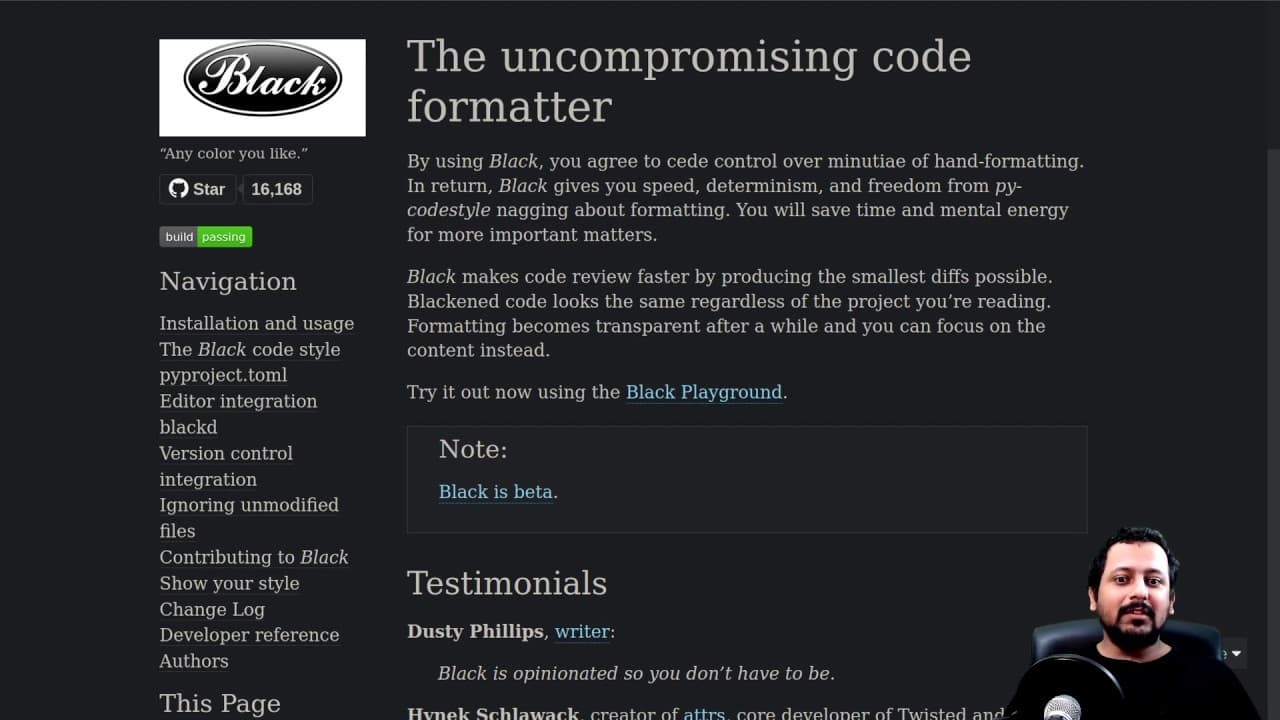
Black is a code formatting tool that simplifies the process of formatting code by automatically applying standard formatting rules.
Transcript
hello everyone and welcome to this tips and tricks video and in this one I'm going to show you something good so I always talk about how you should format your code properly I did it when I'm writing code so what people are really lazy and so am i and I was talking to friend of mine Aakash who is a computer vision expert he told me about this code ... Read More
Key Insights
- 👨💻 Black is a code formatting tool that simplifies the process of formatting code by automatically applying standard rules.
- 📦 It requires minimal configuration and can be easily installed using package managers like pip.
- 💁 By using Black, developers can focus on writing code in their preferred style without worrying about adhering to a specific formatting standard.
- 🫥 Black automatically handles indentation, line length, quote style, and other formatting aspects.
- 🪜 It also adds a trailing comma, which can be helpful when adding new items to a list or dictionary.
- 🫥 Black allows some customization options, such as specifying the maximum line length.
- 📽️ It helps maintain consistency within a project, especially when collaborating with other developers.
Install to Summarize YouTube Videos and Get Transcripts
Explore YouTube Video Summarizer or Get YouTube Transcript Extractor
Questions & Answers
Q: What is Black, and how does it simplify code formatting?
Black is a code formatting tool that automates the process of formatting code based on standard rules. It eliminates the need for developers to manually format their code and ensures consistency throughout a project.
Q: How do you install Black?
To install Black, you can use the command "pip install black" or any other package manager depending on your environment. Once installed, Black is ready to be used.
Q: Can you customize the formatting rules in Black?
While Black follows a set of opinionated formatting rules, you can customize some options such as the maximum line length. These options allow you to adapt Black to your preferred style while still benefiting from its automated formatting capabilities.
Q: How does Black handle single and double quotes in code?
Black prefers to use double quotes for strings and will convert single quotes to double quotes during formatting. This ensures consistency throughout the codebase and helps maintain a clean and standardized look.
Summary & Key Takeaways
-
The video introduces the code formatting tool called Black, which is easy to use and requires minimal configuration.
-
The speaker demonstrates how to install Black and use it to format code in the bird sentiment repository.
-
Black makes formatting code easier by automatically applying standard formatting rules, such as consistent indentation, line length, and quote style.
Read in Other Languages (beta)
Share This Summary 📚
Summarize YouTube Videos and Get Video Transcripts with 1-Click
Try YouTube Summary with ChatGPT & Claude or YouTube Transcript Generator
Explore More Summaries from Abhishek Thakur 📚






Summarize YouTube Videos and Get Video Transcripts with 1-Click
Try YouTube Summary with ChatGPT & Claude or YouTube Transcript Generator