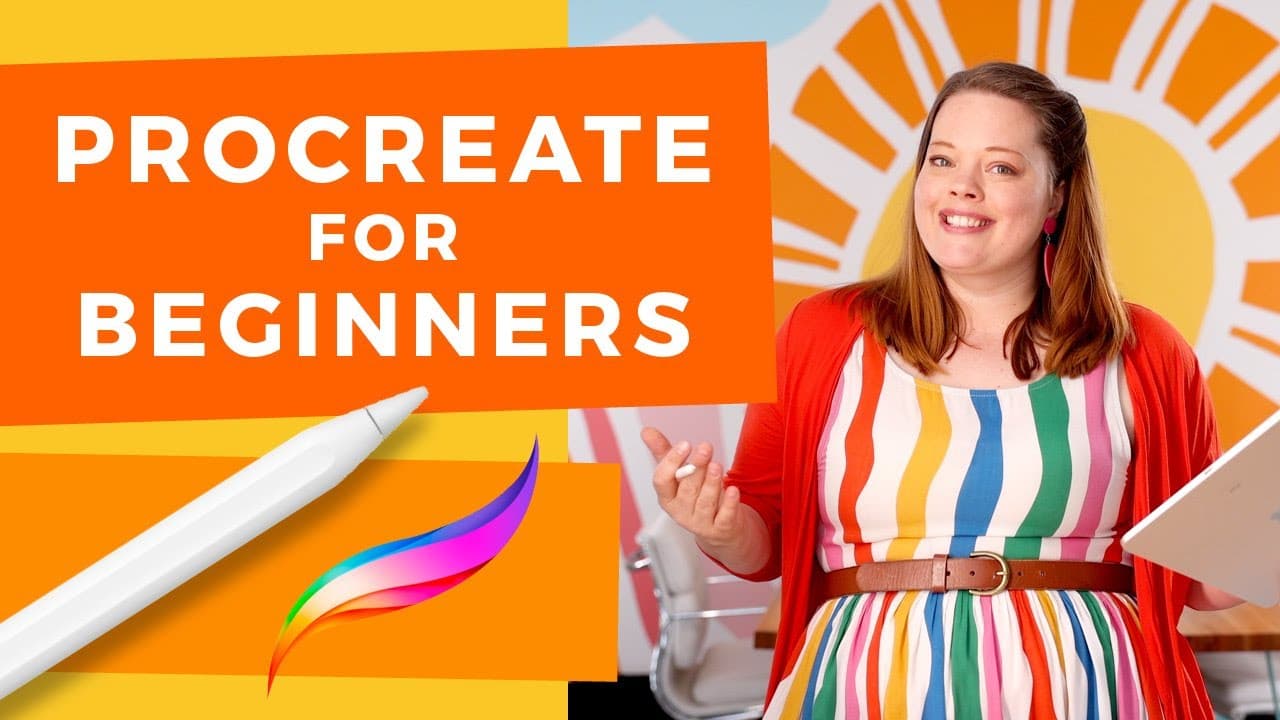
Procreate for Beginners: The Ultimate Introduction to Procreate
TL;DR
Comprehensive guide to mastering Procreate tools and features.
Transcript
hi i'm lisa bardot and welcome to procreate for beginners the ultimate introduction to procreate i'll teach you procreate's most essential and useful tools plus plenty of tips and tricks that will get you drawing as quickly as possible follow along and draw with me as i teach you about brushes layers masks working with color... Read More
Key Insights
- Procreate is an intuitive drawing app for iOS, offering a range of tools and mediums for creating digital art.
- The app includes essential tools like brushes, layers, masks, and color management, allowing users to create versatile artwork.
- Procreate's brush system is highly customizable, allowing users to create and install custom brushes for unique effects.
- Gestures in Procreate enhance workflow efficiency, with options for zooming, rotating, undoing, and redoing actions.
- Layers are a powerful feature in Procreate, enabling non-destructive editing and manipulation of artwork elements.
- Procreate supports animation through its animation assist feature, allowing for frame-by-frame animation creation.
- The app offers various file formats for exporting artwork, including JPEG, PNG, and TIFF, each with specific use cases.
- Organizing files in Procreate is streamlined with options for stacking, renaming, and previewing artwork efficiently.
Install to Summarize YouTube Videos and Get Transcripts
Explore YouTube Video Summarizer or Get YouTube Transcript Extractor
Questions & Answers
Q: What are the essential tools introduced in Procreate for beginners?
The essential tools introduced in Procreate for beginners include brushes, layers, masks, and color management tools. These tools are fundamental for creating and editing digital art, allowing users to explore different artistic techniques and styles within the app.
Q: How does Procreate's brush system enhance creativity?
Procreate's brush system enhances creativity by offering a wide range of pre-installed brushes that emulate real-life art mediums, as well as the ability to create and install custom brushes. This customization allows artists to achieve unique effects and tailor their brush settings to fit specific artistic needs.
Q: What role do gestures play in Procreate?
Gestures in Procreate play a crucial role in enhancing workflow efficiency. They allow users to perform actions such as zooming, rotating, undoing, and redoing with simple finger movements. Mastering these gestures can significantly speed up the drawing process and improve the overall user experience.
Q: Why are layers considered powerful in Procreate?
Layers are considered powerful in Procreate because they allow for non-destructive editing and manipulation of artwork elements. Artists can separate different parts of their artwork into layers, making it easier to modify specific areas without affecting the rest of the piece. This feature provides greater control and flexibility in the creative process.
Q: How does Procreate support animation creation?
Procreate supports animation creation through its animation assist feature, which allows artists to create frame-by-frame animations. Each layer or group of layers can be treated as a frame, and the timeline feature helps in organizing and previewing the animation. This makes Procreate a versatile tool for both static and animated artwork.
Q: What file formats does Procreate offer for exporting artwork?
Procreate offers several file formats for exporting artwork, including JPEG, PNG, TIFF, and PSD. JPEG is commonly used for web sharing, PNG supports transparent backgrounds, TIFF is preferred for high-quality printing, and PSD is compatible with Adobe Photoshop. These options ensure that artists can choose the best format for their specific needs.
Q: How can users efficiently organize their files in Procreate?
Users can efficiently organize their files in Procreate by using stacks, which function like folders to group related files. They can also rename files, reorder them by dragging, and preview artwork with gestures. These organizational features help keep the workspace tidy and make it easier to find and manage projects.
Q: What additional resources does Lisa Bardot offer for Procreate users?
Lisa Bardot offers additional resources for Procreate users, including tutorials on gestures, color palettes, masks, and animation. She also provides a series of drawing prompts and challenges to help artists overcome creative blocks and establish a daily art-making practice. These resources are available on her website, Bardot Brush.
Summary & Key Takeaways
-
This tutorial provides a detailed introduction to Procreate, covering essential tools such as brushes, layers, and masks. It is designed for beginners but offers tips that even experienced users can benefit from.
-
Users will learn about Procreate's customizable brush system, essential gestures, and the powerful layer feature that allows for non-destructive editing of artwork.
-
The tutorial also covers animation, file exporting options, and efficient file organization, making it a comprehensive guide for mastering Procreate.
Read in Other Languages (beta)
Share This Summary 📚
Summarize YouTube Videos and Get Video Transcripts with 1-Click
Try YouTube Summary with ChatGPT & Claude or YouTube Transcript Generator