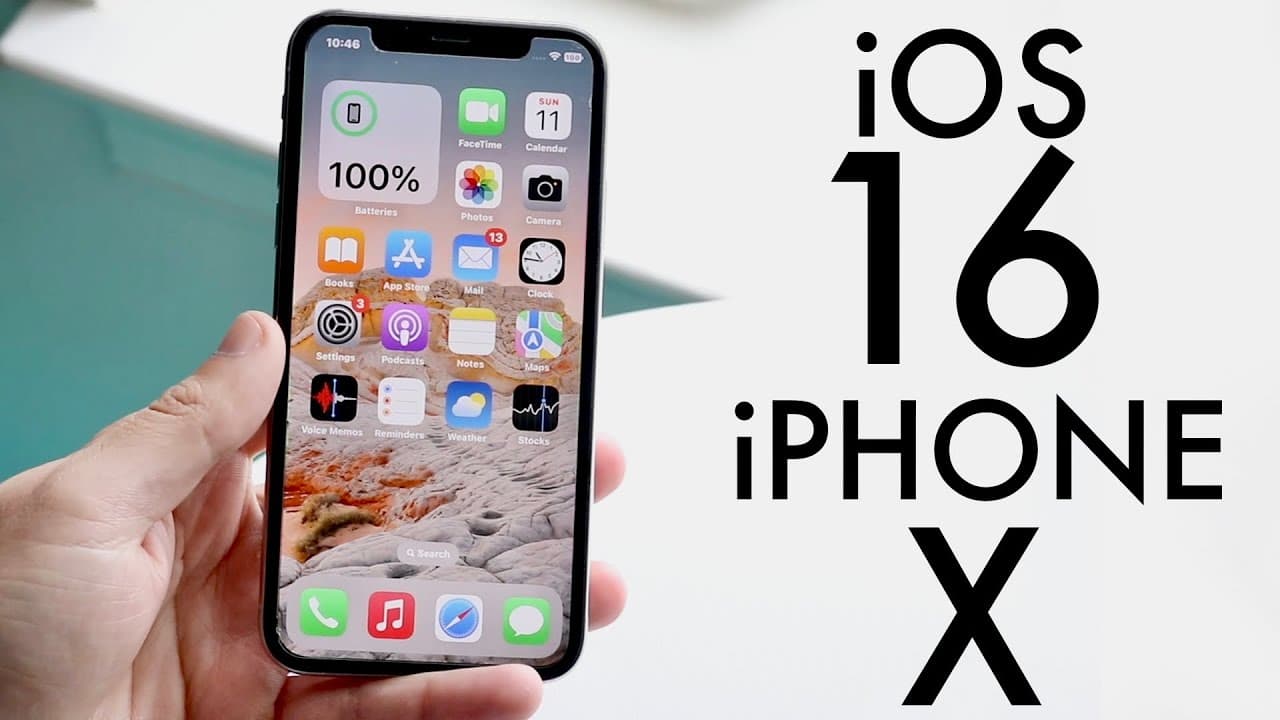
iOS 16 OFFICIAL On iPhone X! (Review)
TL;DR
iOS 16 introduces new features for iPhone 10 but waiting to install is advised.
Transcript
ios 16 has just officially came out today so let's go and take a look at it on the iphone 10 and see basically if it's worth installing now i will definitely tell you you should probably wait but we'll get to that a little bit later now ios 16 came in eight different betas this year which i think is usually less than what it's usually supposed to b... Read More
Key Insights
- ❓ iOS 16 underwent eight beta versions before its official release, indicating significant development efforts for stability and features.
- 👻 Noteworthy improvements to iMessage enhance communication by allowing message edits, unsends, and unread status functionalities.
- 👤 The update enables users to connect their gaming controllers directly to the iPhone 10, widening gaming opportunities.
- 🫷 The new lock screen features aimed at personalization showcase Apple's push towards customization in their software offerings.
- 👾 Users should ensure ample storage space (5.18GB for the update) before attempting installation, which is critical for a smooth experience.
- 👤 While many users report improved battery life with iOS 16, results can vary based on individual device conditions.
- ❓ The introduction of webcam capabilities using an iPhone for Macs underlines the versatility of the iPhone as a multipurpose device.
Install to Summarize YouTube Videos and Get Transcripts
Explore YouTube Video Summarizer or Get YouTube Transcript Extractor
Questions & Answers
Q: What are the most notable new features of iOS 16 for the iPhone 10?
The introduction of customizable lock screens, better notification organization, and widget support are some of the most notable features in iOS 16 for the iPhone 10. Additionally, the update includes battery percentage display on the status bar, improved iMessage functionality allowing for editing and unreading messages, and compatibility with gaming controllers like Joy-Cons.
Q: How does iOS 16's battery life compare to previous versions?
Users have reported improved battery life with iOS 16 compared to iOS 15 on the iPhone 10. Testing shows that from beta 1 to the latest version, battery performance has consistently gotten better, providing a more efficient energy consumption compared to its predecessor, which might enhance the overall user experience especially for heavy users.
Q: Is it advisable to install iOS 16 immediately on the iPhone 10?
While iOS 16 has many exciting features, the recommendation is to wait before installing. After initial installation, some issues were observed, and future updates (like iOS 16.1 or 16.0.3) may resolve these problems. New updates often stabilize performance, so a wait period is suggested for the best results.
Q: What can users expect regarding the customization options in iOS 16?
iOS 16 offers substantial customization options for the lock screen, where users can add widgets, change wallpapers, and manage notifications. The ability to customize the look and functionality according to personal preferences makes the user experience more enjoyable, likely to engage users further with their devices.
Summary & Key Takeaways
-
iOS 16 has launched with enhancements for the iPhone 10, including customizable lock screens and improved notification layouts, enhancing user experience.
-
The update offers better battery life compared to iOS 15 and introduces features like compatibility with Joy-Con controllers and iMessage improvements.
-
Despite a generally positive early experience, users are advised to wait for future updates before installing due to potential bugs.
Read in Other Languages (beta)
Share This Summary 📚
Summarize YouTube Videos and Get Video Transcripts with 1-Click
Try YouTube Summary with ChatGPT & Claude or YouTube Transcript Generator
Explore More Summaries from Simple Alpaca 📚






Summarize YouTube Videos and Get Video Transcripts with 1-Click
Try YouTube Summary with ChatGPT & Claude or YouTube Transcript Generator