How To MIX ANY VOCAL Recorded On A RODE NT1 Microphone!
TL;DR
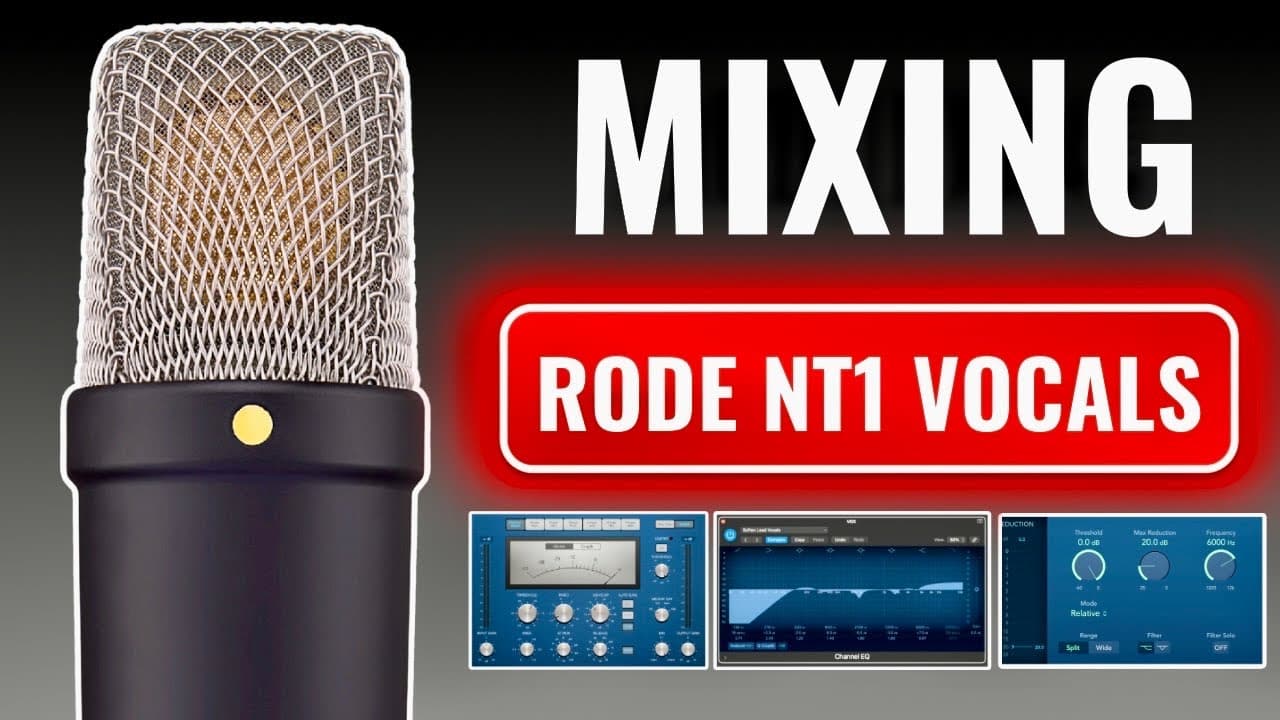
Learn how to mix vocals recorded with a Radent T1 using stock plugins in any DAW.
Transcript
I'm about to show you how to mix any vocal recorded through a radent T1 microphone using only stock plugins for today's tutorial I'll be using logic pro but don't worry because every recording software out there has their own versions of the plugins I'm about to show you today so as long as you learn the concept you can apply it to any of them in t... Read More
Key Insights
- 🍰 Utilizing a de-esser effectively minimizes sibilance, enhancing vocal clarity while preserving the natural tone.
- 😘 Subtractive EQ can significantly improve vocal quality by removing unwanted low-end frequencies and background noise.
- 🧡 Compression helps create a balanced vocal performance by controlling the dynamic range and providing consistent volume levels.
- 👻 Careful application of high-pass filters clears out unnecessary low frequencies, allowing vocals to sit well with other instruments.
- 🎙️ Each microphone model has distinct tonal properties, necessitating tailored approaches in EQ and processing.
- ❓ Additive EQ boosts can enhance vocal warmth and presence but should be applied judiciously to avoid harshness.
- 🥺 Identifying problematic frequencies through drastic EQ sweeps can lead to clearer, more professional vocal mixes.
Install to Summarize YouTube Videos and Get Transcripts
Explore YouTube Video Summarizer or Get YouTube Transcript Extractor
Questions & Answers
Q: What is the purpose of using a de-esser in vocal mixing?
A de-esser is used to reduce sibilance in vocal recordings, particularly sounds containing the letter "S." By setting the appropriate threshold and reduction levels, the de-esser minimizes these harsh high frequencies without affecting the overall quality of the vocal track. This helps create a smoother, more polished sound that is less distracting to the listener.
Q: How does subtractive EQ improve vocal recordings?
Subtractive EQ helps improve vocal recordings by cutting frequencies that may sound unpleasant or harsh. By applying a high pass filter and identifying problematic frequencies, producers can remove undesirable low-end rumble, making space for other instruments in the mix. This technique results in clearer and more focused vocals that sit well within the overall arrangement.
Q: What are the key settings to adjust when using a compressor on vocals?
Key settings for vocal compression include threshold, which determines when compression kicks in; ratio, which controls the level of compression applied; attack, indicating how quickly the compressor responds; and release, which shows how fast it stops. Aiming for around 3 to 5 dB of reduction helps achieve a balanced and consistent vocal performance without unduly altering the dynamics.
Q: Why is the high pass filter important in vocal mixing?
The high pass filter is crucial as it removes low-frequency noise, such as rumbling from air conditioning or low-end background hum, that can clutter the vocal track. Setting it between 80 to 100 Hz helps clear unwanted sounds, allowing the vocal to shine in the mix while also making space for bass-heavy instruments like drums and bass guitars.
Q: How should additive EQ be applied in vocal mixing?
Additive EQ is used to enhance certain frequencies by boosting them, thus adding richness or brightness to vocals. The approach varies between microphone models; for instance, high frequencies may not need boosting on models that already have a bright sound. It's important to apply these boosts subtly to avoid creating a harsh sound while enriching the vocal character.
Q: What’s a good technique for identifying problematic frequencies in a mix?
A useful technique is to boost EQ frequencies dramatically and sweep through them while listening to the vocal track. By observing which frequencies stand out negatively, you can identify areas that may require cutting. This approach allows you to clean up the mix and ensure that only desirable frequencies are emphasized in the final sound.
Q: How can saving a project as a template benefit the mixing process?
Saving a project as a template allows producers to reuse established mixing settings and plugin chains in future sessions, saving significant time. By having a ready-made template with all required plugins and settings in place, you can focus more on recording and less on setup, streamlining your workflow for consistent results.
Q: What factors should be considered when mixing vocals recorded with different microphone models?
When mixing vocals from various microphone models, it’s important to consider each mic's inherent tonal characteristics. Some models may require less EQ and compression, while others might benefit from additional boosting or cutting to achieve balance. Understanding these nuances ensures that you adapt your processing techniques to best suit the specific recording's tonal qualities.
Summary & Key Takeaways
-
The tutorial demonstrates mixing techniques for vocals using a Radent T1 microphone and stock plugins available in Logic Pro, applicable to other DAWs.
-
Key steps include using a de-esser to minimize sibilance, applying subtractive EQ to eliminate unwanted low frequencies, and employing compression for balanced dynamics.
-
Additional tips include utilizing an additive EQ for enhancing vocals, saving sessions as templates for efficient production, and emphasizing the importance of proper recording techniques.
Read in Other Languages (beta)
Share This Summary 📚
Summarize YouTube Videos and Get Video Transcripts with 1-Click
Try YouTube Summary with ChatGPT & Claude or YouTube Transcript Generator
Explore More Summaries from Home Studio Academy 📚

Summarize YouTube Videos and Get Video Transcripts with 1-Click
Try YouTube Summary with ChatGPT & Claude or YouTube Transcript Generator