What Are the Best Chrome Extensions for SEO Tasks?
TL;DR
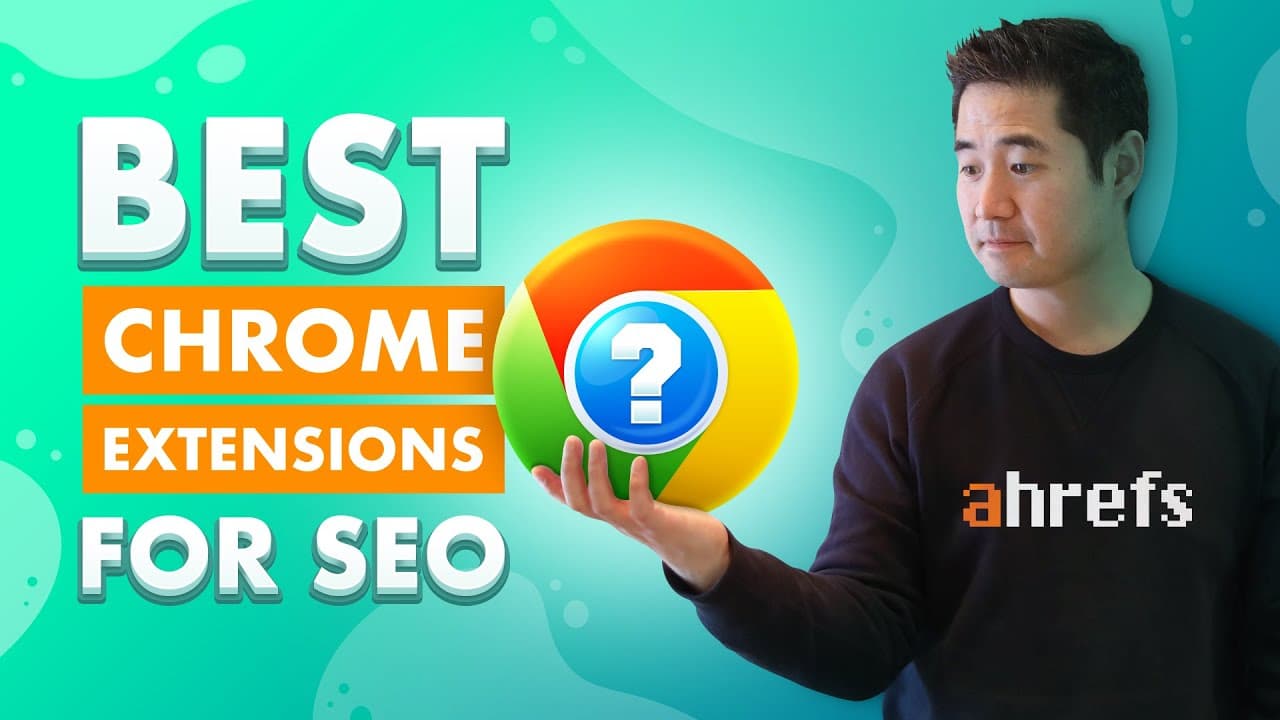
The best Chrome extensions for SEO include Hunter for email extraction, Linkclump for managing multiple links, and NoFollow for identifying nofollow links. For keyword research, Ahrefs SEO Toolbar and Keyword Surfer are excellent choices, while SEO Minion offers on-page analysis. Additionally, use Lighthouse and Page Load Time to improve page speed and Window Resizer for testing mobile layouts.
Transcript
I'd say that most SEOs love Google Chrome extensions. But having too many extensions doesn't necessarily equate to higher productivity. In fact, this can lead to slowing down your computer. So with so many options, the challenge is in choosing only the ones you actually need. Well, I've already done a lot of the hard work for you, so today, I'm goi... Read More
Key Insights
- Choosing the right Chrome extensions is crucial for SEO productivity, as having too many can slow down your computer.
- Hunter is a valuable tool for finding emails quickly and accurately, aiding in efficient link-building processes.
- Linkclump allows users to open, copy, or bookmark multiple links simultaneously, streamlining the process of vetting prospects.
- The NoFollow extension helps identify nofollow links on a page, useful for assessing guest posting opportunities.
- Ahrefs SEO Toolbar provides keyword, backlink, and organic traffic data directly in Google SERPs, enhancing research capabilities.
- SEO Minion offers quick on-page analysis, highlighting elements like title, description, and heading tags for efficient spot-checks.
- Lighthouse and Page Load Time extensions help improve page speed by providing performance insights and load time breakdowns.
- Window Resizer assists in testing a site's mobile-friendliness by allowing users to resize the browser window to specific resolutions.
Install to Summarize YouTube Videos and Get Transcripts
Explore YouTube Video Summarizer or Get YouTube Transcript Extractor
Questions & Answers
Q: How can Chrome extensions impact computer performance for SEOs?
Chrome extensions can significantly impact computer performance, especially if too many are installed. Each extension consumes memory and processing power, which can lead to slower computer performance. Therefore, it is crucial for SEOs to choose only the essential extensions that meet their specific needs to maintain optimal productivity without compromising speed.
Q: What is the primary function of the Hunter extension?
The Hunter extension is primarily used for finding email addresses quickly and accurately. It is particularly useful for SEOs engaged in link-building activities, as it allows them to easily locate and contact potential link prospects by providing associated names and email addresses found on web pages.
Q: How does Linkclump enhance the link-building process?
Linkclump enhances the link-building process by allowing users to open, copy, or bookmark multiple links simultaneously. This functionality is beneficial when vetting multiple prospects, as it enables SEOs to efficiently manage and qualify potential links by opening them in new tabs or copying URLs for further analysis.
Q: What insights does the Ahrefs SEO Toolbar provide?
The Ahrefs SEO Toolbar provides valuable insights directly within Google SERPs, including keyword metrics such as search volume, CPC, and keyword difficulty scores. It also displays estimated search traffic and backlink numbers at both page and domain levels, enabling SEOs to conduct comprehensive research and analysis without leaving the search results page.
Q: Why is SEO Minion recommended for on-page SEO?
SEO Minion is recommended for on-page SEO because it offers quick spot-checks of essential elements on a webpage. It provides information on titles, descriptions, canonical URLs, and meta tags, and allows users to highlight links, check for broken links, and analyze hreflang tags, making it a versatile tool for efficient on-page analysis.
Q: How do Lighthouse and Page Load Time help with page speed optimization?
Lighthouse and Page Load Time help with page speed optimization by providing performance insights and load time breakdowns. Lighthouse generates reports with scores for performance, accessibility, and best practices, along with improvement suggestions. Page Load Time shows the actual time taken for a page to load, helping SEOs identify areas for speed enhancement.
Q: What feature does Window Resizer offer for mobile-friendliness testing?
Window Resizer offers a feature that allows users to resize the browser window to specific resolutions, facilitating mobile-friendliness testing. This feature is particularly useful for SEOs who need to assess how a website appears on various devices, such as iPhones or iPads, ensuring that the site provides a consistent and optimal user experience across different screen sizes.
Q: What additional resources are provided for SEO learning?
The video provides links to additional resources for SEO learning, including tutorials on WordPress SEO plugins, basic search engine optimization for higher Google rankings, an SEO checklist for organic traffic, keyword research tutorials, on-page SEO checklists, and step-by-step link-building tutorials. These resources are designed to offer actionable insights and strategies for improving SEO efforts.
Summary & Key Takeaways
-
The video discusses essential Chrome extensions for SEOs, emphasizing the importance of selecting only necessary tools to avoid computer slowdown. It categorizes extensions into link building, keyword research, on-page SEO, and page speed, providing recommendations and use cases for each.
-
Hunter, Linkclump, and NoFollow are highlighted for link building, while Ahrefs SEO Toolbar and Keyword Surfer are recommended for keyword research. SEO Minion is the go-to for on-page SEO, and Lighthouse and Page Load Time are suggested for improving page speed.
-
The video encourages viewers to share their favorite Chrome extensions in the comments and promotes actionable SEO and marketing tutorials available on the Ahrefs YouTube channel.
Read in Other Languages (beta)
Share This Summary 📚
Summarize YouTube Videos and Get Video Transcripts with 1-Click
Try YouTube Summary with ChatGPT & Claude or YouTube Transcript Generator
Explore More Summaries from Ahrefs 📚


Summarize YouTube Videos and Get Video Transcripts with 1-Click
Try YouTube Summary with ChatGPT & Claude or YouTube Transcript Generator