How To Use Your Nothing Phone 2! (Complete Beginners Guide)
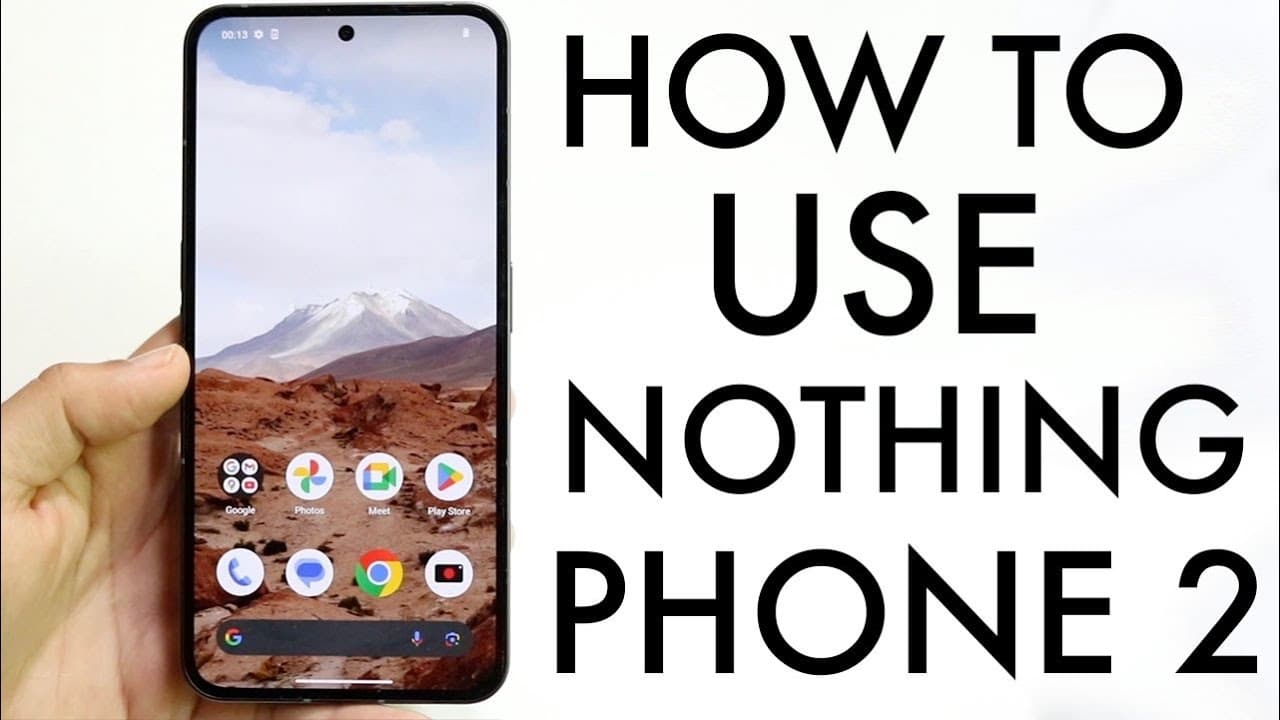
TL;DR
A comprehensive guide on using the Nothing Phone 2 features and settings.
Transcript
so the nothing phone 2 has just officially came out so let's go and see and show you exactly how to use this phone now this is a very good phone I'm sorry you're going to use it for a long period of time and it's a pretty basic phone to use now on the outside we have a massive display it's a very good looking display as well hole punch centered in ... Read More
Key Insights
- 🎨 The Nothing Phone 2 boasts an impressive aesthetic with a large, well-designed display that appeals to users seeking modern design.
- 😎 With a dual camera setup, the phone offers versatile photography options, complemented by a glass back for durability and style.
- 👻 The glyph interface distinguishes the device, allowing for innovative notifications and customizable settings that enhance usability.
- 😚 Nothing OS parallels other Android systems but offers unique customization and management features tailored to individual user preferences.
- 👏 Gesture controls simplify navigation, enabling quick access to apps and multitasking without extensive button use.
- 💝 Regular updates are important for maintaining device functionality and security, ensuring users benefit from the latest software advancements.
- 🤢 Managing notifications through the status bar provides users with an organized view of alerts, making it easier to respond quickly to important messages.
Install to Summarize YouTube Videos and Get Transcripts
Explore YouTube Video Summarizer or Get YouTube Transcript Extractor
Questions & Answers
Q: What are the standout features of the Nothing Phone 2?
The Nothing Phone 2 is highlighted by its impressive design featuring a large display, a unique glyph interface on the back that lights up for notifications, and a dual camera system. It supports wireless charging and has IP54 certification, making it both attractive and functional for everyday use.
Q: How do you install the SIM card in the Nothing Phone 2?
To install the SIM card, you will need the SIM ejector tool included in the box. Locate the small hole to the left of the USB Type-C port, insert the ejector tool, and remove the SIM tray. Place your nano SIM card into the tray, then reinsert it into the phone to activate service.
Q: Can you customize the Nothing OS on the Nothing Phone 2?
Yes, the Nothing OS allows extensive customization options. Users can organize app icons, set up widgets, and modify home screen settings by holding down on empty areas to access customization features, ensuring a personalized user experience.
Q: What is the glyph interface and how is it used?
The glyph interface consists of customizable LED lights on the back of the Nothing Phone 2. Users can enable it for various functions like notifications or battery charging indicators. It can be set up through the settings menu under glyph options, offering a unique aesthetic and practicality.
Q: How does multitasking work on the Nothing Phone 2?
Multitasking on the Nothing Phone 2 is facilitated by swiping up from the bottom to access recent apps. Users can quickly switch between apps or clear them by swiping away. The device supports seamless transitions between tasks, enhancing productivity.
Q: How do you manage notifications on the Nothing Phone 2?
Notifications are managed via the status bar at the top of the screen. Swiping down reveals notifications and quick toggles. Users can swipe away notifications to dismiss them, allowing easy management of updates and alerts without cluttering the interface.
Q: Is it important to keep the Nothing Phone 2 updated?
Yes, regularly updating the Nothing Phone 2 is crucial for security and performance improvements. Users can check for updates by navigating to Settings and selecting System Update. Keeping the device updated ensures optimal functioning and access to new features.
Q: What are some tips for using the Nothing Phone 2 effectively?
To use the Nothing Phone 2 effectively, familiarize yourself with the gesture controls for navigating apps, customize the glyph interface for notifications, and regularly check for system updates. Additionally, organizing your apps and utilizing widgets can enhance user experience.
Summary & Key Takeaways
-
The Nothing Phone 2 features a sleek design with a large display, dual camera setup, and unique glyph interface that enhances usability.
-
Users can customize their experience through the Nothing OS, managing notifications, app icons, and widgets effectively.
-
Key functionalities include SIM card installation, multitasking capabilities, and adjusting the status bar for quick access to settings and notifications.
Read in Other Languages (beta)
Share This Summary 📚
Summarize YouTube Videos and Get Video Transcripts with 1-Click
Try YouTube Summary with ChatGPT & Claude or YouTube Transcript Generator
Explore More Summaries from Simple Alpaca 📚






Summarize YouTube Videos and Get Video Transcripts with 1-Click
Try YouTube Summary with ChatGPT & Claude or YouTube Transcript Generator