Computer Basics: Connecting to the Internet
TL;DR
Learn about different types of internet connections, how to choose an internet service provider, and how to set up a wireless home network.
Transcript
there are lots of reasons to set up a home internet connection for example you'll have access to email news shopping tv shows and much more and once you have a working internet connection you can create a wireless home network which will let your whole family connect their computers smartphones and other internet ready devices let's look at a few d... Read More
Key Insights
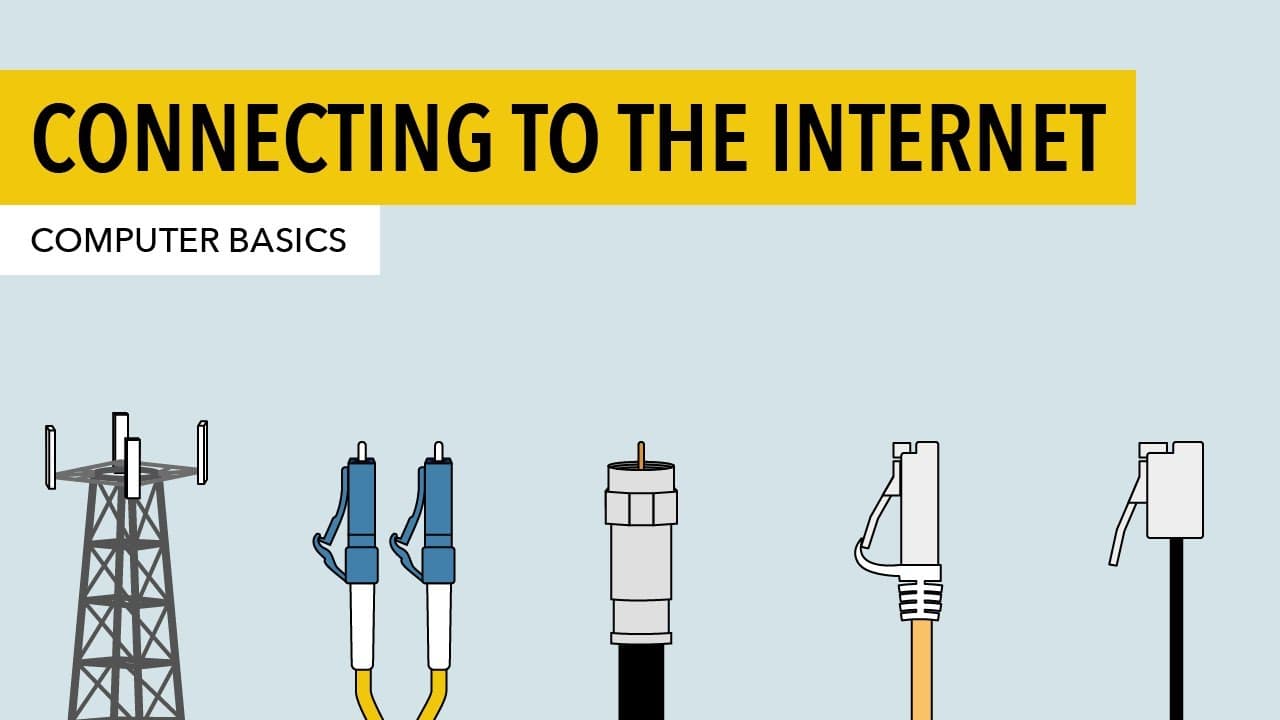
- 🚠 Different types of internet connections include dial-up, DSL, cable, fiber, and cellular.
- 💨 DSL and cable are better options than dial-up due to faster speeds.
- 💨 Fiber offers the fastest speeds but may not be available everywhere.
- ❓ Cellular connections can be used as a broadband alternative.
- 🐕🦺 Internet service can be purchased from your phone or cable company, or you can shop around for better prices.
- 🦮 ISPs guide you through the process of connecting to the internet, including technician visits and modem setup.
- 🛜 To set up a wireless home network, you'll need a wireless router that broadcasts the internet connection.
Install to Summarize YouTube Videos and Get Transcripts
Explore YouTube Video Summarizer or Get YouTube Transcript Extractor
Questions & Answers
Q: What are the different types of internet connections available for a home?
There are various options, including dial-up, DSL, cable, fiber, and cellular. Dial-up is slower but available in some areas, while DSL and cable are faster. Fiber offers the highest speeds, but it may not be available everywhere. Cellular connections can also be used at home.
Q: How can I choose the right internet service provider?
You can buy internet service from your phone or cable company or compare prices from different providers. Consider factors like speed, reliability, customer support, and availability in your area.
Q: Do I need to buy a modem to set up my internet connection?
Your ISP may provide a modem and set it up for you. However, you can also purchase a modem from a computer store and follow the included instructions to set it up yourself.
Q: How do I set up a wireless home network?
To set up a wireless network, you'll need a wireless router. Connect your modem to the router, choose a network name (SSID), enable encryption for security, and select a strong password. Follow instructions provided with the router for specific settings.
Summary & Key Takeaways
-
There are several internet connection options, including dial-up, DSL, cable, fiber, and cellular.
-
Internet service can be purchased from your phone or cable company, or you can shop around for a better price.
-
Setting up a wireless home network requires a wireless router and following the instructions for network name, encryption, and password settings.
Read in Other Languages (beta)
Share This Summary 📚
Summarize YouTube Videos and Get Video Transcripts with 1-Click
Try YouTube Summary with ChatGPT & Claude or YouTube Transcript Generator
Explore More Summaries from LearnFree 📚





Summarize YouTube Videos and Get Video Transcripts with 1-Click
Try YouTube Summary with ChatGPT & Claude or YouTube Transcript Generator