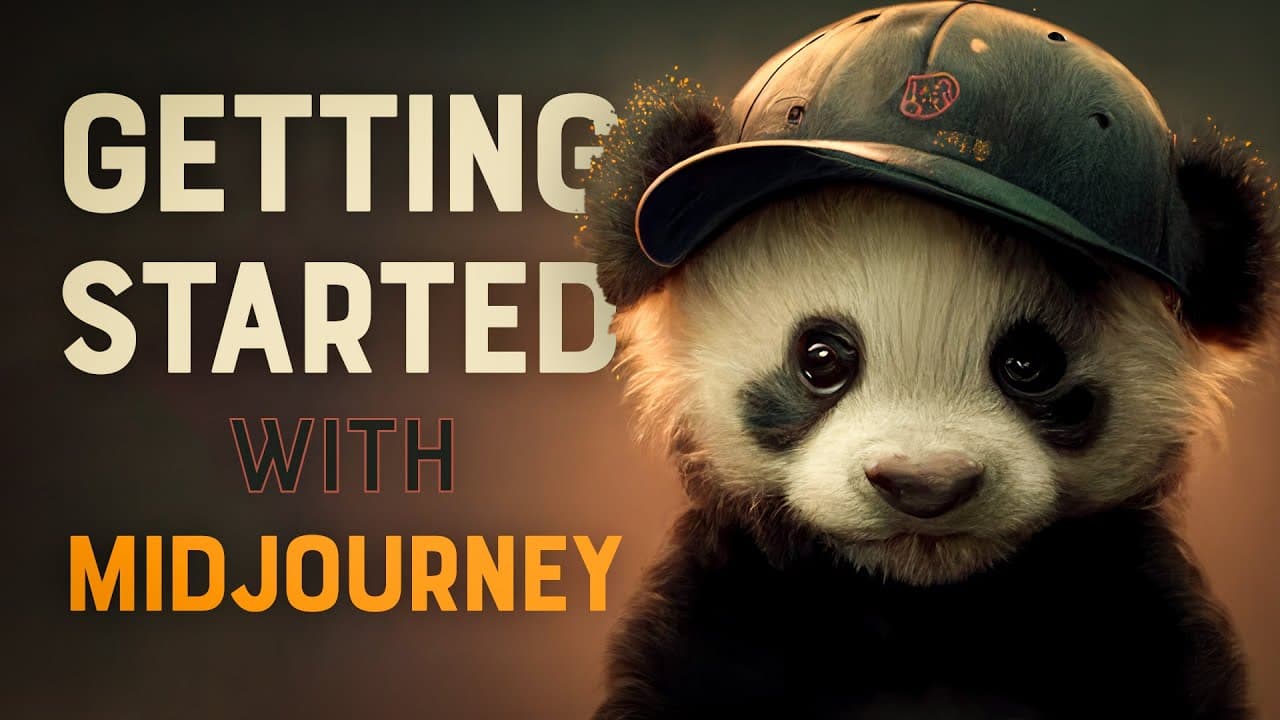
Midjourney Beginners Tutorial – Getting Started & Creating Your First AI Art
TL;DR
Mid-Journey is an online AI tool that allows users to generate unique visual art based on prompts, offering a variety of art styles and options.
Transcript
I recently began exploring the world of AI art with mid-journey it's an online tool that can bring anything from your imagination to life no matter how surreal or abstract if you're new to air it's mid-journ is perhaps the best rated for creating visual art you enter a series of prompts and the AI will do its best to depict your written command it ... Read More
Key Insights
- 🤖 AI Art on Mid-Journey:
- Mid-Journey is an online tool that brings your imagination to life through AI-generated art, allowing you to create visual art with various styles.
- It runs on Discord, so you need to set up an account and join the Mid-Journey server to access the tool.
- Creating your own piece in the public group might be overwhelming due to the high volume of requests and results. Instead, jump to your most recent result using the inbox icon in the top right corner.
- Free users are limited to 25 jobs, while subscribing to a paid plan offers more benefits, including private chats with the bot and better usage.
- Premium subscribers can interact with the bot privately by finding it in any group, right-clicking, and selecting "message."
- You can also create your own server in Discord and invite the Mid-Journey bot to keep your projects organized.
- The results generated by the AI are unique, and you have the option to regenerate new images or variations by re-rolling or using the grid squares options.
- After creating your AI piece, you can save the image in the browser or upscale it further for higher resolution using the provided tools.
Install to Summarize YouTube Videos and Get Transcripts
Explore YouTube Video Summarizer or Get YouTube Transcript Extractor
Questions & Answers
Q: How does Mid-Journey generate art based on prompts?
Mid-Journey uses AI algorithms to interpret user prompts and generate visual art based on the given command. Each generated image is unique and can vary in art style and depiction.
Q: Can users interact with the AI bot privately?
Yes, premium subscribers can message the Mid-Journey bot directly in their Discord direct messages inbox, allowing for private interaction and better organization of their creations.
Q: What are the options available once a user receives their generated images?
Users can choose to re-roll for a completely new set of images or select specific images from the four-grid square display. There is also an upscale option to reproduce and save the image at a higher resolution.
Q: What are the benefits of subscribing to a paid plan with Mid-Journey?
Subscribing to a paid plan offers a higher job allowance, private interaction with the bot, and the ability to chat privately without the fast-paced public group environment.
Q: Can users export the created AI artwork?
Currently, users can save their generated artwork by opening it in the browser and saving the image. In the future, more upscaling algorithms may be added, allowing for exporting larger images.
Summary & Key Takeaways
-
Mid-Journey is an online tool that uses AI to generate unique visual art based on user prompts.
-
Users can join the Mid-Journey server on Discord and submit prompts to create their own artwork.
-
As a free user, there is a limit to the number of prompts, but subscribing to a paid plan offers more options and allows for private interaction with the bot.
Read in Other Languages (beta)
Share This Summary 📚
Summarize YouTube Videos and Get Video Transcripts with 1-Click
Try YouTube Summary with ChatGPT & Claude or YouTube Transcript Generator
Explore More Summaries from Spoon Graphics 📚
Summarize YouTube Videos and Get Video Transcripts with 1-Click
Try YouTube Summary with ChatGPT & Claude or YouTube Transcript Generator