4 Procreate Animation Tips for Beginners
TL;DR
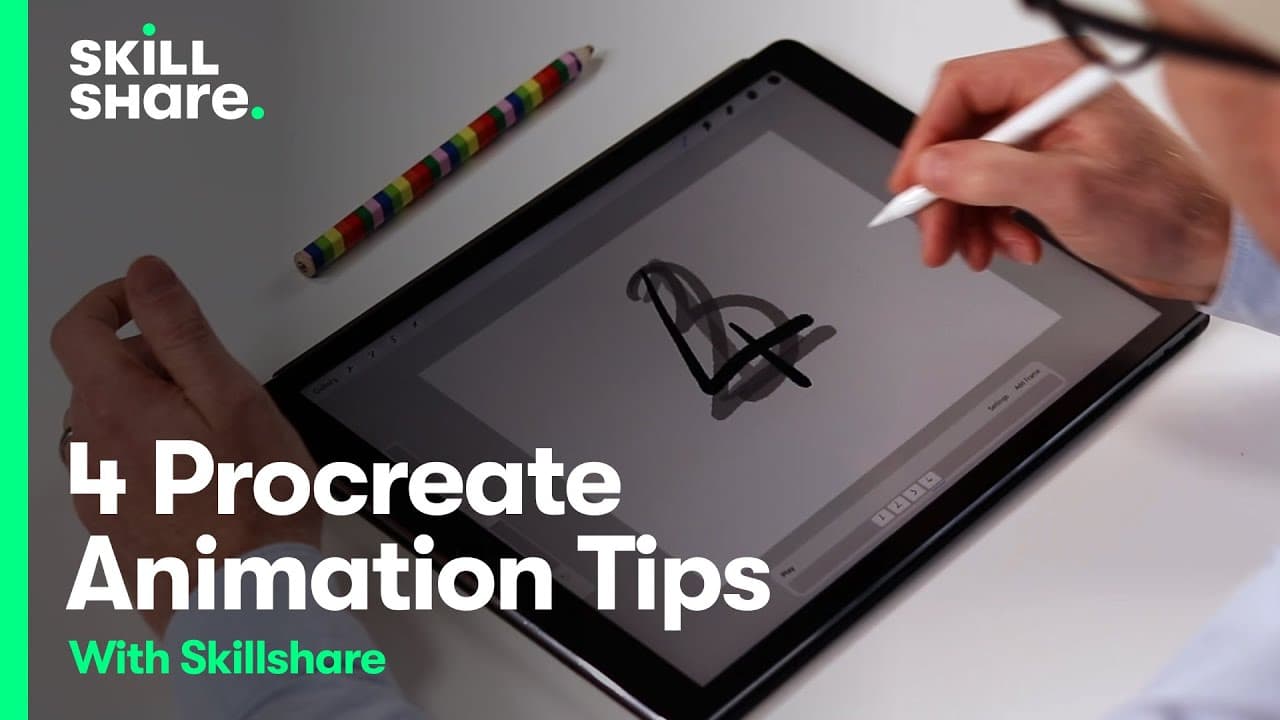
Learn how to create animations with ease using Procreate and its animation assist feature.
Transcript
foreign boarding do not make it perfect it's supposed to be messy No One's Gonna see it but you it's meant to be a guide for the backgrounds all we have to do is duplicate them into every box for this animation we only need one background so go ahead and draw just kind of what it would look like maybe there's like a little Archway here and like som... Read More
Key Insights
- 😀 Animation assist in Procreate makes animating in the app quicker and easier.
- 🖼️ Creating animations in Procreate involves adding frames and adjusting settings like frame rate and playback options.
- ❓ Animations can include character movements, object interactions, and other creative effects.
- 👻 Exporting animations in various formats allows for easy sharing and showcasing of your work.
- 🥡 Taking your time and adding extra details can enhance the quality of your animations.
- ❓ Procreate's animation features can be used for both simple and complex animations.
- 😑 Animation can bring designs to life and offer a unique way to express your creativity.
Install to Summarize YouTube Videos and Get Transcripts
Explore YouTube Video Summarizer or Get YouTube Transcript Extractor
Questions & Answers
Q: How can I use Procreate's animation assist feature to create animations?
To start, enable animation assist in the canvas settings, then add frames and adjust settings such as frame rate and playback options. Procreate will handle the creation and organization of layers automatically.
Q: Can I create different types of animations, like character movements and object interactions?
Yes, you can create a wide range of animations using Procreate. For character movements, you can draw the character in different poses or create stretch and shrink effects. For object interactions, you can animate objects such as candles or water streams.
Q: How long does it take to create an animation in Procreate?
The time it takes to create an animation depends on its complexity and your skill level. Simple animations can be done in minutes, while more detailed animations may take longer. Don't rush and take your time to create a polished animation.
Q: How can I export my animations created in Procreate?
You can export your animations as animated GIFs, PNGs, or MP4s. Choose the format that suits your needs and share your animations on various platforms, such as social media or video-sharing websites.
Summary & Key Takeaways
-
Use Procreate's animation assist feature to quickly and easily create animations by adding frames and changing settings.
-
Experiment with different animations, such as character movements and object interactions, to bring your designs to life.
-
Export your animations in various formats, such as GIF or MP4, to share and showcase your work.
Read in Other Languages (beta)
Share This Summary 📚
Summarize YouTube Videos and Get Video Transcripts with 1-Click
Try YouTube Summary with ChatGPT & Claude or YouTube Transcript Generator
Explore More Summaries from Skillshare 📚






Summarize YouTube Videos and Get Video Transcripts with 1-Click
Try YouTube Summary with ChatGPT & Claude or YouTube Transcript Generator