How To Use a De-Esser On Vocals!
TL;DR
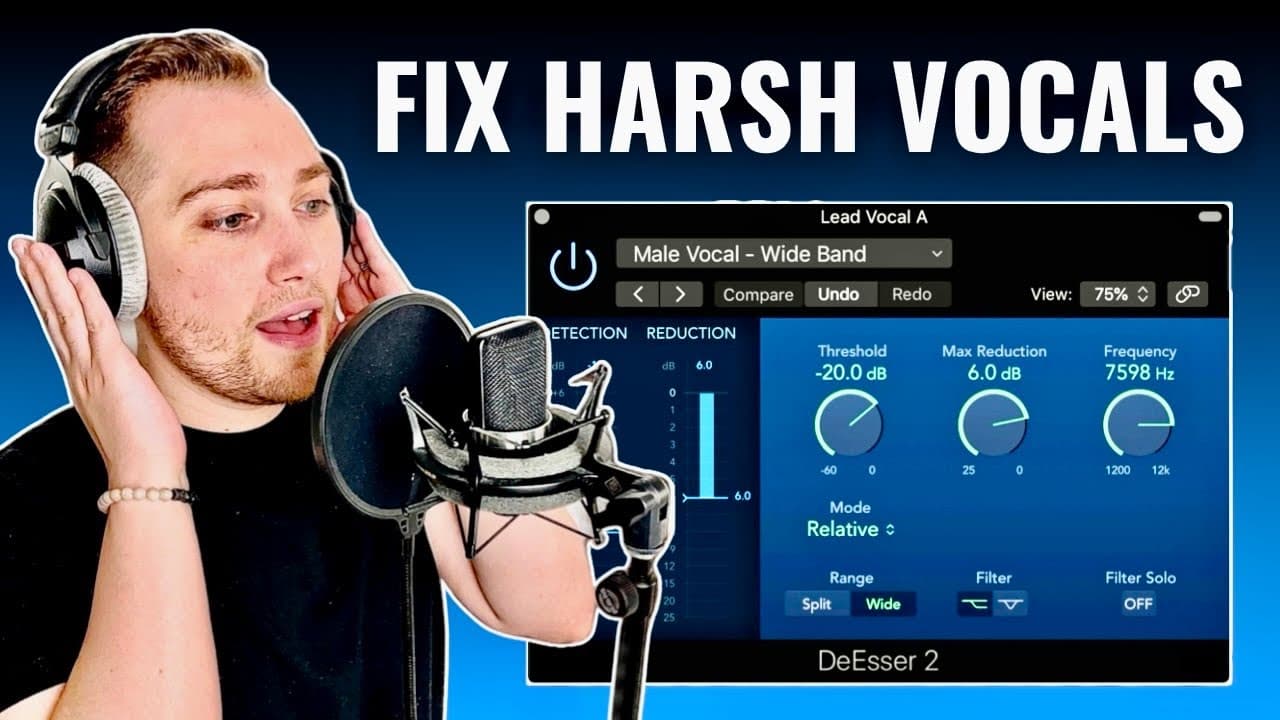
This tutorial explains how to reduce harsh sibilance in vocal tracks using a de-esser.
Transcript
I'm about to show you how to remove sibilance from your recordings naturally when we say words with the letter s into a microphone it can sound pretty harsh to our ears and that is exactly why we use a de-esser for today's tutorial I'll be using the stock plugin that comes with logic pro but not to worry as long as you learn the concept you can app... Read More
Key Insights
- 🍰 Sibilance can create distracting harshness in vocal recordings, necessitating the use of a de-esser.
- 🍰 A de-esser functions by dynamically reducing specific frequencies when sibilant sounds occur, preserving the integrity of the rest of the audio.
- 🍰 Properly setting the threshold and reduction levels in a de-esser is critical to achieve a balanced sound without compromising vocal clarity.
- 🫑 Frequency targeting using a bell curve filter enhances precision and effectiveness in managing sibilance.
- 🍰 Individual voice characteristics can significantly impact sibilance, emphasizing the need for customizable de-esser settings.
- 🙉 Applying too much reduction can lead to an unnatural sound, and moderation is key to effective de-essing.
- 🏃 The tutorial encourages practical listening exercises to fine-tune sibilance management skills.
Install to Summarize YouTube Videos and Get Transcripts
Explore YouTube Video Summarizer or Get YouTube Transcript Extractor
Questions & Answers
Q: What is sibilance and why is it a problem in vocal recordings?
Sibilance refers to the harsh "s" sounds that can occur in vocal recordings. These sounds can be unpleasant and distract from the overall quality of the audio. It typically happens at higher frequencies, often between 4,000 to 10,000 Hertz, and can make vocals sound sharp and unprofessional. Therefore, managing sibilance is crucial for creating polished audio.
Q: How does a de-esser work to remove sibilance?
A de-esser is a specialized audio processor that targets specific high frequencies associated with sibilance. By setting a threshold, the de-esser activates when the audio level exceeds this point, applying reduction only during harsh "s" sounds. It allows for dynamic control while preserving the overall vocal clarity, ensuring that only the unnecessary peaks are tamed.
Q: What are the key settings for using a de-esser effectively?
Key settings for using a de-esser include the threshold, reduction, and frequency selection. The threshold determines when the de-esser activates, while the reduction controls how much attenuation to apply. Frequency selection typically focuses on frequencies between 4,000 and 10,000 Hertz, and a bell curve filter is recommended for precise targeting of sibilant sounds without affecting the entire vocal range.
Q: Can sibilance vary between different speakers?
Yes, sibilance can vary widely among different speakers, influenced by factors such as voice type, microphone choice, and recording environment. Each person's unique vocal characteristics will dictate the specific frequencies where sibilance occurs. Therefore, it's important to adjust the de-esser settings based on the individual voice to achieve the best results.
Q: What is the recommended reduction level when using a de-esser?
The recommended reduction level typically ranges from 10 to 15 decibels, but this can vary depending on how harsh the recording is. It's crucial to listen closely to the vocal track and fine-tune this setting, as excessive reduction can lead to an unnatural sound, potentially making the speaker seem like they have a lisp.
Summary & Key Takeaways
-
The video demonstrates how sibilance, particularly sharp "s" sounds, can negatively impact recordings, and provides a solution using a de-esser plugin.
-
Key settings explained include the threshold, reduction levels, and frequency selection, emphasizing the importance of not over-applying the de-esser to maintain natural voice quality.
-
Listeners are encouraged to follow along with the practical audio examples, illustrating the difference before and after applying the de-esser for clearer and more professional vocals.
Read in Other Languages (beta)
Share This Summary 📚
Summarize YouTube Videos and Get Video Transcripts with 1-Click
Try YouTube Summary with ChatGPT & Claude or YouTube Transcript Generator
Explore More Summaries from Home Studio Academy 📚

Summarize YouTube Videos and Get Video Transcripts with 1-Click
Try YouTube Summary with ChatGPT & Claude or YouTube Transcript Generator