Game Development in Python 3 With PyGame - 20 - Sounds and Music
TL;DR
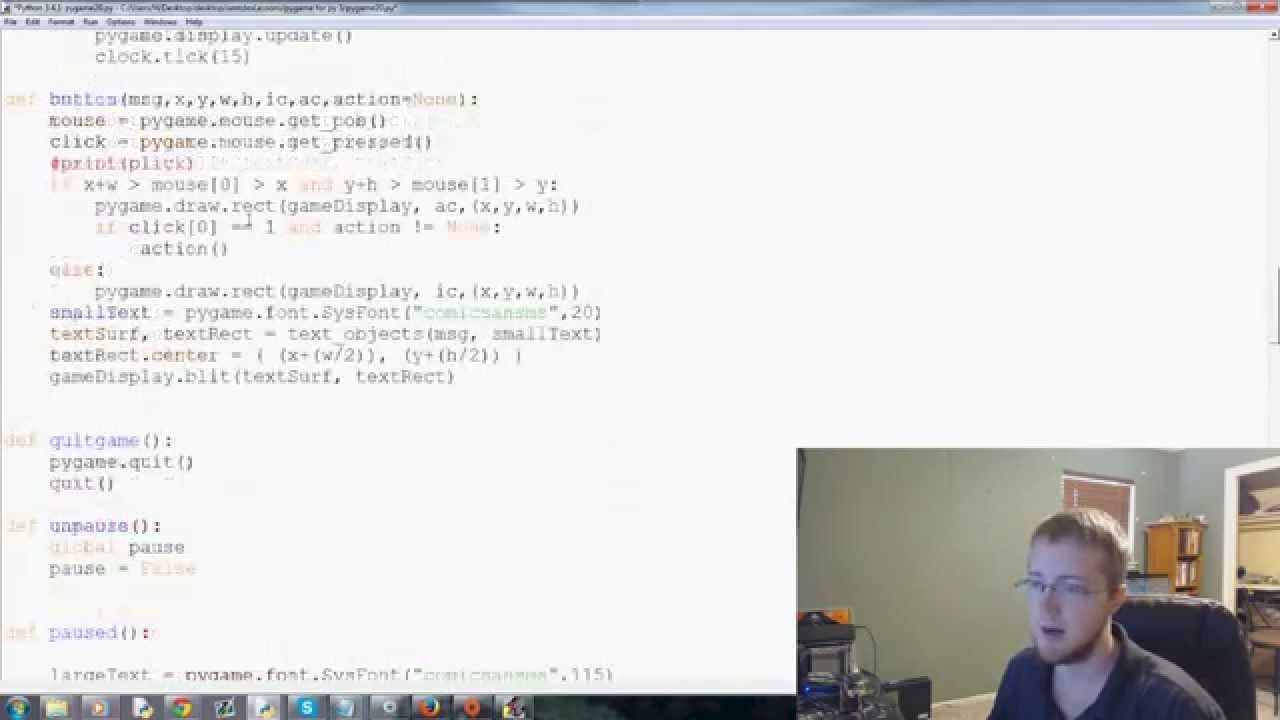
This tutorial video explains how to add background music and sound effects to Pygame, including tips for finding free music and converting audio formats.
Transcript
hey everybody what is going on welcome to another py game tutorial video in this video we're going to be talking about sounds and music with py game so what we want to do is add maybe some background music to our game and then also some sounds like especially like when we crash our car there should be like some sort of sound that sounds like a cras... Read More
Key Insights
- 🥶 There are various sources for free music and sound effects that can be used in Pygame projects, such as online platforms and YouTube's audio library.
- 👋 Converting audio files to the wave format is recommended for better compatibility and performance in Pygame.
- 🖐️ Pygame provides separate modules for loading and playing sound effects (
pygame.mixer.Sound) and background music (pygame.mixer.music). - 🖐️ Sound effects can be played using the
play()method of thepygame.mixer.Soundclass. - 🖐️ Background music can be loaded and played using the
load()andplay()methods of thepygame.mixer.musicmodule. - 😫 The music can be set to loop indefinitely by passing
-1as the argument to theplay()method. - ✋ Pausing and stopping the music can be achieved using the
pause()andstop()methods of thepygame.mixer.musicmodule.
Install to Summarize YouTube Videos and Get Transcripts
Explore YouTube Video Summarizer or Get YouTube Transcript Extractor
Questions & Answers
Q: Where can I find free music and sound effects for my Pygame project?
There are several places where you can find free music and sound effects, such as online websites and YouTube's audio library. Just make sure to check the licensing terms and restrictions before using them in your game.
Q: Why is it recommended to convert audio files to the wave format?
Pygame supports multiple audio formats, but wave format (.wav) is considered the best option for compatibility and performance. Converting audio files to wave format ensures that they will work smoothly with Pygame.
Q: How do I load and play sound effects in Pygame?
You can use the pygame.mixer.Sound class to load sound effects. For example, crash_sound = pygame.mixer.Sound("crash.wav") would load a sound effect file named "crash.wav". You can then play the sound effect using crash_sound.play().
Q: How can I add background music to my Pygame project?
To add background music, you can use the pygame.mixer.music module. Use pygame.mixer.music.load("music.wav") to load the music file, and then pygame.mixer.music.play(-1) to play it in a loop. The parameter -1 indicates that the music should loop indefinitely.
Summary & Key Takeaways
-
The video demonstrates how to add background music and sound effects to a Pygame project.
-
It advises on finding free music and sound effects online, including using YouTube's audio library.
-
The video explains the importance of converting audio files to the wave format and provides tips for doing so.
-
It shows how to load and play sound effects and music in Pygame, as well as stop or pause them during specific events or in the game loop.
Read in Other Languages (beta)
Share This Summary 📚
Summarize YouTube Videos and Get Video Transcripts with 1-Click
Try YouTube Summary with ChatGPT & Claude or YouTube Transcript Generator
Explore More Summaries from sentdex 📚






Summarize YouTube Videos and Get Video Transcripts with 1-Click
Try YouTube Summary with ChatGPT & Claude or YouTube Transcript Generator