Python 2to3 - Convert your Python 2 to Python 3 automatically!
TL;DR
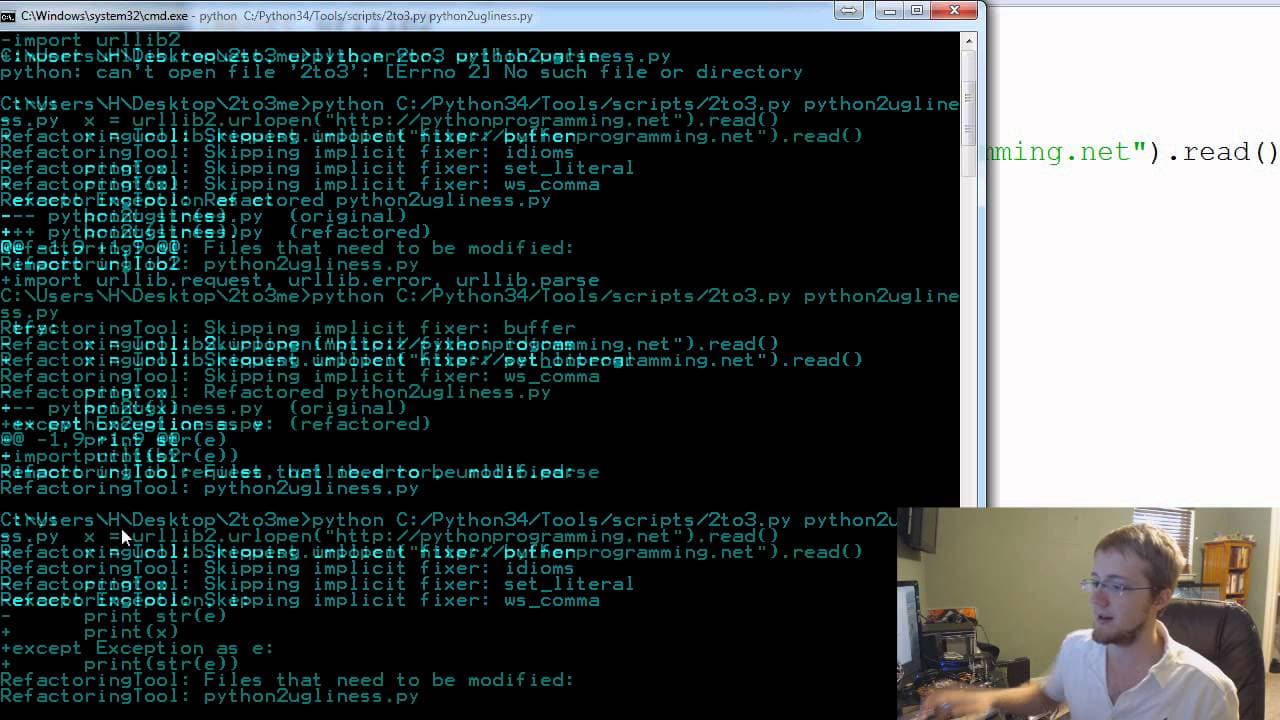
Learn how to convert Python 2 scripts to Python 3 using the built-in 2to3 module, which can convert most scripts with ease.
Transcript
hey guys what is going on welcome to another Python tutorial video this video we're going to be talking about how we can convert python 2 scripts to Python 3 scripts I had no idea about this I actually just kind of stumbled on it uh not too long ago but there's actually built-in module that comes with Python 3 uh installations and it's called 2 to3... Read More
Key Insights
- 💳 The built-in 2to3 module can automatically convert Python 2 scripts to Python 3 scripts.
- 😒 It is recommended to use the 2to3 module for converting scripts, as it saves time and effort compared to manual conversion.
- ❓ The 2to3 module may encounter difficulties with certain modules, such as hmac, used for encryption.
- 🎰 The 2to3 module can be used on both Windows and Linux machines to convert Python 2 scripts.
- 💳 The converted scripts are saved as new files, while the original scripts are backed up with a ".bak" extension.
- 🔨 The 2to3 module is a useful tool for those transitioning from Python 2 to Python 3 and can greatly simplify the conversion process.
- 👋 It is always a good idea to test the converted script to ensure it behaves correctly in the Python 3 environment.
Install to Summarize YouTube Videos and Get Transcripts
Explore YouTube Video Summarizer or Get YouTube Transcript Extractor
Questions & Answers
Q: What is the purpose of the 2to3 module?
The 2to3 module is used to convert Python 2 scripts to Python 3 scripts automatically, saving time and effort in the conversion process.
Q: Can the 2to3 module convert all types of Python 2 scripts?
The 2to3 module can convert most scripts, but it may have difficulty with certain modules like hmac, which is used for encryption.
Q: How can I use the 2to3 module on Windows?
On Windows, open a command prompt in the folder containing the Python 2 script, then run the command "python 2to3.py -w script.py" to convert and modify the script.
Q: How can I use the 2to3 module on Linux?
On Linux, open a terminal in the folder containing the Python 2 script, then run the command "2to3 -w script.py" to convert and modify the script.
Q: What happens to the original Python 2 script after conversion?
The 2to3 module creates a backup of the original script with a ".bak" extension, while the modified Python 3 script is saved as a new file.
Summary & Key Takeaways
-
The presenter stumbled upon the 2to3 module, which can convert Python 2 scripts to Python 3 scripts.
-
The module works well for most scripts but may have difficulty with the hmac module used for encryption.
-
The presenter demonstrates how to use the 2to3 module on both Windows and Linux machines.
-
The modified script will be saved as a new file while keeping a backup of the original.
Read in Other Languages (beta)
Share This Summary 📚
Summarize YouTube Videos and Get Video Transcripts with 1-Click
Try YouTube Summary with ChatGPT & Claude or YouTube Transcript Generator
Explore More Summaries from sentdex 📚






Summarize YouTube Videos and Get Video Transcripts with 1-Click
Try YouTube Summary with ChatGPT & Claude or YouTube Transcript Generator