Using AI to Edit Fujifilm X100V JPEGs
TL;DR
AI photo editing simplifies workflow, allowing photographers to focus on shooting rather than complex software.
Transcript
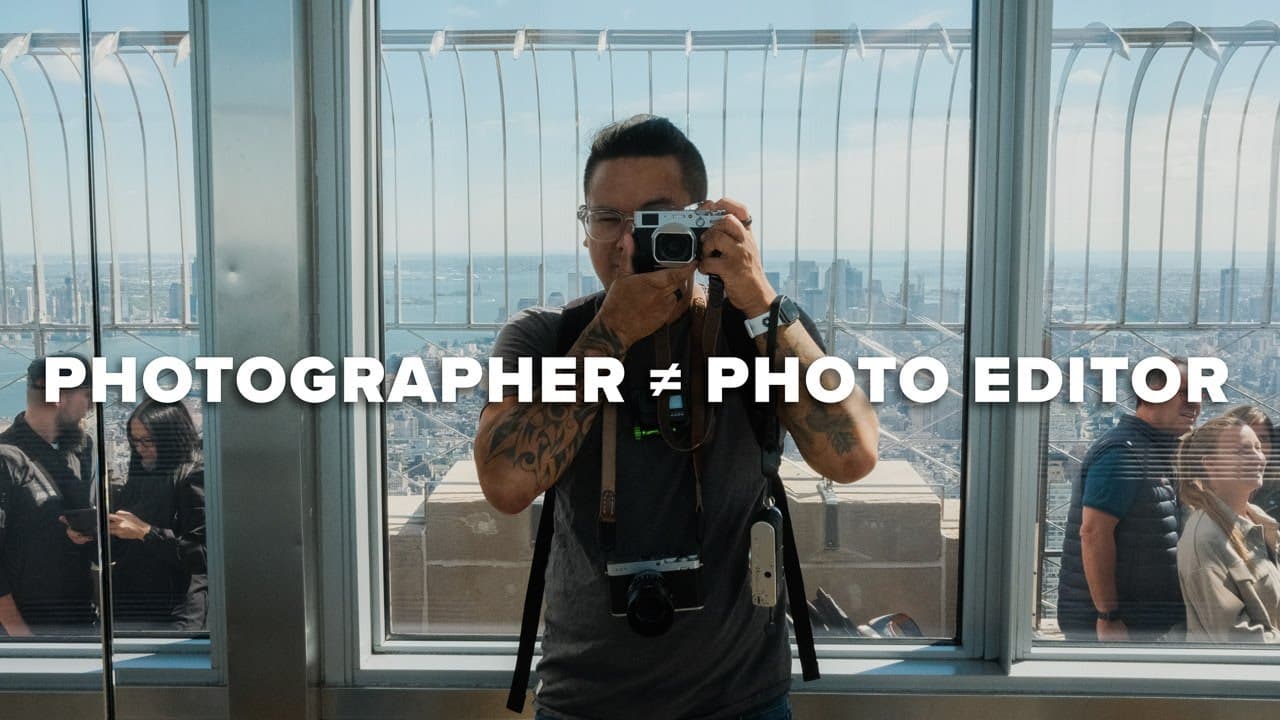
foreign does being good at photo editing help you as a photographer sure yes it can but I do not believe it's a requirement for people to have to spend Years Learning how to edit their photos with complicated software just to be able to call themselves a photographer honestly it's a better use of our time as photographers to find solutions that all... Read More
Key Insights
- 📷 Proficiency in photo editing is helpful but not obligatory for aspiring photographers.
- 🔨 Luminar Neo’s simplified interface caters to beginners, focusing on essential editing tools rather than complex features.
- ⌛ AI-driven editing can significantly reduce the time needed for post-processing, allowing more time for shooting.
- 📁 The enhanced capabilities of Luminar Neo make it viable for processing Fujifilm JPEG files efficiently.
- 👀 Techniques discussed involve balancing adjustments to maintain a natural look while improving an image's impact.
- 😒 Understanding how to use tools like structure and contrast can elevate image quality without overwhelming complexity.
- 🧘 Photographers should approach editing with a mindset of achieving subtle enhancements rather than drastic changes.
Install to Summarize YouTube Videos and Get Transcripts
Explore YouTube Video Summarizer or Get YouTube Transcript Extractor
Questions & Answers
Q: Why is photo editing not necessary for all photographers?
While photo editing can enhance images, it's not essential for every photographer. Many accomplished photographers focus on capturing compelling images in-camera, utilizing natural lighting and composition skills. This perspective allows them to maintain authenticity in their work and liberates them from the burden of extensive post-processing.
Q: What is Luminar Neo, and why is it recommended?
Luminar Neo is an AI-powered photo editing software designed for ease of use. Its intuitive interface minimizes overwhelming features often found in other software, allowing beginners and hobbyists to make impactful edits quickly. This makes it ideal for photographers who prefer to spend more time shooting than editing.
Q: How does AI enhance the photo editing process?
AI tools like those in Luminar Neo analyze images to provide optimal adjustments automatically, improving aspects like brightness, contrast, and detail without manual tweaks. This streamlines the editing process and enables photographers to achieve professional results quickly, making photo editing accessible even for beginners.
Q: How does the speaker edit a photo using Luminar Neo?
The speaker demonstrates editing techniques in Luminar Neo, starting with enhancing brightness and contrast through the "enhance AI" feature. They adjust details using structure tools, manipulate tonal levels with super contrast, and subtly warm the image tone, showcasing a step-by-step approach that simplifies edits for JPEG files.
Q: What is the advantage of editing JPEGs over RAW files?
Editing JPEG files is generally simpler and faster than RAW files since JPEGs require less data management. The speaker notes that using Luminar Neo can effectively enhance JPEG images while preserving the inherent color science and tones of Fujifilm cameras, streamlining the workflow without losing quality.
Q: Why should photographers prioritize shooting over editing?
Prioritizing shooting allows photographers to develop their skills in capturing images effectively, embracing the creative process of photography. By reducing time spent on editing, they can explore new subjects and environments, thereby enhancing their artistic vision and enjoyment of photography.
Summary & Key Takeaways
-
The content emphasizes that mastering photo editing is not crucial for photographers, suggesting they focus more on capturing images than on complex editing techniques.
-
The speaker demonstrates using Luminar Neo for editing Fujifilm JPEG files efficiently, showcasing its user-friendly features and AI-driven capabilities.
-
The video encourages photographers to spend more time shooting outdoors rather than getting bogged down by complicated editing software, promoting the use of tools like Luminar Neo.
Read in Other Languages (beta)
Share This Summary 📚
Summarize YouTube Videos and Get Video Transcripts with 1-Click
Try YouTube Summary with ChatGPT & Claude or YouTube Transcript Generator
Explore More Summaries from Reggie Ballesteros 📚

Summarize YouTube Videos and Get Video Transcripts with 1-Click
Try YouTube Summary with ChatGPT & Claude or YouTube Transcript Generator