Coding Challenge #142: Rubik's Cube Part 3
TL;DR
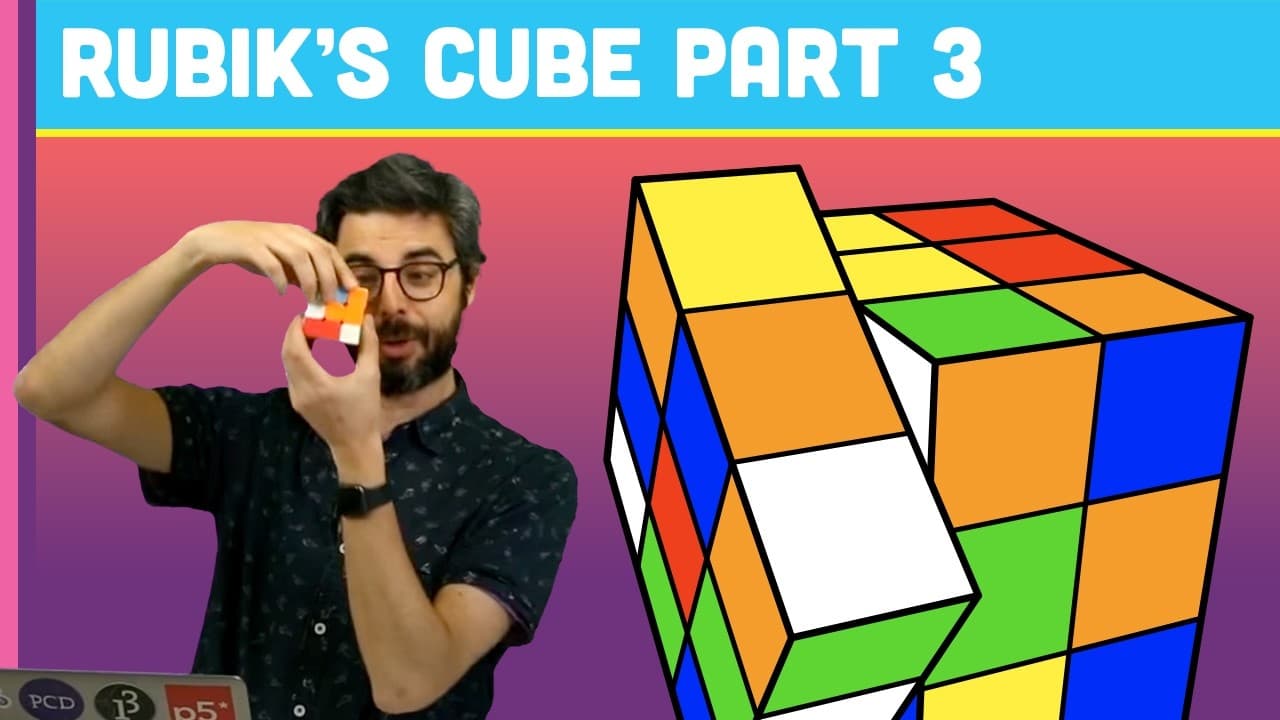
In this coding challenge, the creator adds animation to a Rubik's Cube simulation, making it visually pleasing to watch the cube rotate.
Transcript
(bell dings) - Hello and welcome to part three of my Rubik's Cube coding challenge. So I've done two parts already, if you watch those, I'm very thankful to you. But I'm going to do something really important in this. And it's really not about the Rubik's Cube at all, it's really about animation. And I want to be able to just do something to make i... Read More
Key Insights
- 🪜 Adding animation to a simulation can greatly enhance its visual appeal.
- 🔺 By gradually incrementing the angle of rotation, smooth animations can be achieved.
- 😒 The use of a "move" class allows for customization of rotation axes and directions.
Install to Summarize YouTube Videos and Get Transcripts
Explore YouTube Video Summarizer or Get YouTube Transcript Extractor
Questions & Answers
Q: What is the purpose of adding animation to the Rubik's Cube simulation?
The purpose is to make the simulation more visually pleasing and create the illusion of the cube solving itself.
Q: How does the creator implement the animation?
The creator creates a "move" class to handle different movements, such as rotation along different axes. The cube's faces are rotated gradually by incrementing the angle, giving the appearance of a smooth animation.
Q: How does the sequence of moves work in the simulation?
The creator creates a sequence of random moves that are stored in an ArrayList. The simulation plays these moves in order, and once a move is finished, it moves on to the next move in the sequence.
Q: Can the animation be customized to rotate along different axes?
Yes, the "move" class allows for customization of the axis and direction of rotation. The creator demonstrates this by adding moves for rotation along the x, y, and z axes.
Summary & Key Takeaways
-
The creator adds animation to the Rubik's Cube simulation to make it more visually pleasing.
-
The cube shuffles random moves and then reverses them, giving the illusion of solving.
-
The creator creates a "move" class to handle different types of movements, such as rotation along different axes.
Read in Other Languages (beta)
Share This Summary 📚
Summarize YouTube Videos and Get Video Transcripts with 1-Click
Try YouTube Summary with ChatGPT & Claude or YouTube Transcript Generator
Explore More Summaries from The Coding Train 📚






Summarize YouTube Videos and Get Video Transcripts with 1-Click
Try YouTube Summary with ChatGPT & Claude or YouTube Transcript Generator