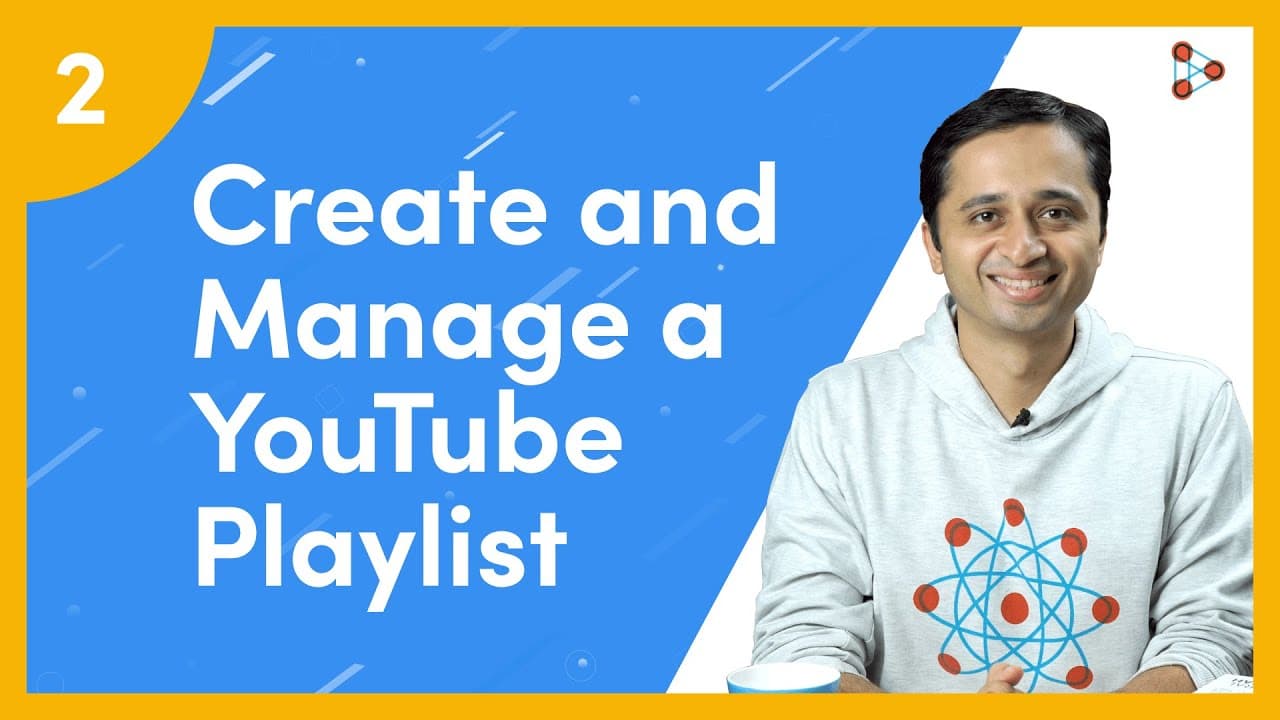
How to create and manage a YouTube Playlist | Curation of videos | Ep.02 | Don't Memorise
TL;DR
YouTube channels for teachers have more uses than just uploading recorded videos; they can also create curated playlists and utilize search filters to enhance student learning.
Transcript
[ YouTube Learning ] Do you know of a common belief that many teachers have about having a YouTube channel? Many teachers think that the ONLY reason why they should have a YouTube channel is so that they could upload their recorded videos to it and share it with their students. But that’s not true! There are many other things you could do with your... Read More
Key Insights
- 🧑🏫 YouTube channels for teachers can be used to curate playlists of educational videos.
- 👻 Playlists can be public, unlisted, or private, allowing for different audience accessibility.
- 🧑🎓 Sharing curated playlists with students enhances independent learning and improves learning outcomes.
- 🧑🎓 Utilizing search filters on YouTube helps teachers find relevant and up-to-date videos for their students.
- 👶 Subscribing to favorite channels on YouTube ensures regular updates and notifications for new content.
- 👻 The "Bell Icon" allows users to receive notifications from subscribed channels.
- 🎮 YouTube channels offer more than just uploading videos; they provide powerful tools for teaching and learning.
Install to Summarize YouTube Videos and Get Transcripts
Explore YouTube Video Summarizer or Get YouTube Transcript Extractor
Questions & Answers
Q: How can teachers create a playlist on their YouTube channel?
To create a playlist, teachers can search for videos they want to include, watch them for relevance, click the "Save" button, create a new playlist, and add a proper name. The playlist can be kept public, unlisted, or private for different audience preferences.
Q: How can teachers add videos from other creators to their playlist?
Teachers can search for the desired video, watch it to ensure quality and appropriateness, click the "Save" button, select the playlist they created, and save it. This way, teachers can curate a collection of videos on a specific topic.
Q: How can teachers share their playlist with others?
Teachers can right-click on the playlist and select "Copy Link Address." They can paste the link in a new tab to test it and share it with students, fellow teachers, or friends. The playlist starts playing with a sequential list of videos.
Q: How can teachers use search filters on YouTube to find relevant videos?
By clicking on the "Filter" button, teachers can customize their search by parameters such as time (e.g., within the last 12 months), playlists from creators, video length (e.g., less than 4 minutes), and sorting videos by views.
Summary & Key Takeaways
-
Teachers can create playlists on their YouTube channel to curate videos on specific topics for their students.
-
Playlists can be made public, unlisted, or private, depending on the desired audience.
-
Sharing curated playlists with students allows for independent review, fosters class discussion, and improves learning outcomes.
Read in Other Languages (beta)
Share This Summary 📚
Summarize YouTube Videos and Get Video Transcripts with 1-Click
Try YouTube Summary with ChatGPT & Claude or YouTube Transcript Generator
Explore More Summaries from Infinity Learn NEET 📚

Summarize YouTube Videos and Get Video Transcripts with 1-Click
Try YouTube Summary with ChatGPT & Claude or YouTube Transcript Generator