Restore a Missing Minecraft World (Java Edition)
TL;DR
Learn how to recover corrupted Minecraft worlds using two methods.
Transcript
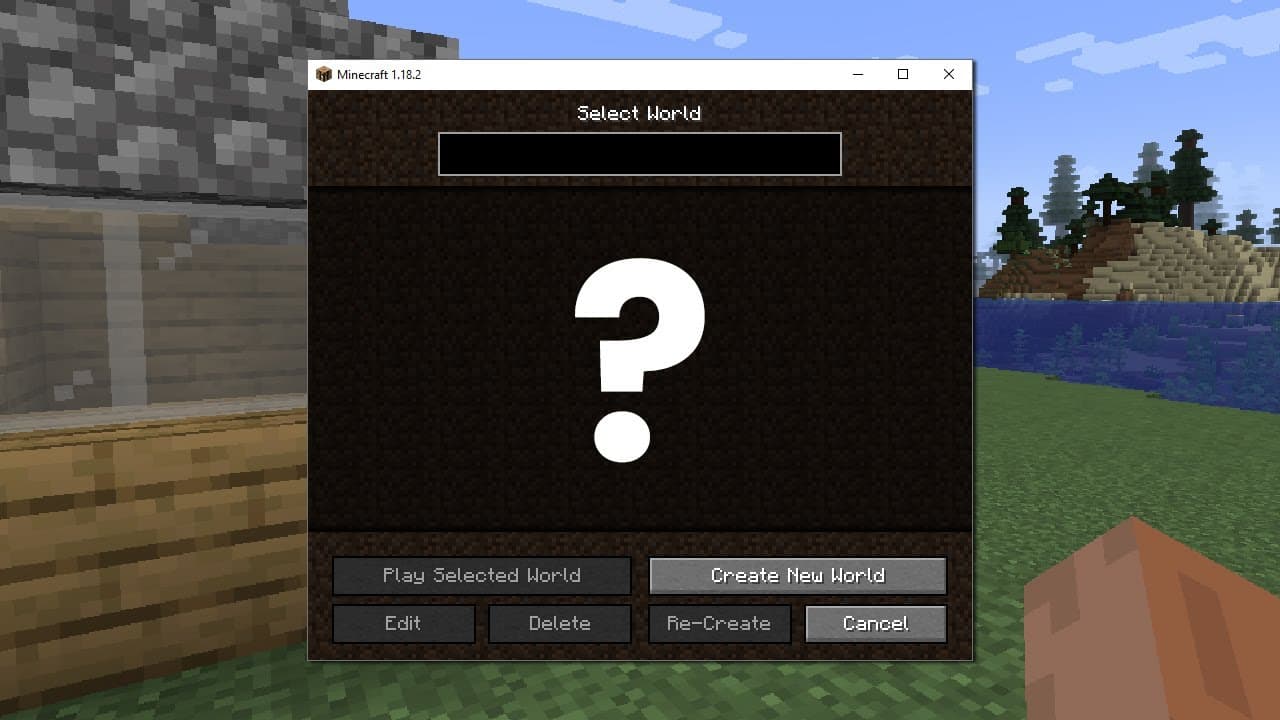
hi usually the minecraft launcher looks something like this and you can load your worlds just fine however it can happen that a world all of a sudden disappears and can no longer be found within the world launcher then what do you do can you get it back and how well usually when a world disappears from the launcher it is because it has been corrupt... Read More
Key Insights
- 👾 Minecraft world disappearance often stems from corrupted game files, typically due to unexpected interruptions.
- 🥹 Locating and backing up game files is a critical first step in any recovery process to avoid further data loss.
- 🌱 The advanced recovery method necessitates using software like NBT Explorer to access and copy seed phrases from corrupted worlds.
- 🧑🦽 Successful restoration might involve manual file management, which requires a careful approach to avoid exacerbating data issues.
- 😒 Players may need to create a new world and use its files to replace those of the corrupted one, a process that can be complex but rewarding if done correctly.
- 😚 Following the restoration, players might need to re-establish their spawn points within the game as this information can also be lost.
- 😷 Engaging with communities and asking for help in comments can provide additional support for those facing challenges in recovery.
Install to Summarize YouTube Videos and Get Transcripts
Explore YouTube Video Summarizer or Get YouTube Transcript Extractor
Questions & Answers
Q: What commonly causes a Minecraft world to disappear?
Minecraft worlds often disappear due to file corruption, which can occur when the game is interrupted unexpectedly, such as a computer shutdown during saving. This corruption can render a world inaccessible through the launcher, triggering the need for recovery methods.
Q: What is the first method to recover a lost Minecraft world?
The first method is straightforward, involving locating the world in the .minecraft saves folder. Users must back up the world, delete the corrupted "level.dat," and rename "level.dat_old" to "level.dat" to possibly restore access to the lost world without extensive technical steps.
Q: Why is it important to extract the seed phrase from the old world?
Extracting the seed phrase is crucial in the recovery process because it contains the layout information of the original world. By retaining this data, players can avoid chunk errors and ensure that the new world resembles the old one, facilitating a smoother restoration process.
Q: What risks are involved in the second method of restoring a Minecraft world?
The second method, while potentially more effective, carries the risk of losing all in-game inventory during the process. Users will have to prepare for the possibility of losing items they were carrying and those stored in chests, emphasizing the need for careful execution of the recovery steps.
Summary & Key Takeaways
-
The video explains common reasons why Minecraft worlds may disappear, primarily focusing on file corruption, which can happen unexpectedly.
-
Two methods for recovering lost worlds are detailed: a simpler method involving backup files, and a more advanced method that requires creating a new world.
-
The latter method utilizes tools like NBT Explorer to extract the seed from the old world and replace necessary files to restore the lost game.
Read in Other Languages (beta)
Share This Summary 📚
Summarize YouTube Videos and Get Video Transcripts with 1-Click
Try YouTube Summary with ChatGPT & Claude or YouTube Transcript Generator
Explore More Summaries from Get There Faster 📚






Summarize YouTube Videos and Get Video Transcripts with 1-Click
Try YouTube Summary with ChatGPT & Claude or YouTube Transcript Generator