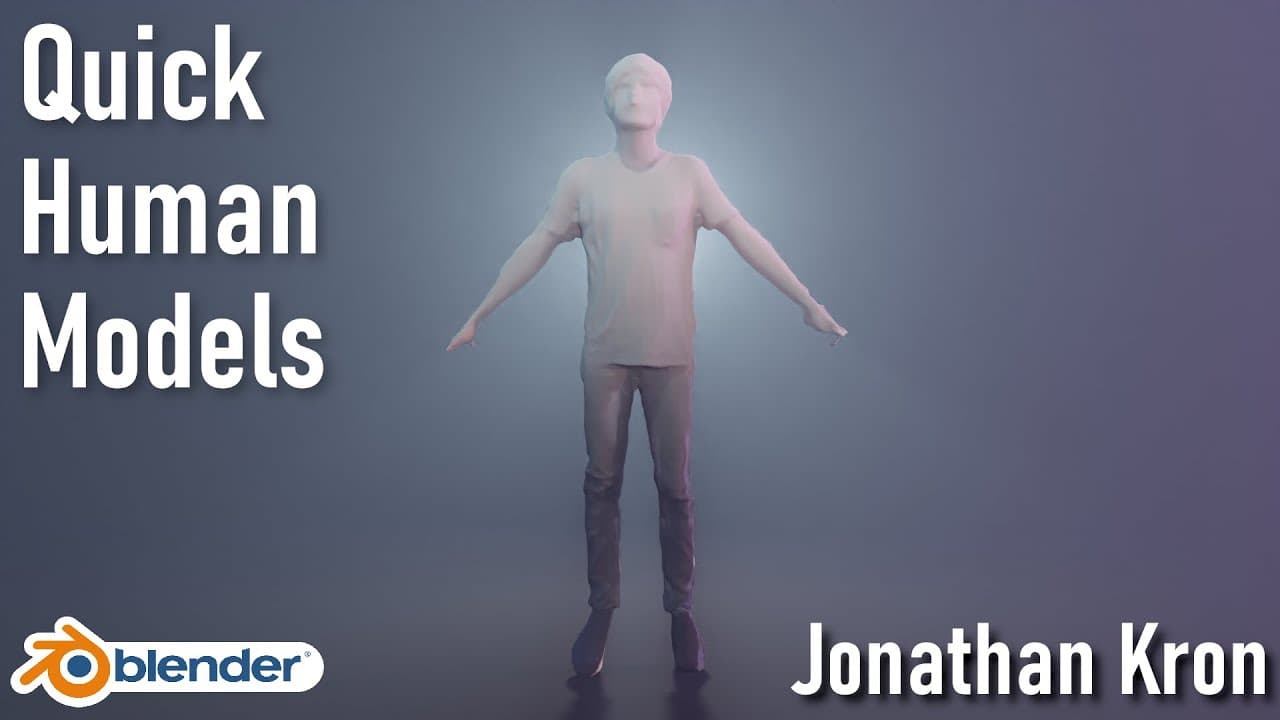
Quickly Create Human Models [Free and Easy] | English
TL;DR
Learn to create human models quickly using PIFuHD and Blender.
Transcript
hey what's up in the Jesus I'm Jonathan and in today's video I'm going to show you how to quickly create human models to fill your renders and the best thing they actually look pretty good considering that they only take a few minutes to create we will go over the process of creating the model using a newly released ... Read More
Key Insights
- The tutorial demonstrates a quick method to create human models using PIFuHD, a tool developed by Facebook Research, which reconstructs 3D models from single images.
- The process involves downloading a GitHub repository and using Google Colab to run the necessary scripts for model generation without local setup.
- The tutorial emphasizes using reference images with clear separations between limbs for better texture mapping and model accuracy.
- Blender is used for importing, adjusting, and texturing the model, with a focus on quick and dirty techniques suitable for background elements.
- The tutorial includes a step-by-step guide on UV mapping and texture projection, ensuring the model has a realistic appearance even with low-resolution images.
- The rigging process is simplified using Mixamo, an online platform that provides automatic rigging and animation capabilities for 3D models.
- Challenges such as imperfect symmetry and disconnected limbs are addressed, with solutions provided for improving model quality.
- The tutorial encourages experimentation and provides resources for further learning, including links to PIFuHD and Blender Market for additional tools and assets.
Install to Summarize YouTube Videos and Get Transcripts
Explore YouTube Video Summarizer or Get YouTube Transcript Extractor
Questions & Answers
Q: How does the PIFuHD tool work in creating models?
PIFuHD is a tool developed by Facebook Research that reconstructs 3D models from single images. It uses advanced algorithms to interpret the input image and generate a 3D representation. This method allows users to create models quickly without needing multiple images or complex photo scanning equipment.
Q: What is the role of Google Colab in this tutorial?
Google Colab is used to run the necessary scripts for model generation without requiring local setup. By copying the GitHub repository to Google Drive and executing the scripts in Colab, users can leverage cloud computing resources to process their images and generate models efficiently, even on devices with limited computational power.
Q: Why is selecting the right reference image important?
Selecting the right reference image is crucial because it affects the quality of the final model. Images with clear separations between limbs and different body parts allow for better texture mapping and model accuracy. High-resolution images with good contrast between the subject and background also contribute to more precise model reconstruction.
Q: How is Blender used in the model creation process?
Blender is used for importing, adjusting, and texturing the model. It provides tools for UV mapping, texture projection, and model editing. The tutorial demonstrates quick and dirty techniques for texturing, suitable for background elements, and guides users through the process of setting up the model's appearance using Blender's capabilities.
Q: What challenges might arise during the rigging process?
Challenges during rigging may include issues with imperfect symmetry or disconnected limbs, which can affect the automatic rigging process in Mixamo. The tutorial addresses these challenges by suggesting manual adjustments and providing examples of how to overcome limitations, ensuring the model is suitable for animation and further use.
Q: What is Mixamo, and how does it assist in this tutorial?
Mixamo is an online platform that provides automatic rigging and animation capabilities for 3D models. In this tutorial, it is used to simplify the rigging process by allowing users to upload their models and apply rigging with minimal manual input. Mixamo also offers a range of animations that can be applied to the rigged models, enhancing their usability.
Q: How does the tutorial handle texture projection in Blender?
The tutorial handles texture projection by guiding users through the process of UV mapping and using Blender's texture paint workspace. It involves creating UV maps for different views of the model and projecting the input image onto these maps. This method ensures the model has a realistic appearance, even with quick and dirty texturing techniques.
Q: What resources are provided for further learning and exploration?
The tutorial provides links to the PIFuHD GitHub repository, Blender Market, and other tools used in the process. It encourages users to explore these resources for additional learning and experimentation. The tutorial also invites viewers to subscribe for more content and offers affiliate links to products used daily, supporting further exploration and skill development.
Summary & Key Takeaways
-
This tutorial teaches how to create human models using PIFuHD and Blender, focusing on speed and efficiency. It covers downloading necessary tools, using Google Colab for processing, and importing models into Blender for texturing and rigging.
-
The process includes selecting appropriate reference images, setting up UV maps, and applying textures using Blender's tools. It highlights the importance of using images with clear separations between body parts for better results.
-
Rigging is simplified through Mixamo, which automates the process, although challenges like imperfect symmetry may require manual adjustments. The tutorial is ideal for creating background elements quickly and offers resources for further exploration.
Read in Other Languages (beta)
Share This Summary 📚
Summarize YouTube Videos and Get Video Transcripts with 1-Click
Try YouTube Summary with ChatGPT & Claude or YouTube Transcript Generator
Explore More Summaries from Jonathan Kron 📚
![Styling a PointCloud in Blender [Blender 2.93] | English thumbnail](/_next/image?url=https%3A%2F%2Fi.ytimg.com%2Fvi%2FxQjzHsyCJNQ%2Fhqdefault.jpg&w=750&q=75)
![Easy Realistic Planet Wallpaper [Blender 2.9] | English thumbnail](/_next/image?url=https%3A%2F%2Fi.ytimg.com%2Fvi%2FiO0RK-kA-5g%2Fhqdefault.jpg&w=750&q=75)
Summarize YouTube Videos and Get Video Transcripts with 1-Click
Try YouTube Summary with ChatGPT & Claude or YouTube Transcript Generator