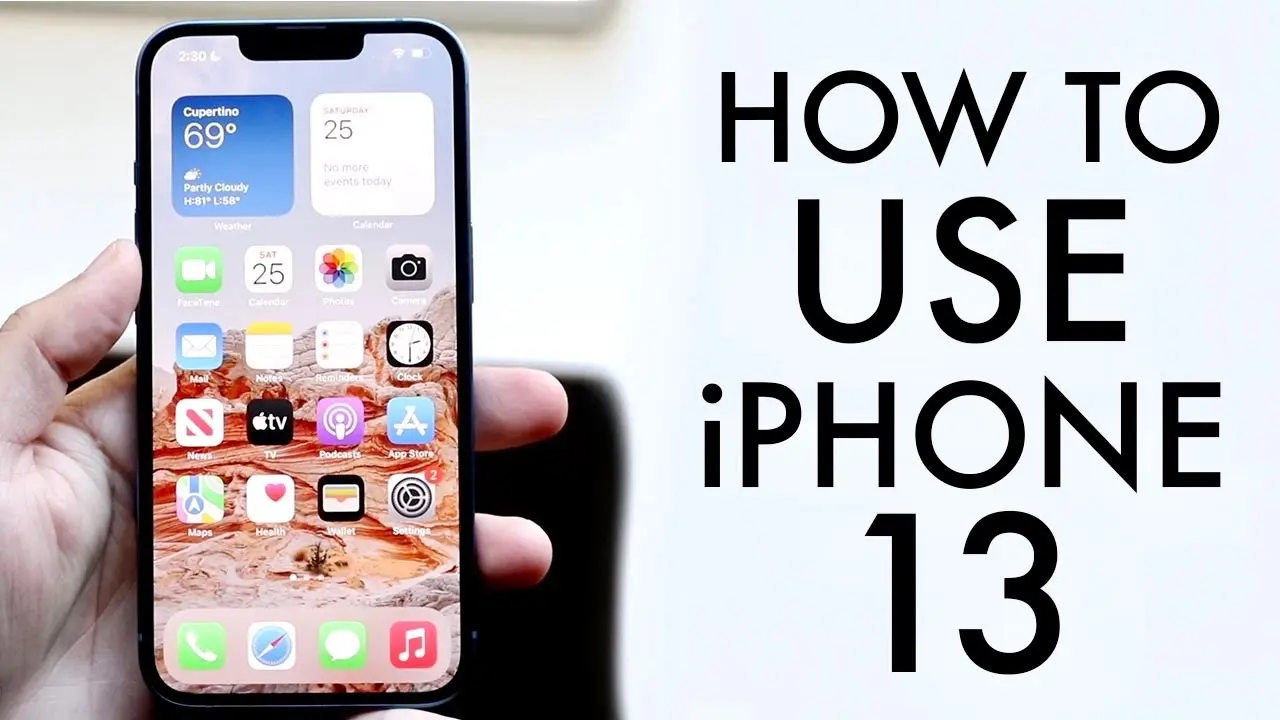
How To Use Your iPhone 13 / iPhone 13 Mini! (Complete Beginners Guide)
TL;DR
A comprehensive tutorial on using the iPhone 13 and 13 Mini.
Transcript
welcome back everyone you may have just purchased your iphone 13 and an iphone 13 mini possibly and you want a quick walk through a quick tutorial guide of how to use this specific iphone now luckily for you if you vote any other iphone you know with the notch things like the iphone 10 11 10 s it's pretty much the same process which is really good ... Read More
Key Insights
- 👤 The iPhone 13 and 13 Mini offer upgraded screens and enhanced camera features, improving overall user experience.
- 👶 Setup is streamlined, with a focus on simplicity, making it easy for new users to start using their devices.
- ♿ The redesigned Control Center enhances accessibility to essential features and settings.
- 👻 iOS 15 introduces improved home screen widgets, allowing greater customization and functionality.
- 🈸 The app library organizes applications by category, helping users easily locate and manage apps.
- 👤 Screen recording and capturing screenshots are simplified, encouraging users to share experiences quickly.
- ⏰ The lock screen features notifications and quick-access toggles, enhancing usability on the go.
Install to Summarize YouTube Videos and Get Transcripts
Explore YouTube Video Summarizer or Get YouTube Transcript Extractor
Questions & Answers
Q: What are the main hardware differences between the iPhone 13 and 13 Mini?
The iPhone 13 offers a 6.1-inch display, while the iPhone 13 Mini features a smaller 5.4-inch panel. Both models maintain a sleek design with a smaller notch than earlier iPhones, which enhances the screen-to-body ratio. The dual-camera system on the back includes a wide and ultra-wide lens, optimally placed for easy photography.
Q: How do I take a screenshot on the iPhone 13?
To take a screenshot, simultaneously press the volume up button and the side button. This will capture whatever is displayed on your screen. A thumbnail of the screenshot will appear in the bottom left corner of the screen, allowing you to edit or share it immediately. The screenshot will also be saved to your Photos app for later viewing.
Q: How can I customize the Control Center on my iPhone?
To customize the Control Center, open the Settings app and navigate to the Control Center section. Here, you can choose which toggles to add or remove, such as screen recording or night mode. Once customized, you can access these toggles by swiping down from the top right corner of the screen, making it quick to manage settings like volume, brightness, and connectivity.
Q: What features does the camera app offer on the iPhone 13?
The iPhone 13 camera app includes various modes such as Photo, Video, Portrait, Panoramic, and Slow-Mo. A new Cinematic mode provides depth-of-field effects in videos, emulating portrait photography effects. You can also change video resolution settings from HD to 4K depending on your storage and quality needs.
Summary & Key Takeaways
-
The video provides a step-by-step guide for beginners to set up and navigate the iPhone 13 and 13 Mini, highlighting key features and differences from previous models.
-
Key hardware aspects are mentioned, such as the improved screens, camera systems, and controls, emphasizing the phone's usability and enhancements like 5G and MagSafe.
-
The tutorial covers essential functionalities including the lock screen, home screen customization, control center navigation, and app management, ensuring users can maximize their iPhone experience.
Read in Other Languages (beta)
Share This Summary 📚
Summarize YouTube Videos and Get Video Transcripts with 1-Click
Try YouTube Summary with ChatGPT & Claude or YouTube Transcript Generator
Explore More Summaries from Simple Alpaca 📚






Summarize YouTube Videos and Get Video Transcripts with 1-Click
Try YouTube Summary with ChatGPT & Claude or YouTube Transcript Generator