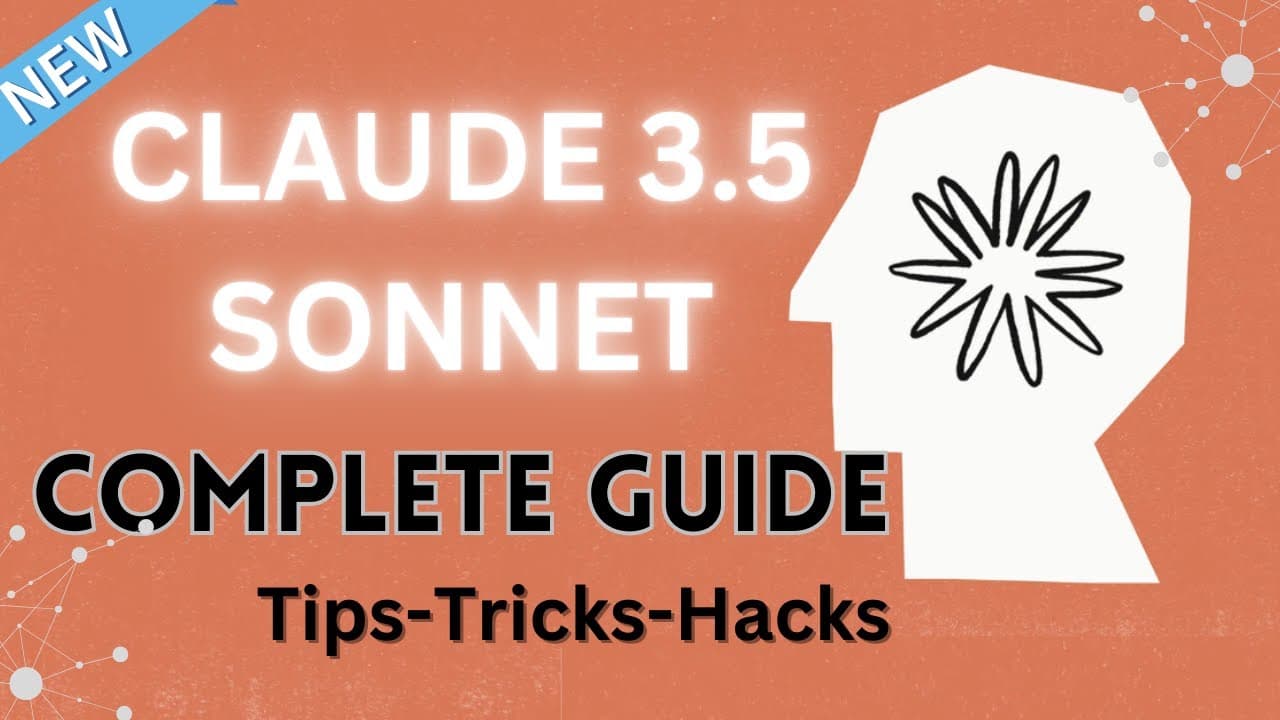
10 Incredible Features of Claude 3.5 Sonnet! How To Use New Claude 3.5 Sonnet - The Complete Guide
TL;DR
Claude 3.5 Sonnet offers advanced AI features for interactive content creation.
Transcript
hello everyone and in today's video we're going to be looking at the incredible features of clae 3.5 Sonic which has been recently released and it's freely available but with limited usage and it does outperform many of the existing models including chat GPT 40 in many cases it also introduces this new feature called artifac... Read More
Key Insights
- Claude 3.5 Sonnet introduces the 'Artifacts' feature, enabling users to interact with AI-generated content more dynamically than before.
- The tool allows users to transform static PDFs into interactive, visually appealing dashboards, enhancing data presentation and analysis.
- Users can create visually appealing mind maps by uploading research papers and specifying desired styles, offering flexibility in design.
- Claude 3.5 Sonnet can generate presentations with aesthetic design principles, though follow-up prompts may be needed for enhanced visual appeal.
- The platform supports creating animations of various concepts, such as the water cycle, using simple prompts and follow-up instructions.
- With data visualization capabilities, Claude 3.5 Sonnet can create interactive charts and graphs from datasets, facilitating better data interpretation.
- Static images can be transformed into moving animations, adding an interactive layer to otherwise static content.
- The tool is capable of generating organizational charts and other diagrams using mermaid code, showcasing its versatility in design applications.
Install to Summarize YouTube Videos and Get Transcripts
Explore YouTube Video Summarizer or Get YouTube Transcript Extractor
Questions & Answers
Q: How does Claude 3.5 Sonnet enhance PDF data presentation?
Claude 3.5 Sonnet enhances PDF data presentation by allowing users to transform static PDFs into interactive dashboards. This feature utilizes the 'Artifacts' capability to create visually appealing and user-friendly dashboards that effectively present key findings and insights. Users can add various elements like bar graphs and interactive tabs, making data analysis more engaging and comprehensive.
Q: What are the steps to create a mind map using Claude 3.5 Sonnet?
To create a mind map using Claude 3.5 Sonnet, users must first upload a research paper or data they wish to visualize. They can then input a prompt specifying the desired style for the mind map. The tool processes this information and generates an interactive mind map. Users can further customize the map by adding elements or changing styles through additional prompts.
Q: How can users create a visually appealing presentation with Claude 3.5 Sonnet?
Users can create a visually appealing presentation by inputting a prompt that specifies the topic and design preferences, such as colors and layout. Claude 3.5 Sonnet generates an initial presentation, which can be refined through follow-up prompts requesting more design elements like icons and color enhancements. This iterative process allows users to achieve a polished and cohesive presentation.
Q: What animation capabilities does Claude 3.5 Sonnet offer?
Claude 3.5 Sonnet offers capabilities to create animations of various concepts, such as the water cycle. Users can input a concept and request an animation, which the tool generates. Follow-up prompts can be used to add details like arrows and key concepts, enhancing the animation's educational value. This feature demonstrates the tool's ability to bring static ideas to life interactively.
Q: How does Claude 3.5 Sonnet handle data visualization?
Claude 3.5 Sonnet handles data visualization by allowing users to upload datasets and generate interactive charts and graphs. Users can specify the type of chart, such as line or bar graphs, and the tool creates visually appealing visualizations using libraries like Plotly.js. These visualizations are interactive, enabling users to hover over elements for detailed information, thus improving data interpretation.
Q: Can Claude 3.5 Sonnet transform static images into interactive ones?
Yes, Claude 3.5 Sonnet can transform static images into interactive animations. Users can upload an image and request an animation using prompts. The tool animates different stages of the image, bringing focus to various elements interactively. This feature adds a dynamic layer to static content, making it more engaging and informative for viewers.
Q: What diagramming capabilities does Claude 3.5 Sonnet offer?
Claude 3.5 Sonnet offers diagramming capabilities such as creating organizational charts and flowcharts using mermaid code. Users can specify roles and hierarchies, and the tool generates diagrams that visually represent organizational structures or processes. This capability extends to decision tree diagrams and system architectural analyses, showcasing the tool's versatility in design applications.
Q: How effective is Claude 3.5 Sonnet in data analysis?
Claude 3.5 Sonnet is effective in data analysis, providing insights from tables and datasets. Users can input data and request key insights, which the tool analyzes to offer interpretations and relationships within the data. While it may not surpass Chat GPT-4.0 in analytical strength, it still provides valuable insights, making it a useful tool for data-driven decision-making.
Summary & Key Takeaways
-
Claude 3.5 Sonnet offers a range of features that enhance user interaction with AI-generated content, including the new 'Artifacts' feature. Users can create interactive dashboards, mind maps, and presentations, transforming static data into dynamic visual formats.
-
The tool excels in creating animations and interactive graphs, allowing users to visualize complex data and concepts. It supports various design applications, from organizational charts to conceptual frameworks, making it a versatile choice for tech enthusiasts.
-
While Claude 3.5 Sonnet offers impressive design and animation capabilities, it also provides robust data analysis features. Users can generate insights from tables and create interactive flowcharts, though it may not surpass Chat GPT-4.0 in analytical strength.
Read in Other Languages (beta)
Share This Summary 📚
Summarize YouTube Videos and Get Video Transcripts with 1-Click
Try YouTube Summary with ChatGPT & Claude or YouTube Transcript Generator
Explore More Summaries from AI and Tech for Education 📚



Summarize YouTube Videos and Get Video Transcripts with 1-Click
Try YouTube Summary with ChatGPT & Claude or YouTube Transcript Generator