Do This As Soon As You Buy a Apple Watch Series 7
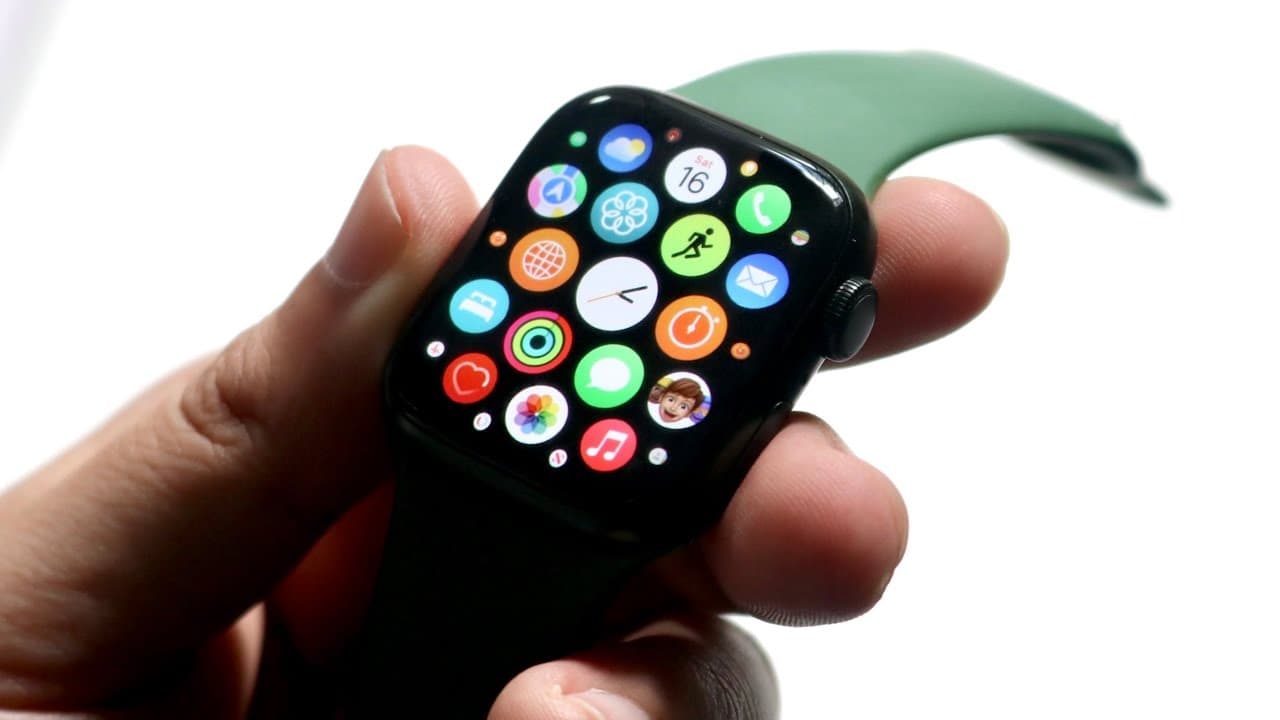
TL;DR
Always update your Apple Watch Series 7 software right after purchase to avoid future issues.
Transcript
welcome back everyone you may have just purchased an apple watch series 7 like i have and there is definitely something you should definitely do as soon as you purchase and pick up your apple watch series 7. now beyond just protecting it putting a case on it if you want to or putting a glass screen protector on it whenever you buy a product from ap... Read More
Key Insights
- 👤 New Apple Watch users should recognize that their device may arrive with outdated software, necessitating an immediate update.
- 👤 The process to update your Apple Watch is user-friendly and involves minimal steps that can significantly affect functionality.
- 👤 Regular software updates can prevent technical issues, improving not only performance but also the user experience.
- 🤗 Automatic update settings provide convenience for users who prefer a hands-off approach to maintaining their device.
- 🥺 Failing to update can lead to issues such as reduced battery life and problematic feature functionality.
- 👤 Users are encouraged to accept terms and conditions during updates, as it's part of the process to ensure secure installations.
- 😀 New apps and features often require the latest software, highlighting the importance of regular updates for accessing the full capabilities of the watch.
Install to Summarize YouTube Videos and Get Transcripts
Explore YouTube Video Summarizer or Get YouTube Transcript Extractor
Questions & Answers
Q: Why is it important to update the Apple Watch Series 7 right after purchase?
Updating the Apple Watch Series 7 immediately after purchase is vital because it can have outdated software, potentially leading to functionality issues. By updating, you ensure you're using the latest features and security improvements that enhance the overall performance of your device, avoiding problems like battery drain and unlocking issues.
Q: How do I access the software update feature on my Apple Watch?
To access the software update feature, press the crown to open the application panel, then scroll to find the settings icon. Click on it, select ‘General,’ and go to ‘Software Update.’ Here, you can check if updates are available and initiate the download and installation process, ensuring your watch operates optimally.
Q: What problems can occur if I do not update my Apple Watch?
Failing to update your Apple Watch can lead to several issues, such as malfunctioning features like unlocking with the watch, unexpected battery drain, and compatibility problems with apps. Regular software updates often fix bugs and improve performance, ensuring a smoother user experience and extending the device's lifespan.
Q: Can I set my Apple Watch to automatically update?
Yes, you can enable the automatic updates feature on your Apple Watch. This setting allows updates to install automatically when they become available, ensuring that your device remains up-to-date without requiring manual checks. It's a convenient option for users who may forget to regularly check for updates.
Q: What should I do if my Apple Watch does not show any available updates?
If your Apple Watch does not show any available updates, it means you are currently using the latest version of watchOS. However, it is still wise to check back regularly, as software updates are released periodically to fix bugs and add features. You can verify your software version in the 'Software Update' section of the settings.
Summary & Key Takeaways
-
Upon purchasing the Apple Watch Series 7, it’s crucial to check for software updates, as the watch may come with outdated software pre-installed.
-
The update process is straightforward: access settings through the app panel, navigate to ‘General,’ and select ‘Software Update’ to install the latest version.
-
Not updating the watch can lead to various problems, including functionality and battery issues, making it an important step for new users.
Read in Other Languages (beta)
Share This Summary 📚
Summarize YouTube Videos and Get Video Transcripts with 1-Click
Try YouTube Summary with ChatGPT & Claude or YouTube Transcript Generator
Explore More Summaries from Simple Alpaca 📚






Summarize YouTube Videos and Get Video Transcripts with 1-Click
Try YouTube Summary with ChatGPT & Claude or YouTube Transcript Generator