How to Share ChatGPT Conversations with Links
TL;DR
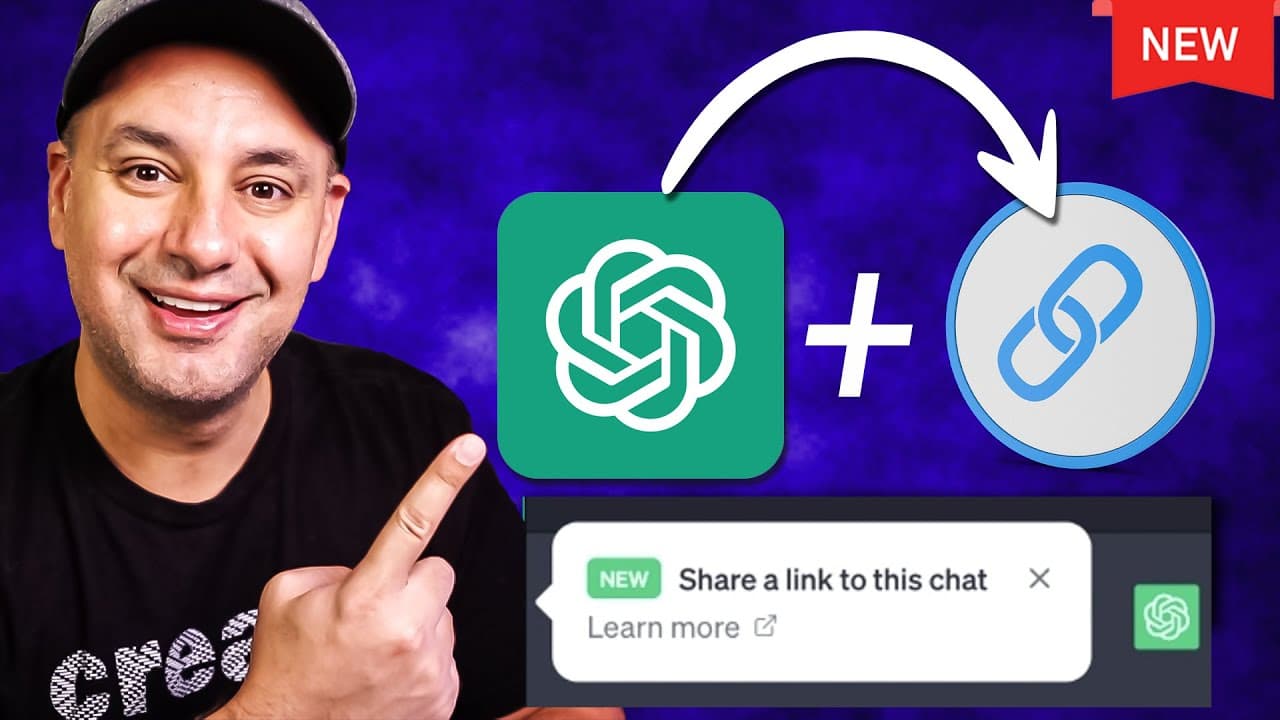
To share a ChatGPT conversation, create a new chat, input your prompt, and click the share icon to generate a link. You can edit the title and choose to share anonymously. Recipients can continue the chat by logging into their ChatGPT accounts, and you can manage shared links through the Data controls feature.
Transcript
Chachi PT just rolled out a really useful update where you could now share a conversation with someone else with a link and then they could actually click and continue that conversation too and this is available on the free version of chatgpt and the paid version of chat GPT and all you have to do is just create a new conversation press new chat gi... Read More
Key Insights
- 👻 ChatGPT has introduced a feature that allows users to easily share conversations through link sharing.
- 🍻 The shared conversation link includes the complete conversation, making it convenient for knowledge sharing.
- 🧑💻 Recipients of the link can continue the conversation by logging into their own ChatGPT accounts.
- 🧘 Users have the option to edit the title, date, and anonymity settings when sharing conversations.
- 😄 The "Data controls" feature enables users to manage and delete shared conversation links with ease.
- 💦 ChatGPT's update simplifies the process of showcasing work and sharing knowledge with others.
- 🥶 The new feature is available for both the free and paid versions of ChatGPT.
Install to Summarize YouTube Videos and Get Transcripts
Explore YouTube Video Summarizer or Get YouTube Transcript Extractor
Questions & Answers
Q: How does the new update of ChatGPT allow easy sharing of conversations?
The update allows users to create a conversation, generate a link for it, and share it with others. Recipients can then click the link and view the entire conversation.
Q: Can users edit the title and date of the shared conversation?
Yes, users have the option to modify the title and date when sharing a conversation. This helps in providing more specificity and context to the shared content.
Q: Can users choose to share conversations anonymously?
Yes, users can toggle between sharing conversations anonymously or displaying their names. The name appears at the top of the shared conversation for easy identification.
Q: Can users manage and delete shared conversation links?
Yes, ChatGPT provides a "Data controls" feature where users can manage and delete their shared conversation links. This gives users control over the accessibility of their shared content.
Summary & Key Takeaways
-
ChatGPT has introduced an update that enables users to share conversation links with others.
-
The shared link displays the entire conversation, including prompts and responses.
-
Recipients of the link can continue the conversation by logging into their own ChatGPT accounts.
Read in Other Languages (beta)
Share This Summary 📚
Summarize YouTube Videos and Get Video Transcripts with 1-Click
Try YouTube Summary with ChatGPT & Claude or YouTube Transcript Generator
Explore More Summaries from Howfinity 📚






Summarize YouTube Videos and Get Video Transcripts with 1-Click
Try YouTube Summary with ChatGPT & Claude or YouTube Transcript Generator