What was Coding like 40 years ago?
TL;DR
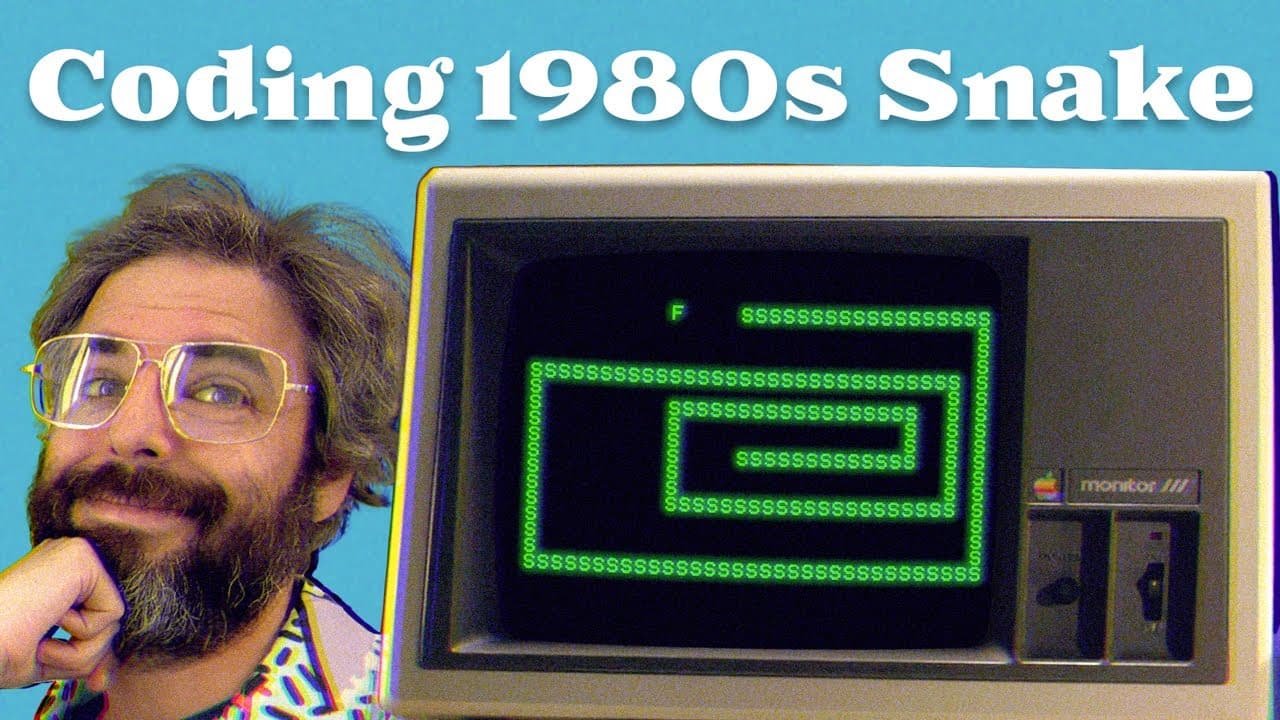
In this video, the host programs a Snake game on an Apple II Plus computer using Apple Basic.
Transcript
This video is brought to you by Nebula Classes. Hello, and welcome to a very special coding challenge right here on The Coding Train. Now, I'm not sure when you're watching this. If I had to guess, it's probably, maybe, 40 years or so into the future. I'm going to attempt to program my most popular coding challenge ever on this Apple II Plus comput... Read More
Key Insights
- 🎮 The Apple II Plus computer and Apple Basic are used in this video to program a Snake game.
- ❓ Basic commands like Print, HTab, VTab, GoTo, and GoSub are demonstrated.
- 😋 Variables and arrays are used to store snake and food positions.
- 🫠 The keyboard input is read using the Peek command, allowing user interaction.
- 👾 The game features continuous animation and updates for the snake's movement.
- 😅 Food is represented by a character and is placed randomly on the screen for the snake to eat.
- 😅 The snake's length increases when it eats the food.
- 🎮 The video mentions the need to handle game over situations and improve error-checking for edge cases.
Install to Summarize YouTube Videos and Get Transcripts
Explore YouTube Video Summarizer or Get YouTube Transcript Extractor
Questions & Answers
Q: How does the host handle user input in the Snake game?
The host creates a subroutine to read input from the keyboard using the Peek command to access the computer's memory. The input determines the direction of the snake's movement.
Q: How does the host animate the snake's movement?
The host uses a loop to continuously update the snake's position and reprints the snake character at the new location. They increment or decrement the x and y values based on the keyboard input.
Q: How does the host implement the food for the snake?
The host generates random x and y coordinates for the food using the RND command and stores them in variables. They print the food character at those coordinates and check if the snake's head overlaps with the food to simulate eating.
Q: Does the host handle game over situations?
The video does not cover game over situations. The host mentions the need to implement checks for hitting the edge of the screen or colliding with the snake's own body to end the game.
Summary & Key Takeaways
-
The host introduces the video by expressing their excitement to program on the Apple II Plus computer using Basic.
-
They demonstrate basic programming commands, such as printing text and using line numbers to organize code.
-
The host starts coding the Snake game by initializing variables, displaying characters on the screen, and animating the snake's movement.
-
They explain the use of subroutines for keyboard input and updating the snake's position.
-
The host adds a feature to generate food for the snake and implements the logic to check if the snake has eaten the food.
-
They continue improving the game by shuffling the snake's positions in an array and adding error-checking for edge cases.
Read in Other Languages (beta)
Share This Summary 📚
Summarize YouTube Videos and Get Video Transcripts with 1-Click
Try YouTube Summary with ChatGPT & Claude or YouTube Transcript Generator
Explore More Summaries from The Coding Train 📚






Summarize YouTube Videos and Get Video Transcripts with 1-Click
Try YouTube Summary with ChatGPT & Claude or YouTube Transcript Generator