M2 Mac Mini vs M2 MacBook Air: Which Should You Choose?
TL;DR
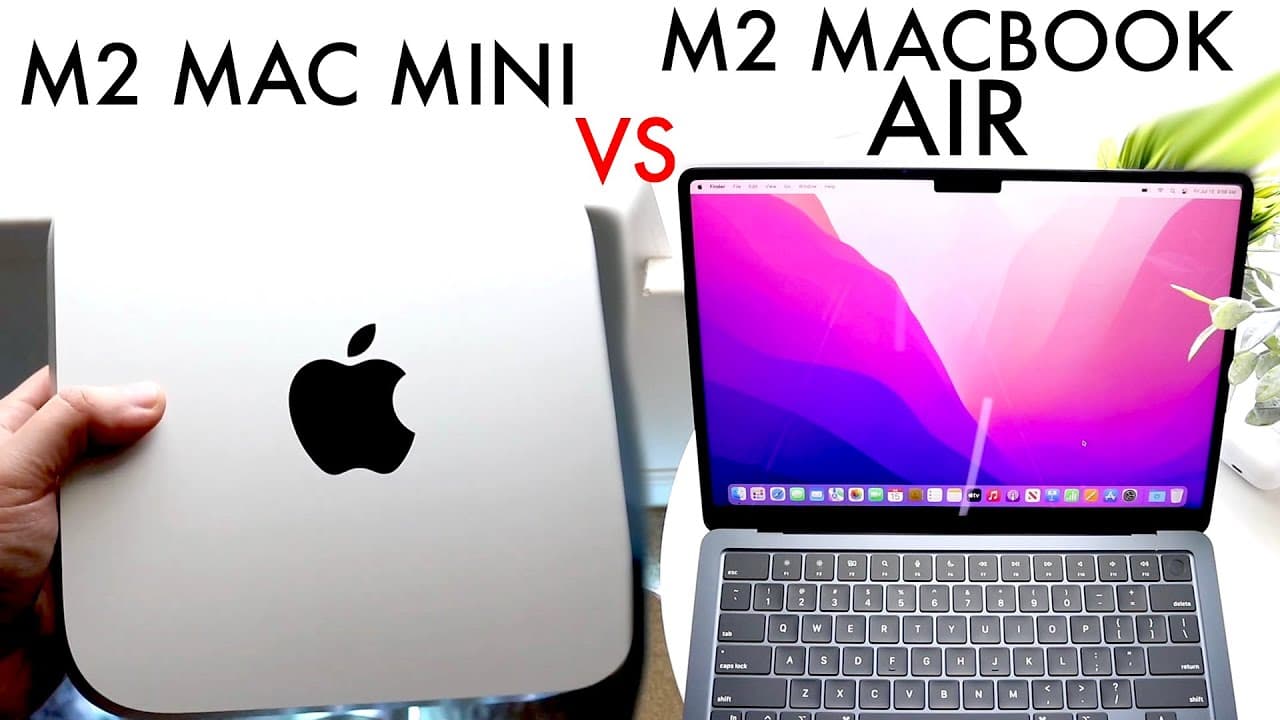
The M2 Mac Mini is better for users needing extensive connectivity and upgrade options, while the M2 MacBook Air is ideal for those valuing portability. The Mac Mini starts at $599, providing more GPU cores and ports compared to the MacBook Air's starting price of $1,199, which focuses on mobile use with integrated battery support.
Transcript
well everyone it's time for us to go ahead and take a look and compare the M2 Mac Mini and the M2 MacBook Air and see which specific Mac you should go ahead and buy now I will tell you these are two different beasts but I will be completely honest I've been in at least in my early days of buying a Mac I was kind of contemplating these two devices f... Read More
Key Insights
- 😘 The M2 Mac Mini starts at a lower price point than the MacBook Air but requires additional investment in peripherals.
- 🧑🏭 Portability is a significant factor; the MacBook Air is designed for users needing mobility, while the Mac Mini serves as a powerful desktop alternative.
- 🐏 Both devices feature identical base RAM and storage configurations, highlighting their similarities in foundational performance.
- 💯 GPU performance differs, with the Mac Mini offering enhanced graphics capabilities due to a higher core count.
- 🚙 Each device has unique port offerings, with the Mac Mini providing a wider selection for varied connectivity.
- 🔋 The MacBook Air’s battery life provides an advantage during power outages or mobility situations, maintaining work continuity.
- 👀 Users looking to maximize their investment should consider future upgrade potential, especially when sizing options for RAM and storage.
Install to Summarize YouTube Videos and Get Transcripts
Explore YouTube Video Summarizer or Get YouTube Transcript Extractor
Questions & Answers
Q: What are the main differences in portability between the M2 Mac Mini and the MacBook Air?
The M2 Mac Mini is designed as a stationary desktop, which limits its portability; it’s not intended for use on-the-go. In contrast, the MacBook Air is lightweight and designed for portability. This allows users to work in various locations, making it ideal for travel, commuting, or casual use. This key difference influences choice based on personal or professional needs, particularly for those who travel frequently.
Q: How do the GPUs compare between the M2 Mac Mini and MacBook Air?
While both the M2 Mac Mini and M2 MacBook Air begin with eight-core CPUs, the GPU configurations differ. The Mac Mini has an additional two-core GPU, totaling ten cores, enhancing its graphic performance over the MacBook Air’s eight-core GPU. This distinction can impact users engaged in more graphical demanding tasks, such as video editing or 3D rendering, where a superior GPU could yield significantly better performance.
Q: What are the implications of port selection on user experience for both devices?
Port selection plays a crucial role in user experience, especially for those who need multiple external connections. The Mac Mini provides a greater variety of ports, including USB-A, HDMI, and Ethernet, making it more versatile for connecting various peripherals. In contrast, the MacBook Air, while possessing adequate USB-C ports, may require additional dongles or adapters for connectivity, which can be inconvenient for users needing quick and efficient access to multiple devices or storage solutions.
Q: Is it cost-effective to choose the MacBook Air over the Mac Mini?
The cost-effectiveness of the MacBook Air versus the Mac Mini largely depends on user needs and existing equipment. The MacBook Air's higher base price includes a built-in display and keyboard, which is advantageous for users who need a complete portable setup. However, if one already has a suitable monitor and accessories, investing in the Mac Mini may offer better performance at a lower price point, as the base model is cheaper, fostering better long-term financial sense without additional expenses for peripherals.
Summary & Key Takeaways
-
The M2 Mac Mini is priced at $599 and operates as a desktop, while the M2 MacBook Air starts at $1,199 and offers portability.
-
Both machines come with similar base configurations, but the Mac Mini includes extra GPU cores and more extensive port options compared to the MacBook Air.
-
Ownership experience varies significantly; the MacBook Air suits mobile users, while the Mac Mini is best for those who prioritize connectivity and possible upgrades.
Read in Other Languages (beta)
Share This Summary 📚
Summarize YouTube Videos and Get Video Transcripts with 1-Click
Try YouTube Summary with ChatGPT & Claude or YouTube Transcript Generator
Explore More Summaries from Simple Alpaca 📚






Summarize YouTube Videos and Get Video Transcripts with 1-Click
Try YouTube Summary with ChatGPT & Claude or YouTube Transcript Generator