How to Use the Snipping Tool on Windows Vista & Put the Capture o... : WordPress: Beyond the Basics
TL;DR
Learn how to use the Snipping Tool in Windows Vista and later versions to capture screenshots and easily upload them to WordPress.
Transcript
hi my name is Elizabeth Chris FY I published a Blog called tech for Lites providing tips and tricks for navigating our Digital World in this video I'm going to show you how you can use the Snipping Tool in Windows Vista and later versions of Windows to take a screenshot and then upload that capture into your WordPress blog posts it's fairly simple ... Read More
Key Insights
- 🚙 The Snipping Tool is a useful utility in Windows for capturing screenshots.
- 👤 Users can choose different snip types, such as rectangular, to capture specific areas on the screen.
- 💁 Common graphics formats like JPEG, PNG, and GIF are suitable for saving the screenshots.
- 👋 Keeping filenames in lowercase is recommended for best practice when uploading images to websites.
- ❓ The Snipping Tool can be used in Windows Vista and later versions, including Windows 7.
Install to Summarize YouTube Videos and Get Transcripts
Explore YouTube Video Summarizer or Get YouTube Transcript Extractor
Questions & Answers
Q: Where can I find the Snipping Tool in Windows?
The Snipping Tool can be found in the start menu, under all programs, in the accessories section. It is available in Windows Vista and later versions.
Q: How do I capture a screenshot using the Snipping Tool?
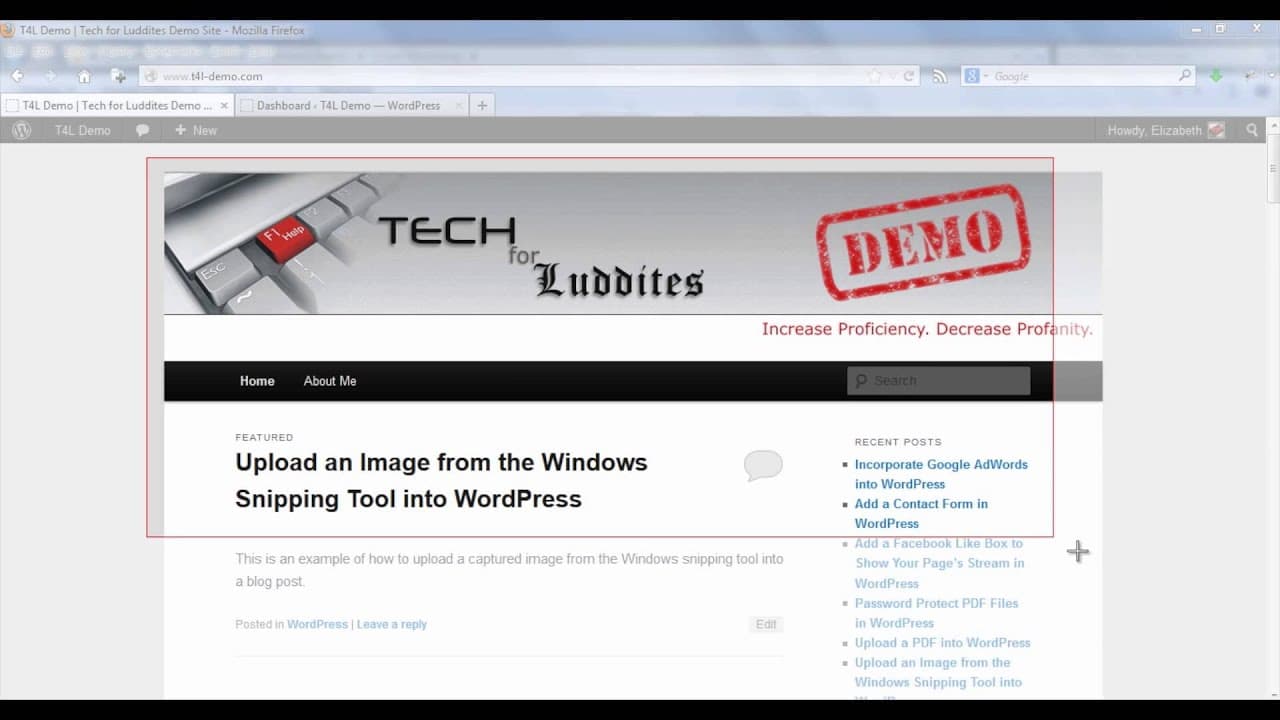
To capture a screenshot, open the Snipping Tool and define the type of snip you want (e.g., rectangular). Click anywhere on the page you want to capture and drag the rectangle. The screenshot will open in its own window.
Q: Can I save the screenshot in different file formats?
Yes, you can save the screenshot as JPEG, PNG, or GIF. In the Snipping Tool window, go to the file menu, select "Save As," and choose the desired format.
Q: How do I upload the screenshot to WordPress?
To upload the screenshot to WordPress, open your WordPress dashboard, create a new post, and use the "Add Media" tool. Upload the file and insert it into the post.
Summary & Key Takeaways
-
The Snipping Tool is a utility in Windows Vista and later versions that allows users to capture screenshots.
-
To use the Snipping Tool, open the start menu, go to all programs, then accessories, and select the Snipping Tool.
-
After capturing a screenshot, save it in a common graphics format like JPEG, PNG, or GIF, and upload it to WordPress.
Read in Other Languages (beta)
Share This Summary 📚
Summarize YouTube Videos and Get Video Transcripts with 1-Click
Try YouTube Summary with ChatGPT & Claude or YouTube Transcript Generator
Explore More Summaries from ehow 📚

Summarize YouTube Videos and Get Video Transcripts with 1-Click
Try YouTube Summary with ChatGPT & Claude or YouTube Transcript Generator