How to actually stick to a schedule (even if you lack discipline)
TL;DR
This video discusses three levels of techniques to ensure that you follow your plan and accomplish important tasks.
Transcript
right so how to actually do what you plan to do might sound kind of silly like miles you just plan what to do and then you do it well as you probably know it's not that simple whether it's Sunday night or the night before I'd make this whole elaborate plan and my fancy to-do list app decide okay I'm doing this Monday this Tuesday this Wednesday thi... Read More
Key Insights
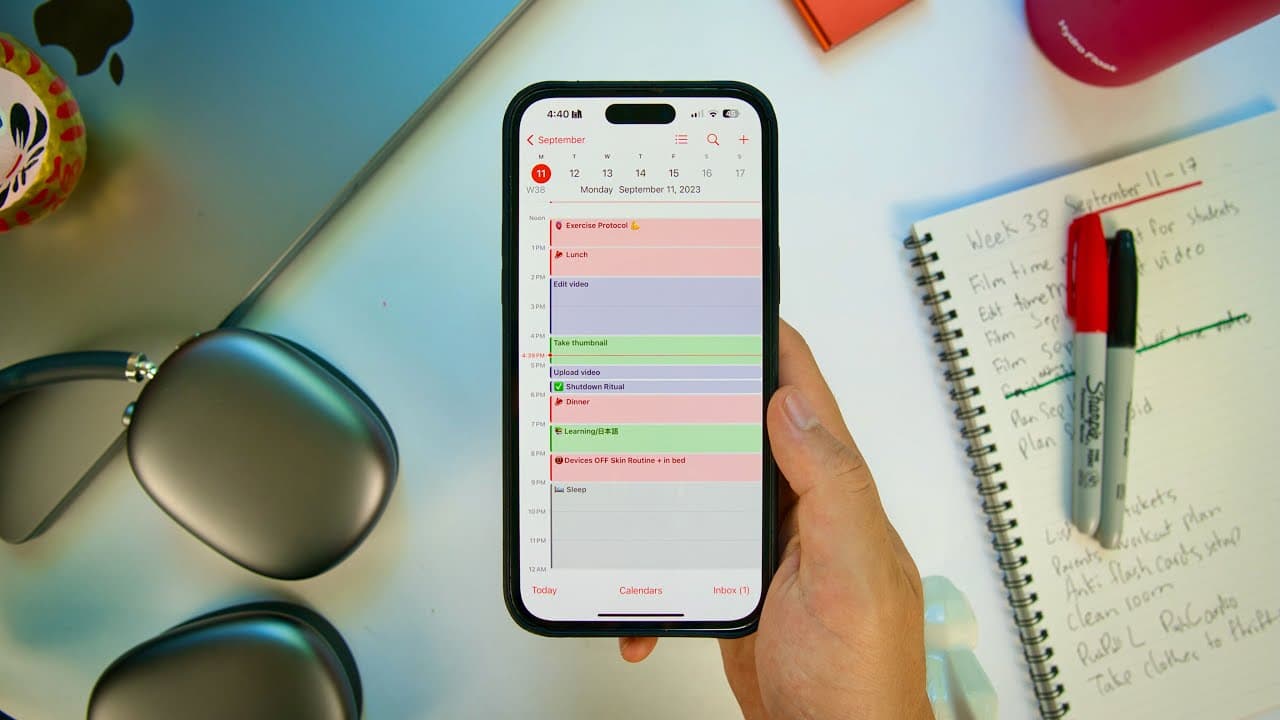
- 📅 Time blocking is a productivity technique where you assign specific blocks of time to different activities throughout the day to stick to a schedule and increase productivity. However, it may not work for everyone due to lack of discipline or distractions.
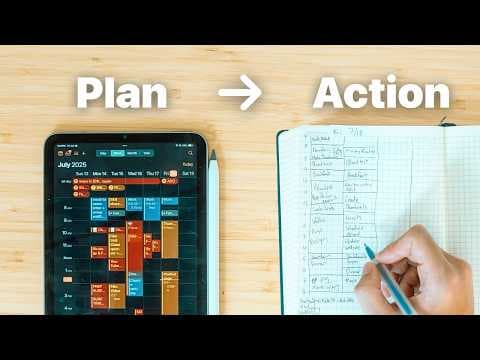
- 📝 Creating a weekly task list on paper helps set priorities and prevents changing plans based on momentary preferences. It serves as a visual reminder and motivates consistent focus and productivity.
- 📌 Posting the weekly task list on your workspace, such as on the side of your monitor, keeps the tasks constantly in view, serving as a daily reminder and aiding in maintaining focus and accountability. ⏰ Setting obnoxious alarms on your phone for important checkpoints or tasks throughout the day can be more effective than subtle calendar notifications. These alarms, combined with time blocking, help maintain a structured routine and prevent procrastination.
- 🔁 Recurring alarms can be set for waking up, mealtimes, exercise breaks, and bedtime to establish a consistent daily routine and maintain good energy levels throughout the day.
- 🛌 A bedtime alarm helps wind down the day, reminding you to tidy up your workspace and set plans for the next day, ensuring a smoother start to the following day and better productivity.
- 📝 In addition to time blocking, specific alarms can be set for individual tasks to further reinforce the schedule and prompt action, making it harder to ignore or forget specific tasks.
- 🔒 Combining these techniques helps in planning and executing a successful day and week, avoiding distractions, and ensuring that important tasks are completed with greater efficiency and focus.
Install to Summarize YouTube Videos and Get Transcripts
Explore YouTube Video Summarizer or Get YouTube Transcript Extractor
Questions & Answers
Q: How can time blocking improve productivity?
Time blocking is an effective technique that involves assigning specific time blocks in your calendar for various activities. By sticking to these time blocks, you can prioritize and focus on the tasks that need to be done, leading to increased productivity and efficiency. It helps to create structure and prevent distractions, ensuring that important work gets completed in a timely manner.
Q: What is the purpose of creating a weekly master list?
Creating a weekly master list is a technique that helps in setting clear goals and priorities for the week. By listing out all the major tasks that need to be accomplished, you create a sense of accountability and commitment to completing them. It eliminates the possibility of constantly changing priorities based on momentary feelings or excuses, ensuring that you stick to your plan and achieve what you set out to do.
Q: How can setting obnoxious alarms on your phone be beneficial?
Setting obnoxious alarms on your phone is a strategy to prevent procrastination and stay on track with your tasks. Unlike subtle calendar notifications, these alarms are designed to be more attention-grabbing, waking you up from distractions and prompting you to start the next activity. By using these alarms strategically, you can reinforce your time blocking schedule and ensure that you follow through with your planned tasks.
Q: What are some recurring alarms that can be useful in maintaining productivity?
Recurring alarms for waking up, getting breakfast, going to the gym, doing a shutdown ritual, and getting ready for bed can be instrumental in maintaining productivity. These alarms serve as reminders for important checkpoints throughout the day and help establish routines. They prevent you from getting lost in work or distractions and provide structure to your day, ensuring that you prioritize self-care, exercise, and preparation for a productive day ahead.
Summary & Key Takeaways
-
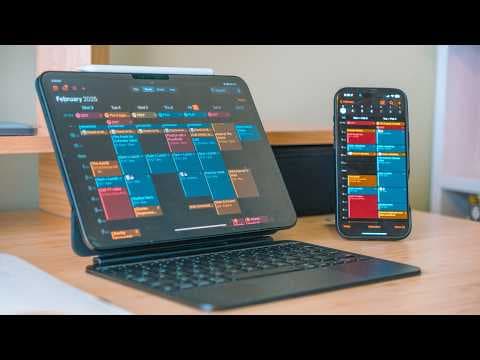
The first level is time blocking, where you assign specific time blocks in your calendar for various activities throughout the day.
-
The second level involves creating a weekly master list of major tasks and prominently displaying it to keep yourself accountable.
-
The third level includes setting obnoxious alarms on your phone to remind you of key checkpoints or must-do tasks.
Read in Other Languages (beta)
Share This Summary 📚
Summarize YouTube Videos and Get Video Transcripts with 1-Click
Try YouTube Summary with ChatGPT & Claude or YouTube Transcript Generator
Explore More Summaries from Miles Mochizuki 📚

Summarize YouTube Videos and Get Video Transcripts with 1-Click
Try YouTube Summary with ChatGPT & Claude or YouTube Transcript Generator