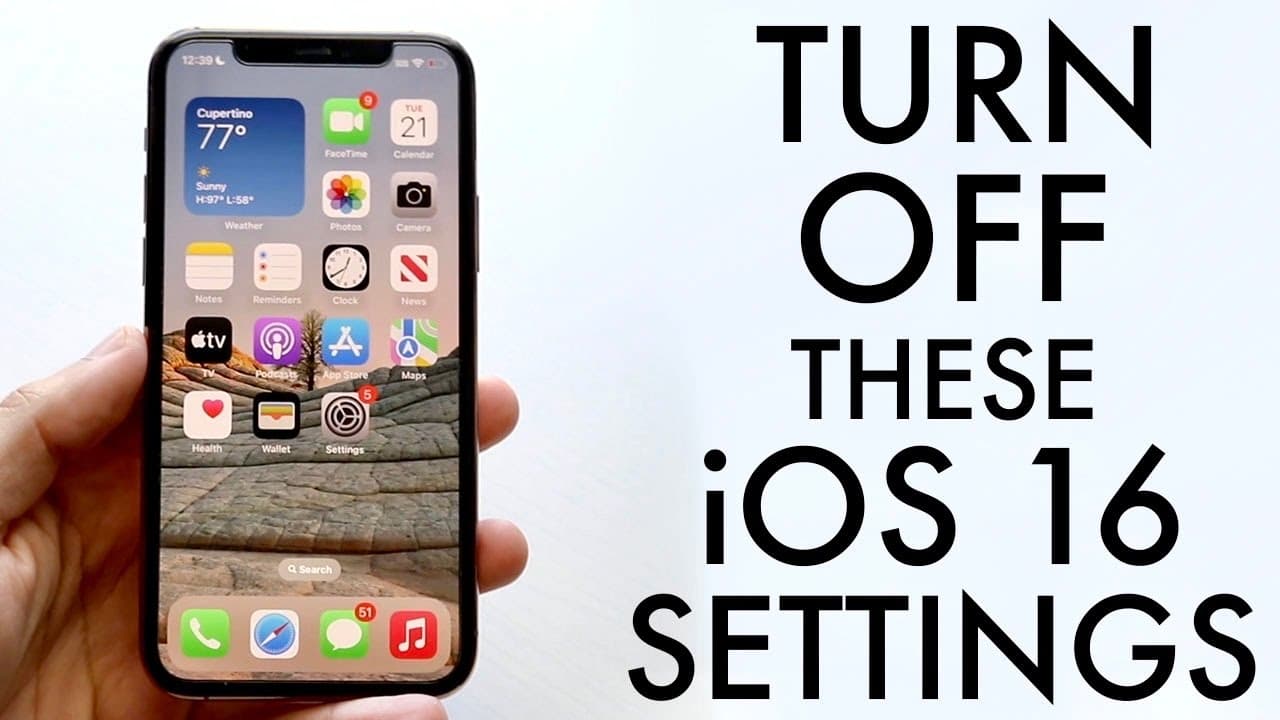
You Have To Turn These iOS 16 Settings Off!
TL;DR
Optimize battery life on iOS 16 by adjusting settings.
Transcript
so you may have just installed ios 16 and i'm going to go ahead and break down a few different you know things that you may want to go ahead and turn off a few different settings within ios 16 that may be better off uninstalled or maybe not doing than actually doing now the very first thing is actually with the lock screen so most of us may know on... Read More
Key Insights
- 🛟 Widgets on the lock screen can negatively impact battery life; removing excess widgets is recommended.
- ✊ Disabling "Hey Siri" and other Siri-related features is a smart choice for conserving power.
- ❓ Customizing Safari's privacy settings not only protects your data but also streamlines the browsing experience.
- 🥺 Haptic feedback on the keyboard can drain battery; disabling it may lead to better performance.
- 📌 Managing location services by disabling significant locations can enhance battery longevity.
- 👤 Focus Modes, while beneficial, may complicate simple do not disturb settings for some users.
- 🥶 Maintaining a clutter-free wallpaper environment on your lock screen helps improve battery life.
Install to Summarize YouTube Videos and Get Transcripts
Explore YouTube Video Summarizer or Get YouTube Transcript Extractor
Questions & Answers
Q: Why should I remove widgets from my iOS 16 lock screen?
Widgets consume battery life, especially if you have multiple on your lock screen. Each widget uses a small amount of power, and collectively they can significantly impact battery performance. Removing unnecessary widgets can help optimize your device's battery life, especially for users who already experience low battery performance.
Q: How can Siri settings affect my iPhone's battery life?
Keeping features like "Hey Siri" enabled can drain your battery, as the device constantly listens for the command. Additionally, other options associated with Siri, such as call management, can also consume resources. Disabling these settings can lead to better battery management, providing a more efficient usage experience.
Q: What steps can I take to adjust Safari settings for privacy?
In Safari settings, you can disable features like favorites, frequently visited sites, and privacy reports. By clicking the edit button in the Safari tab, you can customize what appears on your screen. This not only enhances your privacy but also potentially improves browser performance and battery usage.
Q: Are there ways to manage keyboard feedback to save battery life?
Yes, haptic feedback on the keyboard can be disabled. To do this, navigate to Settings, then Sounds and Haptics, where you will find the keyboard feedback option. Disabling this feature conserves battery power; however, if you enjoy the feedback, you may want to keep it enabled at the expense of some battery life.
Q: How can I manage my location services effectively on iOS 16?
You can manage location services by going to Settings, then Privacy & Security, and selecting Location Services. From there, accessing System Services allows you to turn off "Significant Locations" to prevent the system from tracking and saving your exact locations, which can conserve battery life.
Q: What is the purpose of Focus Modes in iOS 16?
Focus Modes are designed to help users minimize distractions by enabling different "do not disturb" settings based on context like work or personal time. While they can enhance productivity, for users unfamiliar with them, it may be prudent to simply use the standard do not disturb setting to maintain simplicity and save battery.
Q: Is disabling wallpapers on the lock screen beneficial for battery life?
Yes, keeping multiple wallpapers can consume additional battery. It is advisable to delete unused wallpapers and retain only the current one. Fewer wallpapers mean less background activity, which contributes to longer battery life.
Q: What overall strategies should I consider to improve my iPhone's battery lifespan?
To improve battery lifespan, consider removing unnecessary widgets and wallpapers, disabling "Hey Siri," turning off haptic feedback, managing Safari privacy settings, and adjusting location services. An overall reduction in background activity will lead to enhanced battery performance.
Summary & Key Takeaways
-
The new lock screen in iOS 16 allows for widgets, but they can drain battery life. Users are advised to remove unnecessary widgets and wallpapers to enhance battery longevity.
-
Siri has additional features in iOS 16, but keeping "Hey Siri" enabled consumes battery. Users should consider disabling this feature along with other Siri-related options that may not be frequently used.
-
Customizing Safari's privacy settings and disabling haptic feedback can improve user experience and save battery. Users are also encouraged to manage location services for more efficient battery usage.
Read in Other Languages (beta)
Share This Summary 📚
Summarize YouTube Videos and Get Video Transcripts with 1-Click
Try YouTube Summary with ChatGPT & Claude or YouTube Transcript Generator
Explore More Summaries from Simple Alpaca 📚






Summarize YouTube Videos and Get Video Transcripts with 1-Click
Try YouTube Summary with ChatGPT & Claude or YouTube Transcript Generator