What Are the Top 5 Organizational Tools for Productivity?
TL;DR
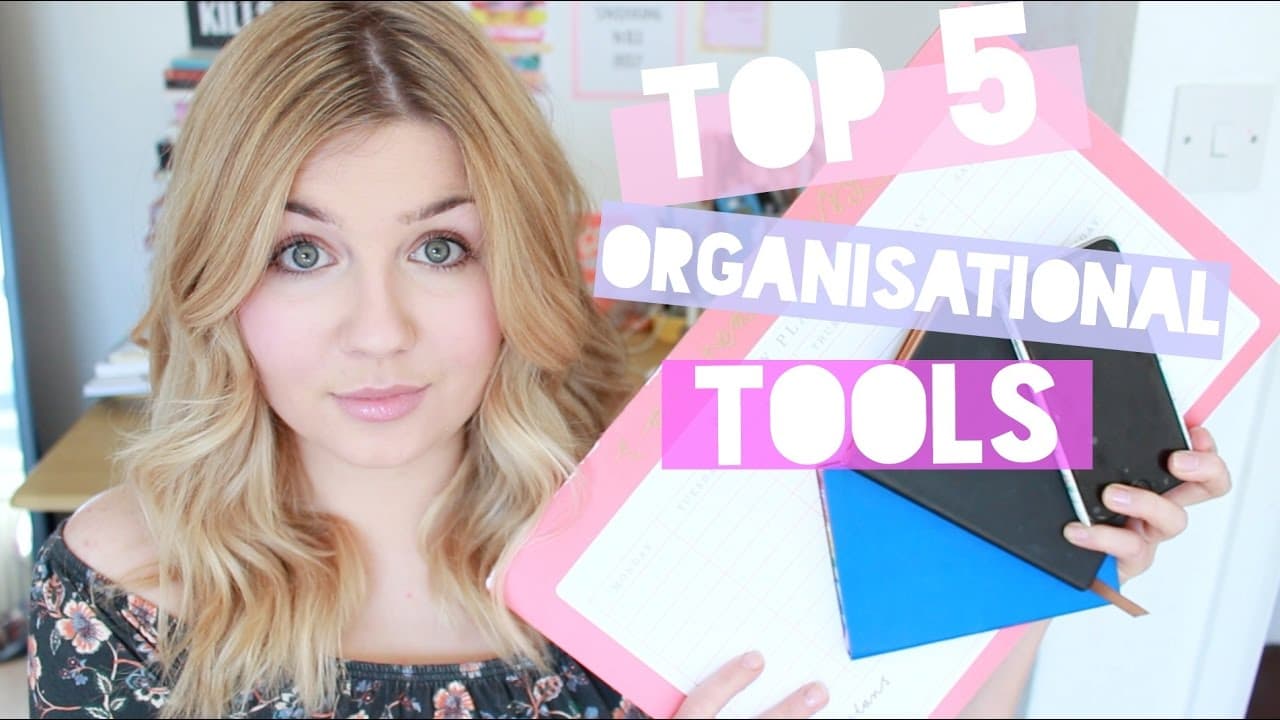
The top five organizational tools include a small lined notebook for maintaining a to-do list, a compact diary for important dates, Trello for customizable task management, a desk planner for weeks spent at home, and Google Sheets for budgeting. These tools emphasize simplicity and personal preference to enhance productivity and organization.
Transcript
hi guys so I'm here today to do what I'm hoping is going to be quite a short but useful video and that is to tell you about my top five organizational tools whether they be stationary or apps I talk about studying and work and organization and balancing all the things you have to do on this channel in different ways and you guys are often asking me... Read More
Key Insights
- 🚁 Opting for simplicity in organizational tools can prevent overwhelm and make it easier to stay organized.
- 💦 Finding tools that work best for individual needs and preferences is essential for effective organization.
- 🛤️ Handwritten tools, such as a small lined notebook and diary, can provide a tangible and satisfying way to keep track of tasks and appointments.
- 😀 Digital apps like Trello offer versatility and customization for organizing tasks and projects.
- 👻 Having a desk planner can be useful for weeks spent at home, allowing for a comprehensive view of the week's activities.
- 😀 Using the Google Sheets app can simplify budgeting and expense tracking, providing an accessible and customizable platform.
- 💦 The content creator emphasizes the importance of finding what works best for each individual, as preferences for organization tools may vary.
Install to Summarize YouTube Videos and Get Transcripts
Explore YouTube Video Summarizer or Get YouTube Transcript Extractor
Questions & Answers
Q: How does the small lined notebook help the content creator stay organized?
The small lined notebook serves as a continuous to-do list, where the content creator writes down tasks for work, studying, YouTube, and other aspects of their life. They find satisfaction in crossing off completed tasks and appreciate the compact size for portability.
Q: Why does the content creator prefer using a small diary instead of digital apps?
The content creator finds that they work best with a small diary that fits easily in their bag. They enjoy the tactile experience of writing down important dates and deadlines and appreciate having all their plans and appointments in one place. It also allows them to quickly check their availability when friends ask if they're busy.
Q: How does Trello help with organization?
Trello is a free app that allows users to create different boards and lists for organizing tasks and projects. It provides a visual way to track progress and deadlines, with features like adding notes, checklists, images, and due dates to individual cards. The content creator finds it intuitive and simple to use for both personal and work-related purposes.
Q: How does a desk planner contribute to staying organized?
The content creator mentions that a desk planner is not always necessary but proves useful when they spend a significant amount of time at home. It allows them to write down tasks and appointments for the day, break their schedule into sections, and visualize the entire week's tasks. Having a desk planner helps them plan and prioritize tasks effectively.
Summary & Key Takeaways
-
The content creator recommends using a small lined notebook as a continuous to-do list, providing a compact and portable option for keeping track of tasks.
-
They highlight the benefits of using a small diary to write down important dates, deadlines, and plans, preferring the handwritten format over digital apps.
-
The content creator introduces Trello, a free app that allows users to create customizable boards and lists to organize tasks and projects effectively.
-
They mention the usefulness of having a desk planner for weeks when they are at home, allowing for a comprehensive view of the week's tasks and schedules.
-
The content creator suggests using the Google Sheets app for budgeting and tracking expenses, emphasizing the simplicity and accessibility of the platform.
Read in Other Languages (beta)
Share This Summary 📚
Summarize YouTube Videos and Get Video Transcripts with 1-Click
Try YouTube Summary with ChatGPT & Claude or YouTube Transcript Generator
Explore More Summaries from Jean's Thoughts 📚



Summarize YouTube Videos and Get Video Transcripts with 1-Click
Try YouTube Summary with ChatGPT & Claude or YouTube Transcript Generator