How to Use PoseNet in Runway for Real-Time Tracking
TL;DR
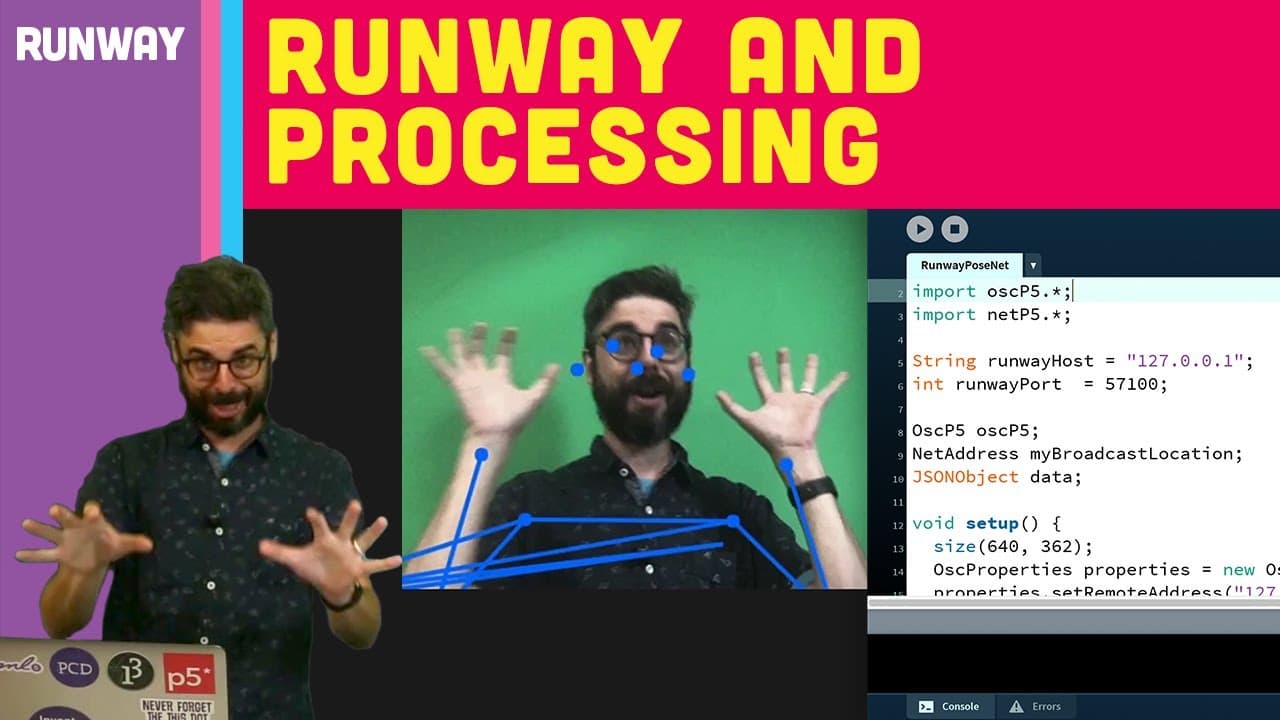
To use PoseNet for real-time skeletal tracking in Runway, first install the software and select the PoseNet model. You can run it locally with your webcam, tweak parameters to optimize performance, and then integrate the output with Processing using OSC for visualization in your own software.
Transcript
[TRAIN WHISTLE] Hello and welcome to another video tutorial about working with Runway and running machine learning models in Runway itself. Now, before you watch this video tutorial, if you've never used Runway before, you might want to go back and look at my Introduction to Runway, how to download and install it. But to be honest, you probably can... Read More
Key Insights
- 👻 Runway is a software that allows users to run machine learning models, such as PoseNet, and tweak their parameters to achieve desired results.
- 🤩 PoseNet is a machine learning model that performs real-time skeletal tracking and is capable of detecting key points on the body.
- 👤 By integrating PoseNet with Processing, users can take the output of the model and visualize it in their own software.
- 💨 The PoseNet model can be run locally, eliminating the need to send data over the network and making it faster to process.
- 👻 Tweakable parameters of the model, such as image resolution and grayscale level, allow users to experiment with different settings.
- 💁 PoseNet requires a suitable camera setup to capture the full form of the subject for accurate skeletal tracking.
- 🤱 The PoseNet model can also be run on images, not just live webcam feed.
- ❓ Runway ML offers various network protocols for communication with other platforms, and OSC (Open Sound Control) is a suitable choice for integrating with Processing.
- 🪡 To receive OSC messages in Processing, the Processing OSC library needs to be installed.
Install to Summarize YouTube Videos and Get Transcripts
Explore YouTube Video Summarizer or Get YouTube Transcript Extractor
Questions & Answers
Q: What is PoseNet?
PoseNet is a machine learning model that performs real-time skeletal tracking of one or more people. It detects key points on the body and provides their positions.
Q: Can the PoseNet model be run in the cloud?
No, the PoseNet model can only be run locally. It is a small, fast model that can be run on most modern computers.
Q: How can the parameters of the PoseNet model be tweaked?
Some of the parameters can be changed in real time, such as the width and height of the image or the grayscale level of the image. Others require stopping the model and restarting it with different settings.
Q: What is the purpose of integrating PoseNet with Processing?
The integration allows users to take the output of the PoseNet model and visualize it in their own piece of software developed using Processing.
Summary & Key Takeaways
-
The video tutorial demonstrates how to use the PoseNet machine learning model in Runway to perform real-time skeletal tracking of one or more people.
-
The tutorial guides users through the process of setting up Runway, selecting the PoseNet model, and running it with their webcam.
-
It explains how to tweak the model's parameters and view the output in the Runway software, before integrating it with Processing to see the results in a personal software.
Read in Other Languages (beta)
Share This Summary 📚
Summarize YouTube Videos and Get Video Transcripts with 1-Click
Try YouTube Summary with ChatGPT & Claude or YouTube Transcript Generator
Explore More Summaries from The Coding Train 📚






Summarize YouTube Videos and Get Video Transcripts with 1-Click
Try YouTube Summary with ChatGPT & Claude or YouTube Transcript Generator