Responsive design: Getting started with Bubble (Lesson 2.6)
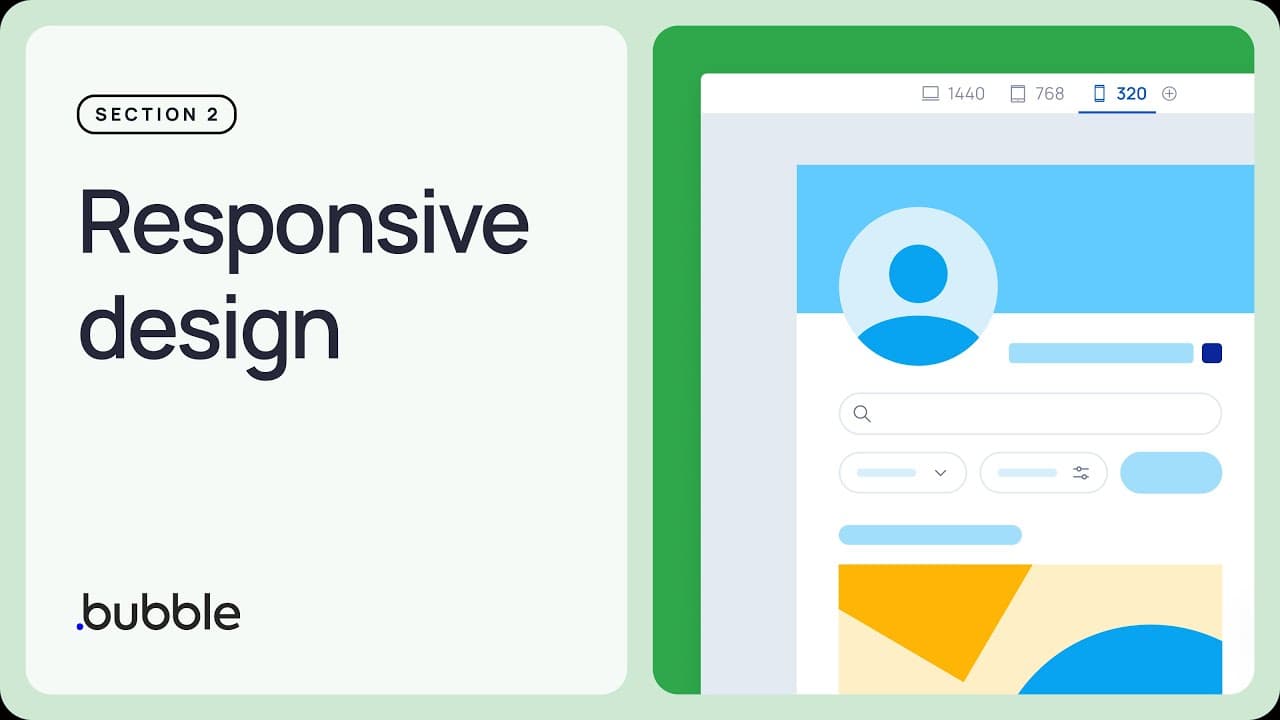
TL;DR
Guide to making a responsive signup page using Bubble.
Transcript
Okay, let's dive straight in and finish up this page. So on the Sign up button, if I edit the workflow again, I said that we would come back to the option where we need to send an email to confirm an email. And this is also something that Bubble takes care for us. Just in the background, what's going to happen is that they'l... Read More
Key Insights
- Bubble provides automated email confirmation during user signup, enhancing security by verifying real users through email links.
- Responsive design is crucial for ensuring applications function well on all devices, including desktops, tablets, and mobile phones.
- The lesson focuses on setting up responsive design elements using Bubble's tools, particularly for a signup page.
- Adjusting breakpoints and using conditions in Bubble helps manage how elements display across different screen sizes.
- Flexbox in Bubble assists in managing layout changes, ensuring elements are centered and appropriately sized for mobile devices.
- Responsive design involves setting padding and margins to ensure content is accessible and visually appealing on smaller screens.
- Creating a login page involves similar considerations as the signup page, including adding a password reset feature.
- Bubble's visual programming interface allows users to build web applications without coding, making it accessible for all skill levels.
Install to Summarize YouTube Videos and Get Transcripts
Explore YouTube Video Summarizer or Get YouTube Transcript Extractor
Questions & Answers
Q: How does Bubble handle email confirmation during signup?
Bubble automates the email confirmation process during user signup by sending an email with a link to the user's email address. When the user clicks the link, they are redirected to a confirmation page, verifying their identity. This process ensures that the email belongs to a real person and enhances security.
Q: What is the importance of responsive design in Bubble?
Responsive design in Bubble ensures that web applications look and function well across all devices, from desktops to mobile phones. It is crucial for providing a seamless user experience, as it adjusts the layout and elements of a page based on the screen size, ensuring accessibility and usability.
Q: How can breakpoints be used in Bubble for responsive design?
In Bubble, breakpoints are used to define how elements should appear at different screen widths. By setting conditions at specific breakpoints, developers can adjust the visibility, size, and layout of elements to ensure they are optimized for devices like tablets and mobile phones, enhancing the overall user experience.
Q: What role does Flexbox play in Bubble's responsive design?
Flexbox in Bubble helps manage the layout of elements on a page, particularly when adjusting for different screen sizes. It allows elements to be centered and resized appropriately, ensuring they span the full width on smaller screens like mobile devices, thus maintaining a clean and organized appearance.
Q: Why is padding important in responsive design?
Padding is important in responsive design as it ensures that content is not cramped and remains readable on all devices. By adjusting padding, especially on smaller screens, developers can maximize the available space, ensuring that elements are not too close to the edges and are easy to interact with.
Q: What additional features are planned for the login page in Bubble?
The lesson plans to add a password reset pop-up to the login page, enhancing user functionality. This feature allows users to reset their password if forgotten, ensuring they can regain access to their account without hassle. The design of the login page will also be refined for optimal user experience.
Q: How does Bubble's visual programming interface benefit users?
Bubble's visual programming interface allows users to build web applications without writing code, making it accessible to those without programming skills. It enables users to focus on design and functionality, speeding up the development process and reducing costs compared to traditional coding methods.
Q: What are the advantages of using Bubble for web application development?
Bubble offers a comprehensive platform for building web applications, providing tools for designing, developing, and deploying apps without coding. It supports a wide range of functionalities, from user authentication to responsive design, allowing users to create scalable and functional applications quickly and cost-effectively.
Summary & Key Takeaways
-
This lesson covers how to make a signup page responsive using Bubble's tools. It includes setting up email confirmations and adjusting layouts for different screen sizes, ensuring a seamless user experience across devices.
-
Bubble's responsive design features such as breakpoints and Flexbox are utilized to manage how page elements appear on varying devices, focusing on mobile-friendly layouts with proper padding and alignment.
-
The lesson emphasizes the importance of responsive design in web applications, demonstrating how Bubble facilitates user verification and layout adjustments, making the platform suitable for non-coders to create functional web apps.
Read in Other Languages (beta)
Share This Summary 📚
Summarize YouTube Videos and Get Video Transcripts with 1-Click
Try YouTube Summary with ChatGPT & Claude or YouTube Transcript Generator
Explore More Summaries from Bubble 📚
Summarize YouTube Videos and Get Video Transcripts with 1-Click
Try YouTube Summary with ChatGPT & Claude or YouTube Transcript Generator