EASY Video Podcasting- Best Audio + Camera Gear (Zoom Friendly)
TL;DR
Learn about the essential equipment needed to shoot a professional video podcast, including a standing desk, ring light, Blue Yeti microphone, boom stand, shock mount, Logitech Brio webcam, and more.
Transcript
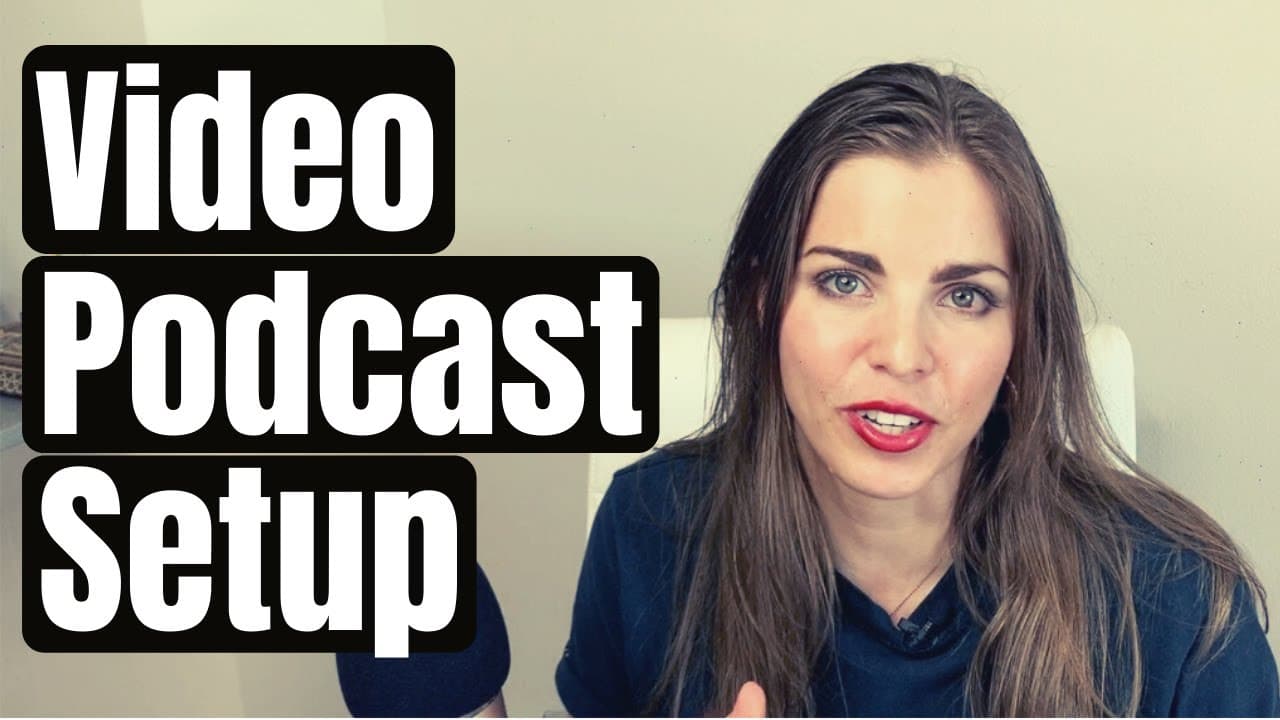
hi my name is Emily bender I'm a consultant speaker podcast host marketing strategist and sometimes I share product reviews about the tools and equipment that I use to make my podcast or make other things happen in my business and a lot of people lately have been asking me how do I shoot my video podcast which is the Beatle moment marketing podcast... Read More
Key Insights
- 🤍 A standing desk with a white background hack can create a clean and professional look for a video podcast.
- 🙂 A ring light is essential for controlling and evening out lighting, ensuring a more flattering appearance.
- 💙 The Blue Yeti microphone is highly recommended for its excellent sound quality and great value.
- 🫢 Using a shock mount with the microphone helps eliminate unwanted vibrations and improves overall audio quality.
- 🎮 The Logitech Brio webcam offers superior video quality and has dual microphones as a backup audio source.
- 👋 Good audio quality is more important than visual quality on YouTube, emphasizing the importance of investing in a high-quality microphone.
- 👋 DIY video podcasting is possible with the recommended equipment, focusing on the essentials of good lighting and sound.
Install to Summarize YouTube Videos and Get Transcripts
Explore YouTube Video Summarizer or Get YouTube Transcript Extractor
Questions & Answers
Q: What is the recommended microphone for a video podcast?
Emily recommends the Blue Yeti microphone, which is a USB microphone from Blue. It offers high-quality sound, is extremely reliable, and is a great value under $200.
Q: Why is it important to use a shock mount with the microphone?
Using a shock mount is crucial to prevent vibrations and maintain optimal sound quality. Without it, the microphone may pick up unwanted noise or vibrations from the desk or surroundings.
Q: What are the advantages of using a boom stand instead of a desk clamp?
Emily prefers a boom stand because it is adjustable and compatible with her standing desk setup. It allows for easy transitions between sitting and standing positions while recording.
Q: What is the recommended webcam for shooting a video podcast?
The Logitech Brio webcam is highly recommended by Emily. It offers 4k quality, dual microphones, and provides much better video quality than built-in webcams or iSight.
Summary & Key Takeaways
-
Emily Bender shares her recommended equipment for shooting a video podcast, including a standing desk with a white background hack, a ring light for even lighting, and a Blue Yeti microphone for excellent sound quality.
-
She suggests using a boom stand instead of a desk clamp and recommends adding a shock mount to prevent vibrations in the audio.
-
Emily also highlights the advantages of the Logitech Brio webcam, such as its 4k quality and dual microphones, and emphasizes the importance of good audio quality for a podcast.
Read in Other Languages (beta)
Share This Summary 📚
Summarize YouTube Videos and Get Video Transcripts with 1-Click
Try YouTube Summary with ChatGPT & Claude or YouTube Transcript Generator
Explore More Summaries from Emily Binder 📚

Summarize YouTube Videos and Get Video Transcripts with 1-Click
Try YouTube Summary with ChatGPT & Claude or YouTube Transcript Generator