How to use Windows Firewall to block Hackers and Malware
TL;DR
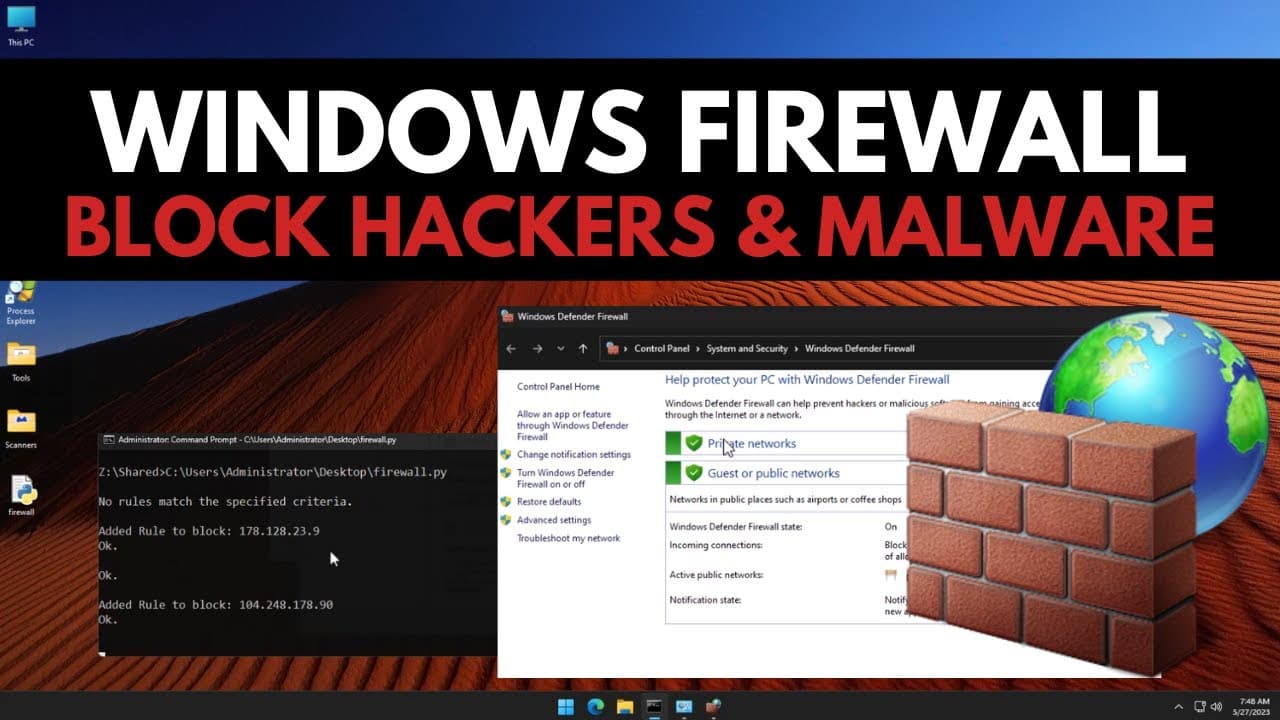
Windows Firewall can be extended to block malicious IP addresses by utilizing blocklists and automation.
Transcript
Windows Firewall you've all heard of it but what do you really use it for by default you likely see that it says it's green and it's working and that's probably good and maybe once in a while you get an alert for a video game that you need to allow so you have that annoying pop-up that you need to click on but other than that you probably never use... Read More
Key Insights
- 📏 Windows Firewall has default filtering rules, but they are not effective for blocking specific threats.
- 🤐 By using blocklists of malicious IPs, Windows Firewall can be enhanced to block connections to dangerous hosts.
- 💳 Automation through scripting simplifies the process of updating and maintaining blocklists in Windows Firewall.
- 🤐 Websites like abuse.ch and URL house offer free blocklists of known malicious IPs.
- 🛟 Blocklist automation can improve security and protect against malware, command and control servers, and even unwanted data collection.
- 😒 The use of third-party firewall software with built-in blocklist subscriptions can provide similar functionality.
- 🤗 Crowdsack, an open-source intrusion detection system, offers blocklist subscriptions and additional security features.
Install to Summarize YouTube Videos and Get Transcripts
Explore YouTube Video Summarizer or Get YouTube Transcript Extractor
Questions & Answers
Q: How does Windows Firewall handle non-standard connections?
Windows Firewall requires exceptions to be manually created for non-standard connections, such as video games, to allow them through the filtering process.
Q: Can Windows Firewall block random malware IP addresses?
No, Windows Firewall's default rules are not designed for blacklisting specific malicious IP addresses. Additional steps must be taken to enhance its functionality for blocking such threats.
Q: Where can I find blocklists of malicious IP addresses?
Websites like abuse.ch and URL house provide blocklists of malicious IPs known for hosting command and control infrastructure and malware domains.
Q: How can I automate the process of updating Windows Firewall with blocklists?
By using scripts and libraries like requests, CSV, and subprocess, you can download, convert, and add blocklist IPs to Windows Firewall automatically.
Summary & Key Takeaways
-
Windows Firewall filters incoming and outgoing traffic, but its default rules are generic and do not include blacklisting.
-
By utilizing blocklists of malicious IP addresses, Windows Firewall can be enhanced to block connections to dangerous hosts.
-
Blocklist automation can be achieved through scripting, allowing for the regular updating and blocking of new threats.
Read in Other Languages (beta)
Share This Summary 📚
Summarize YouTube Videos and Get Video Transcripts with 1-Click
Try YouTube Summary with ChatGPT & Claude or YouTube Transcript Generator
Explore More Summaries from The PC Security Channel 📚






Summarize YouTube Videos and Get Video Transcripts with 1-Click
Try YouTube Summary with ChatGPT & Claude or YouTube Transcript Generator