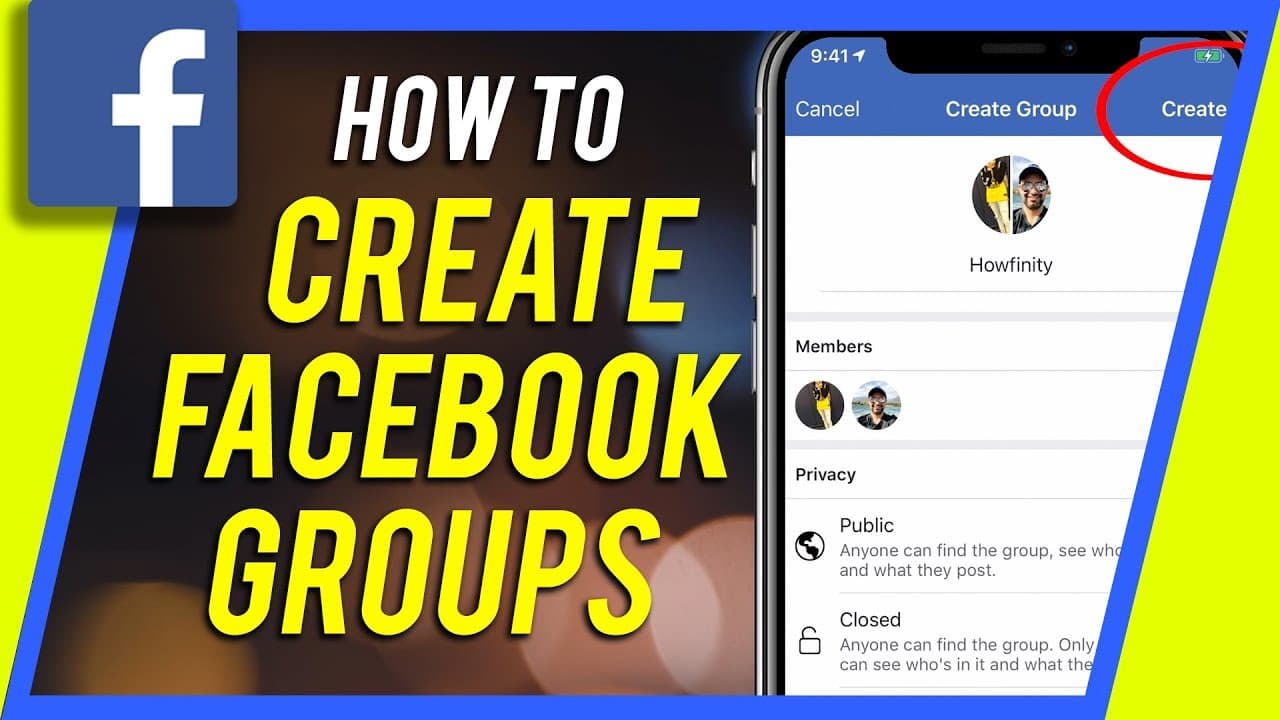
How to Create a Facebook Group on iPhone
TL;DR
Learn how to create and optimize a Facebook group, including privacy settings, adding members, and utilizing admin tools.
Transcript
hey everyone in this video I wanted to show you how to set up a Facebook group so this is a little bit different than a Facebook page but a lot of the functions are pretty much the same so let's jump into the Facebook app here and I'll show you how to set that up so on your Facebook app regardless of what page you're on just click the three lines o... Read More
Key Insights
- 👥 Facebook groups offer a platform for creating communities and facilitating discussions around specific interests or topics.
- 👥 Admin tools enable group owners to manage member requests, moderate posts, and customize settings for optimal group administration.
- 👥 Adding a cover photo and a compelling description can attract more members and provide clarity about the group's purpose.
- 👥 Facebook groups offer features such as group stories, events, and file sharing to enhance the overall group experience.
- 👥 Privacy settings allow group owners to control who can join and access the group's content.
- 👥 Utilizing discussion and engagement in the group can foster a sense of community and encourage more active participation.
- 💁 Groups can be utilized for various purposes, such as sharing information, organizing events, or collaborating on projects.
Install to Summarize YouTube Videos and Get Transcripts
Explore YouTube Video Summarizer or Get YouTube Transcript Extractor
Questions & Answers
Q: What is the difference between a Facebook page and a Facebook group?
While both have similar functions, a Facebook group is more interactive and collaborative, allowing members to engage in discussions and share content, unlike a static Facebook page.
Q: How can I invite others to join my Facebook group?
To add members, click on the "Add" button and search for their names. You can select multiple people to invite at once, and they will receive a notification to join the group.
Q: What are the privacy options for a Facebook group?
There are three privacy options: public, closed, and secret. Public groups are visible to anyone and their posts are public. Closed groups require approval to join and their posts are only visible to members. Secret groups are hidden from search and can only be joined by invitation.
Q: Can I customize the look and feel of my Facebook group?
Yes, you can upload a cover photo, choose a color for the group, and add a description to provide information about the group's purpose and rules.
Summary & Key Takeaways
-
The video tutorial provides step-by-step instructions on setting up a Facebook group, including naming, choosing an image, and selecting privacy settings.
-
It covers how to add members to the group and provides insights into admin tools, such as member approval and post moderation.
-
The tutorial also explains how to customize the group with a cover photo, description, and group story, as well as utilize features like events, files, and discussions.
Read in Other Languages (beta)
Share This Summary 📚
Summarize YouTube Videos and Get Video Transcripts with 1-Click
Try YouTube Summary with ChatGPT & Claude or YouTube Transcript Generator
Explore More Summaries from Howfinity 📚



Summarize YouTube Videos and Get Video Transcripts with 1-Click
Try YouTube Summary with ChatGPT & Claude or YouTube Transcript Generator