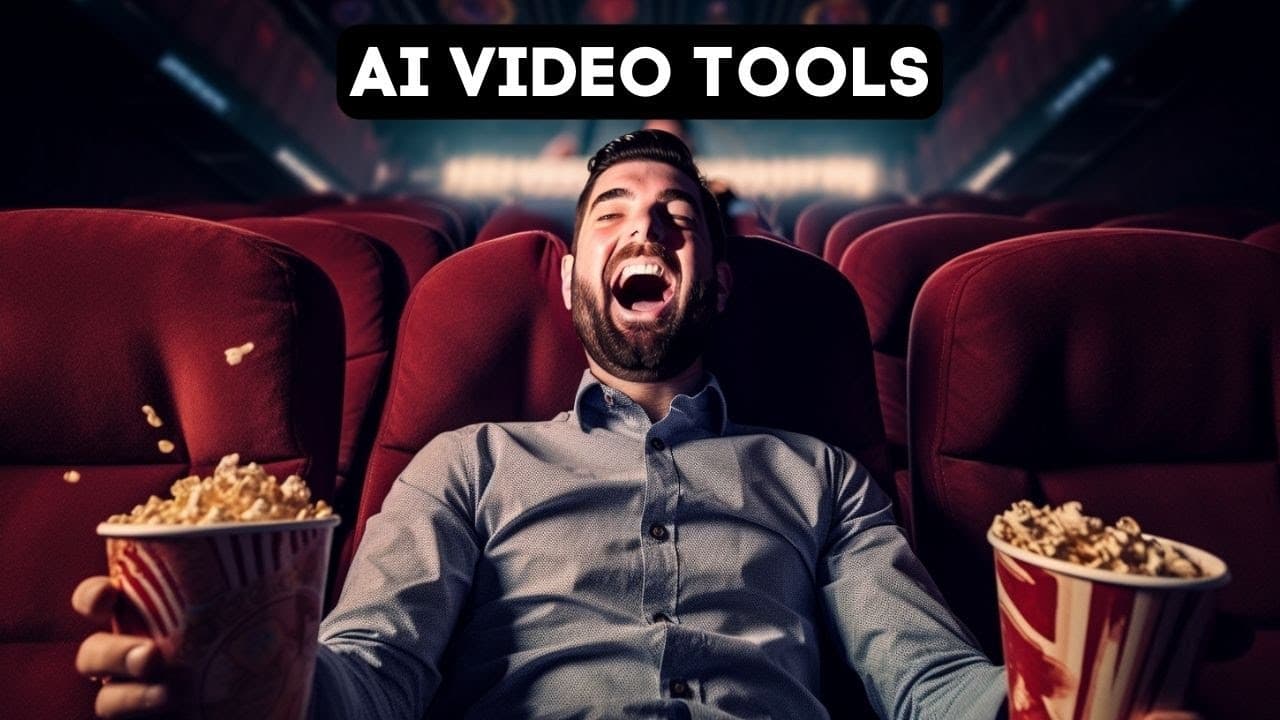
Look At What We Can Do With AI Video Now!
TL;DR
Discover a variety of AI video tools that can transform and enhance your videos with creative effects, including animated faces, 3D animations, and personalized visuals.
Transcript
I recently posted this video on my Twitter account and a ton of people asked me how I did it and this video was Ultra simple to make now I went to my daughter's school father daughter dance and they had this cool 360 camera where you stand on a platform and the camera sort of rotated around you and they shot this video of us and the video they gave... Read More
Key Insights
- 🎮 AI video tools offer a wide range of options for transforming and enhancing videos, allowing users to apply creative effects like animated faces, 3D animations, and personalized visuals.
- 🎮 The use of AI in video editing is becoming increasingly popular, with numerous tools available for producing unique and captivating video content.
- 🥺 Combining different AI video tools can lead to even more creative and visually stunning results, as demonstrated by examples such as blending Nerfs with kyber's effects or pairing GenMo animations with Wonder Dynamics' character replacement.
- 🥶 Many AI video tools are free to use or offer free trials, making them accessible to a wide audience with varying levels of expertise.
Install to Summarize YouTube Videos and Get Transcripts
Explore YouTube Video Summarizer or Get YouTube Transcript Extractor
Questions & Answers
Q: How does Dash ID work to animate faces?
Dash ID is a simple tool where users can upload an image of a person and add animation to the face, including synchronized mouth movements and subtle motions, creating an animated character.
Q: Can Leia pics add motion to still images?
Yes, Leia pics is capable of animating still images by adding a 3D effect, altering animation length, style, motion, and focus, creating interesting visual effects.
Q: What can animated drawings by Meta be used for?
Animated drawings can breathe life into children's drawings or AI-generated images by scanning and animating the visuals based on designated points, allowing for simple animations and added fun.
Q: How does GenMo enhance videos and images?
GenMo offers text-to-video and image-based animations, allowing users to create unique videos by describing edits and styles, generating animations that match the provided prompts.
Q: What are some features of D-Coherence?
D-Coherence simplifies the use of D-Forum, a technology that turns collections of images or videos into 3D objects. Users can create animations, apply effects, and adjust camera movements to enhance their videos.
Q: How can Nerfs be used to create captivating videos?
Nerfs involve capturing multiple images or videos of an object from various angles to create a 3D representation. By utilizing tools like Luma Labs, users can generate animations and apply effects to these 3D objects.
Q: What effects can Kyber add to videos?
Kyber can apply a range of effects to videos, such as transforming images into retrofuturistic styles, adding unique animations, and merging prompts to create visually appealing and customized videos.
Q: How does Wonder Dynamics replace people in videos with 3D characters?
Wonder Dynamics specializes in replacing individuals in videos with 3D characters. By using AI and 3D modeling, users can create captivating and innovative videos featuring personalized 3D characters.
Summary & Key Takeaways
-
The video showcases various AI video tools and their capabilities, including Dash ID, Leia pics, animated drawings, Runway, Model Scope, GenMo, Plasma Punk, D-Coherence, Nerfs, Kyber, and Wonder Dynamics.
-
With Dash ID, users can animate faces and create personalized videos using images and scripts.
-
Leia pics enables users to add 3D motion to still images, providing a unique and dynamic effect.
-
Animated drawings by Meta allow users to animate children's drawings and AI-generated images, adding movement and life to still visuals.
Read in Other Languages (beta)
Share This Summary 📚
Summarize YouTube Videos and Get Video Transcripts with 1-Click
Try YouTube Summary with ChatGPT & Claude or YouTube Transcript Generator
Explore More Summaries from Matt Wolfe 📚
Summarize YouTube Videos and Get Video Transcripts with 1-Click
Try YouTube Summary with ChatGPT & Claude or YouTube Transcript Generator