Discord Bots 1: Introduction
TL;DR
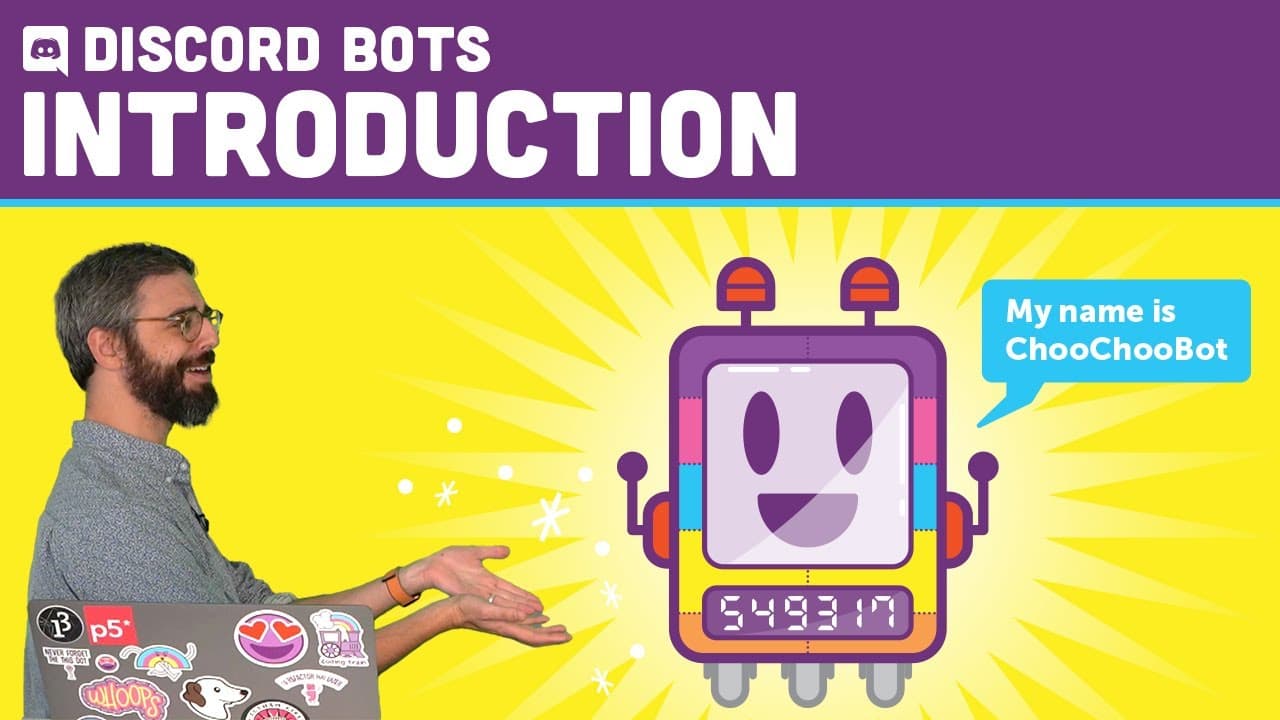
This video tutorial series will guide you through the process of creating your own Discord bot, covering technical requirements, code writing basics, and deployment options.
Transcript
[TRAIN WHISTLE] Hello. OK, I have to admit something to you. This is a substitute train whistle. But this is not a substitute Coding Train video. I'm so excited about what I am embarking on today, a new tutorial sequence about how to make your own Discord bot. I hope that by the end of all these videos, however many I end up making, you'll be able ... Read More
Key Insights
- 🤖 Creating a Discord bot involves technical components like a text editor, console access, and Node.js.
- 🤖 Discord bots communicate with the Discord server, which manages the flow of messages between users and bots.
- 💻 Deploying a Discord bot requires a permanent computer, which can be achieved through services like Glitch, Heroku, DigitalOcean, or personal setups like Raspberry Pi or dedicated old computers.
- 🐕🦺 Discord servers are separate from the Discord service, representing individual communities, like the Coding Train community.
- 🤖 Discord bots can be members of multiple servers and automate various tasks.
- 🤖 To create a Discord bot, users need console access, a text editor, and Node.js, all of which can be easily obtained or installed.
- 🤖 The Discord Developer portal is where users create their bot accounts and obtain the necessary information for coding.
Install to Summarize YouTube Videos and Get Transcripts
Explore YouTube Video Summarizer or Get YouTube Transcript Extractor
Questions & Answers
Q: What is the purpose of the tutorial series?
The tutorial series aims to help users create their own Discord bots that can be run on their own Discord servers or other participating servers.
Q: Where can users join the Coding Train Discord server?
Users can join the Coding Train Discord server by following the invite link provided in the video description. They will need a Discord account to join.
Q: Why is it important to read and follow the code of conduct for the Coding Train Discord server?
The code of conduct outlines the rules and expectations for the server, ensuring a respectful and inclusive community. Reacting with an emoji is required to gain access to all the channels.
Q: What is the advantage of joining the Discord server for assistance with code and sharing experiences?
The Discord server provides a supportive environment where users can seek help with coding, share their pets' pictures, and participate in various channels for different interests.
Summary & Key Takeaways
-
The video introduces a tutorial series on creating Discord bots from scratch, with the goal of having your own bot running on your Discord server.
-
The first video covers the technical requirements, such as a text editor, console access, and Node.js, as well as creating a Discord application and obtaining a secret token key.
-
The video also highlights the Coding Train Discord server, where users can join, follow a code of conduct, seek help, and engage with the community.
Read in Other Languages (beta)
Share This Summary 📚
Summarize YouTube Videos and Get Video Transcripts with 1-Click
Try YouTube Summary with ChatGPT & Claude or YouTube Transcript Generator
Explore More Summaries from The Coding Train 📚






Summarize YouTube Videos and Get Video Transcripts with 1-Click
Try YouTube Summary with ChatGPT & Claude or YouTube Transcript Generator