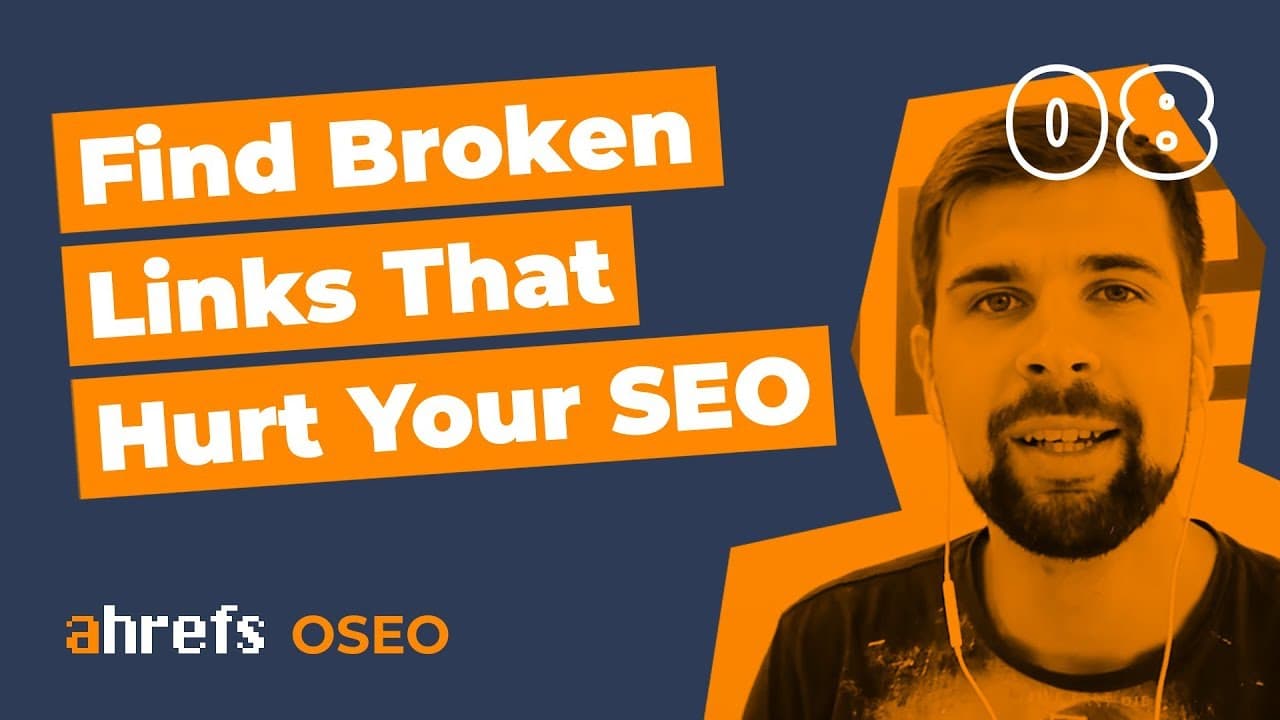
How To Find Broken Links And Broken Backlinks That Hurt Your SEO [OSEO-08]
TL;DR
Learn how to find and fix broken links and backlinks.
Transcript
Hey guys, this is Tim soulo from Ahrefs, and today I wanted to talk about broken links and broken backlinks because both of them hurt your website's performance in Google You're watching episode number 8 of the oversimplified SEO. Okay, let's start from a quick FAQ. A broken link is when a page on your site is linking to some other page that no lon... Read More
Key Insights
- Broken links on your site lead to a poor user experience and can cause Google to devalue your page, affecting your SEO rankings negatively.
- A broken backlink occurs when another site links to a non-existent page on your site, failing to provide any SEO benefit.
- Ahrefs' Site Explorer is a useful tool for identifying broken links and backlinks, allowing you to address these issues efficiently.
- Fixing broken links involves either updating them to live resources or removing them entirely to improve site performance.
- To fix broken backlinks, you can recreate the missing page or set up a 301 redirect to a relevant page, preserving link equity.
- Outsourcing the task of fixing broken links and backlinks to freelancers can save time and ensure thoroughness.
- The presence of broken links and backlinks presents a significant opportunity to improve website performance and organic traffic.
- Regularly monitoring and addressing broken links and backlinks is crucial for maintaining and enhancing your site’s SEO health.
Install to Summarize YouTube Videos and Get Transcripts
Explore YouTube Video Summarizer or Get YouTube Transcript Extractor
Questions & Answers
Q: What is a broken link, and why is it problematic?
A broken link occurs when a page on your site links to another page that no longer exists. This is problematic because it creates a poor user experience, discouraging visitors, and leads Google to devalue your page as it seems to link to outdated resources.
Q: How can broken backlinks affect your website's SEO?
Broken backlinks occur when another site links to a non-existent page on your site. These links fail to provide any 'link juice' or SEO benefit, as Google does not count them, potentially impacting your site’s ranking and visibility negatively.
Q: What tools can help identify broken links and backlinks?
Ahrefs' Site Explorer is an effective tool for identifying broken links and backlinks. It provides detailed reports that allow you to locate and address these issues, improving your website’s SEO performance and user experience.
Q: What are the steps to fix broken links on your website?
To fix broken links, you can update the links to point to live resources or remove them entirely if they are no longer relevant. This helps improve user experience and ensures Google values your page appropriately, enhancing your SEO.
Q: How can you address broken backlinks?
To address broken backlinks, you can recreate the missing page or set up a 301 redirect to a relevant page on your site. This maintains some of the link equity and ensures the backlinks continue to benefit your SEO efforts.
Q: Why might you consider outsourcing the task of fixing broken links and backlinks?
Outsourcing the task of fixing broken links and backlinks can save time and ensure thoroughness, as it can be a tedious and extensive process. Hiring freelancers or virtual assistants allows you to focus on other critical aspects of your business while ensuring your site’s SEO health.
Q: What opportunities do broken links and backlinks present?
Broken links and backlinks present a significant opportunity to improve your site’s performance and organic traffic. By addressing these issues, you can enhance user experience, retain link equity, and potentially boost your website’s ranking and visibility in search results.
Q: Why is regular monitoring of broken links and backlinks important?
Regular monitoring of broken links and backlinks is crucial for maintaining and enhancing your site’s SEO health. It ensures you promptly address any issues that arise, preserving user experience and link equity, and ultimately supporting your site’s ranking and performance in search engines.
Summary & Key Takeaways
-
Broken links and backlinks can negatively impact your website’s SEO by causing a poor user experience and reducing link equity. Using tools like Ahrefs' Site Explorer, you can easily identify and fix these issues, either by updating links or setting up redirects, thus improving your site’s performance.
-
Ahrefs' Site Explorer helps identify broken links and backlinks, allowing users to fix them by updating or removing outdated links and setting up 301 redirects for missing pages. This process improves user experience and retains link equity, enhancing the site's SEO performance.
-
Fixing broken links and backlinks is an essential SEO task that can be managed using Ahrefs' tools. By addressing these issues, you can improve your website’s ranking and user experience, making it essential to regularly monitor and fix broken links and backlinks for optimal performance.
Read in Other Languages (beta)
Share This Summary 📚
Summarize YouTube Videos and Get Video Transcripts with 1-Click
Try YouTube Summary with ChatGPT & Claude or YouTube Transcript Generator
Explore More Summaries from Ahrefs 📚


![Three Customer Acquisition Channels That Actually Work [1.2] thumbnail](/_next/image?url=https%3A%2F%2Fi.ytimg.com%2Fvi%2F1HhE_ewaOxQ%2Fhqdefault.jpg&w=750&q=75)


Summarize YouTube Videos and Get Video Transcripts with 1-Click
Try YouTube Summary with ChatGPT & Claude or YouTube Transcript Generator