How to never accidentally run Malware: Must Have Windows Tweaks
TL;DR
Learn how to configure your system correctly to prevent malware infections and avoid mistakenly running malicious applications.
Transcript
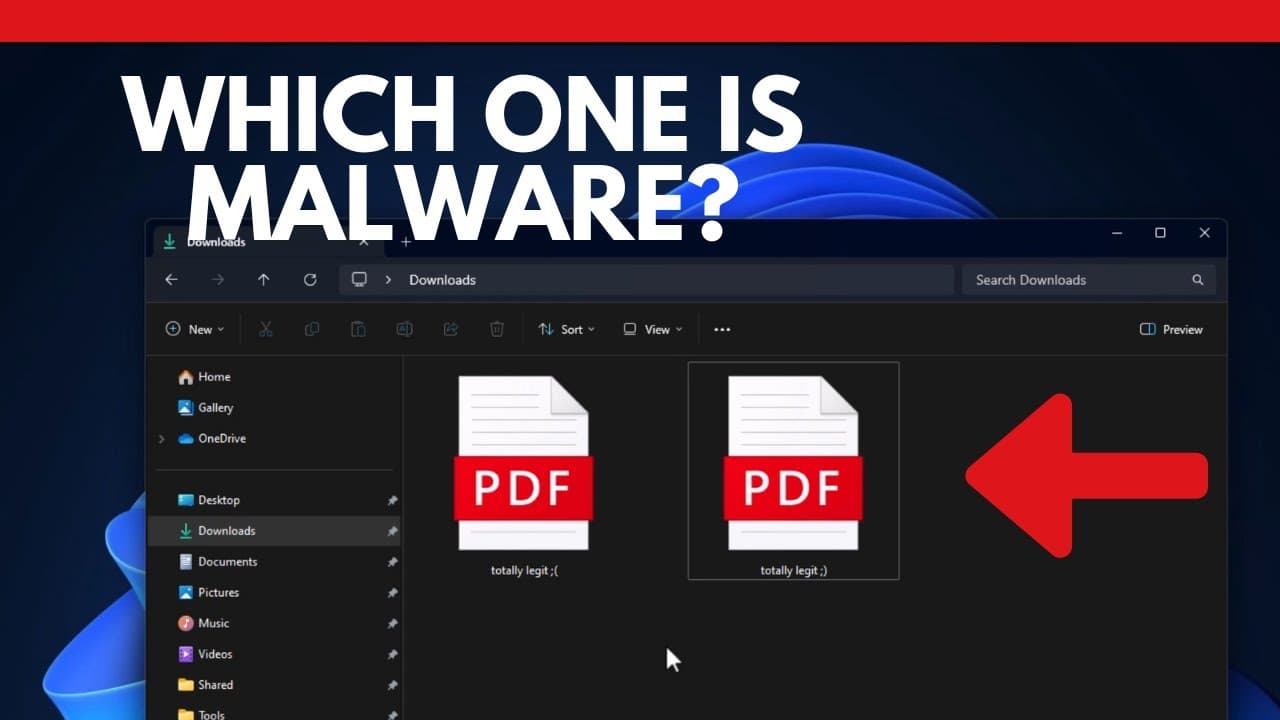
so we have two files like two doors over here one of them is the door of Doom that is going to lead to this computer being completely destroyed all of our data erased and the other one is just an innocent normal PDF that we need to open they both say they're totally legit and as a cyber security analyst myself I couldn't tell you which one was inno... Read More
Key Insights
- 😇 Users often struggle to identify innocent files from malicious applications, making them vulnerable to malware infections.
- 📁 File type indicators and details view in the file explorer can assist in distinguishing between files and applications.
- 🤗 Browser settings should be adjusted to avoid automatically opening downloads.
- 📁 Displaying file extensions provides important information for identifying file types.
- ⌛ Malware prevention software, like Malwarebytes, offers real-time protection and advanced security features.
- 🛩️ Small configuration changes can significantly reduce the risk of malware infections.
- 📁 Basic security measures, such as file type awareness and file extension visibility, can have a profound impact on preventing malware attacks.
Install to Summarize YouTube Videos and Get Transcripts
Explore YouTube Video Summarizer or Get YouTube Transcript Extractor
Questions & Answers
Q: How can users differentiate between innocent files and malicious applications?
Users should look at the file type instead of relying on icons, as icons can be changed. Enabling details view in the file explorer and using the preview window can also help identify applications.
Q: Why is it important to prioritize file type in the file explorer?
By sorting files by type, users can easily distinguish between legitimate files and applications. This prevents accidentally running malware when multiple files with similar names are present.
Q: What browser settings can help prevent accidental malware execution?
Users should set a download location and disable the prompt to open downloads directly. This allows them to review downloaded files before executing them, reducing the risk of running malicious applications.
Q: How can showing file extensions help prevent malware infections?
Enabling the display of file extensions allows users to see the full name of a file, helping them differentiate between different file types. This prevents mistakenly opening an application thinking it's a harmless file.
Summary & Key Takeaways
-
Many users have difficulty distinguishing between legitimate files and malicious applications, leading to dangerous situations like ransomware infections.
-
To avoid this, users should rely on file type indicators instead of icons, enable details view in the file explorer, and use the preview window to identify applications.
-
Changing browser settings to disable automatic opening of downloads and showing file extensions can further prevent accidental execution of malware.
Read in Other Languages (beta)
Share This Summary 📚
Summarize YouTube Videos and Get Video Transcripts with 1-Click
Try YouTube Summary with ChatGPT & Claude or YouTube Transcript Generator
Explore More Summaries from The PC Security Channel 📚






Summarize YouTube Videos and Get Video Transcripts with 1-Click
Try YouTube Summary with ChatGPT & Claude or YouTube Transcript Generator