How to Find Free and Paid Stock Photos for YouTube
TL;DR
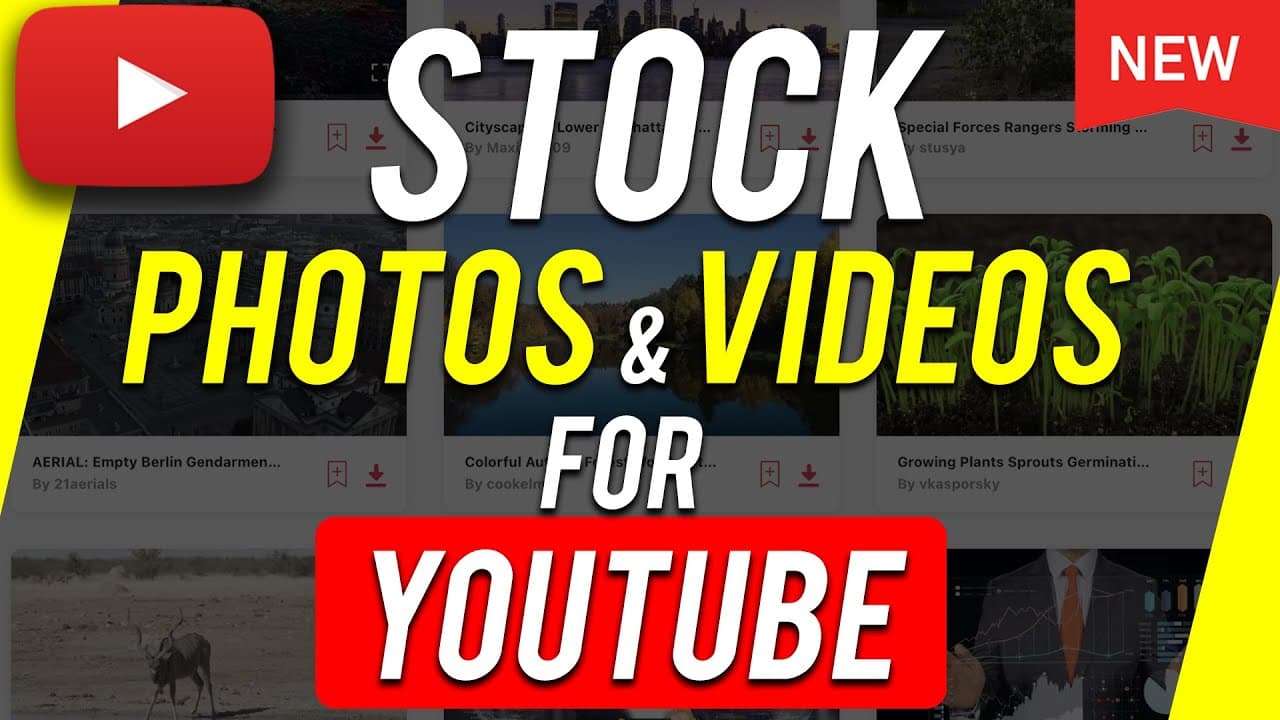
To find stock photos and videos for YouTube, use Pixabay for free options without requiring attribution for many assets. For a more professional selection that includes music and advanced filtering, consider a subscription-based platform, which can save you time and enhance video quality with superior content.
Transcript
hey everyone in today's video i want to show you two different resources for finding stock photos and stock videos for your youtube videos as well as other videos you may want to create for clients down the road now the way i use these is i also use them for my video production company because one of the resources i'm going to show you basically gi... Read More
Key Insights
- 🎮 Using stock photos and videos can significantly increase viewer retention in YouTube videos.
- 🥶 Pixabay.com offers a free option for accessing a wide range of stock visuals, with most not requiring attribution.
- ⚾ Subscription-based platforms provide a more professional selection of stock assets suitable for commercial and client projects.
- 🫵 Incorporating diverse visuals throughout a video can make it more visually appealing and help retain viewer attention.
- 📼 Stock resources can also provide additional assets like music, sound effects, and graphic templates, enhancing the overall quality of the video.
- 👨🔬 The subscription-based platform saves time by providing a more efficient search and filtering system for finding relevant stock assets.
- 🎮 Advanced options like looped videos and alpha channel videos allow for more creative and professional video editing.
Install to Summarize YouTube Videos and Get Transcripts
Explore YouTube Video Summarizer or Get YouTube Transcript Extractor
Questions & Answers
Q: What are the main benefits of using stock photos and videos in YouTube videos?
Incorporating stock visuals can increase viewer retention by providing engaging visual elements that complement the content being discussed. It avoids solely relying on a talking head format, making the video more interesting and appealing to the audience.
Q: Where can I find free stock photos and videos?
Pixabay.com is a free resource where you can find a wide range of stock photos and videos. Most of them can be used for free without requiring attribution, making it convenient for YouTube videos.
Q: What are the advantages of using a subscription-based stock resource?
The subscription-based platform offers a more professional selection of stock assets, including photos, videos, music, sound effects, and graphic templates. It provides advanced filtering options and higher quality videos, making it suitable for commercial use and professional projects.
Q: How can stock photos and videos be used effectively in YouTube videos?
Stock visuals can be used to enhance the storytelling and visual appeal of the video. For example, in travel vlogs, time-lapse footage of a city can be used to showcase the location. Adding relevant visuals can capture the attention of viewers and improve overall engagement.
Summary & Key Takeaways
-
The video introduces two resources for finding stock photos and videos: Pixabay.com and a subscription-based platform.
-
Pixabay.com offers a vast selection of free stock photos and videos for commercial use, with some requiring attribution.
-
The subscription-based platform provides a more professional and diverse range of stock assets, including photos, videos, music, sound effects, and graphic templates.
Read in Other Languages (beta)
Share This Summary 📚
Summarize YouTube Videos and Get Video Transcripts with 1-Click
Try YouTube Summary with ChatGPT & Claude or YouTube Transcript Generator
Explore More Summaries from Howfinity 📚

Summarize YouTube Videos and Get Video Transcripts with 1-Click
Try YouTube Summary with ChatGPT & Claude or YouTube Transcript Generator