Django and Stripe Payments Tutorial
TL;DR
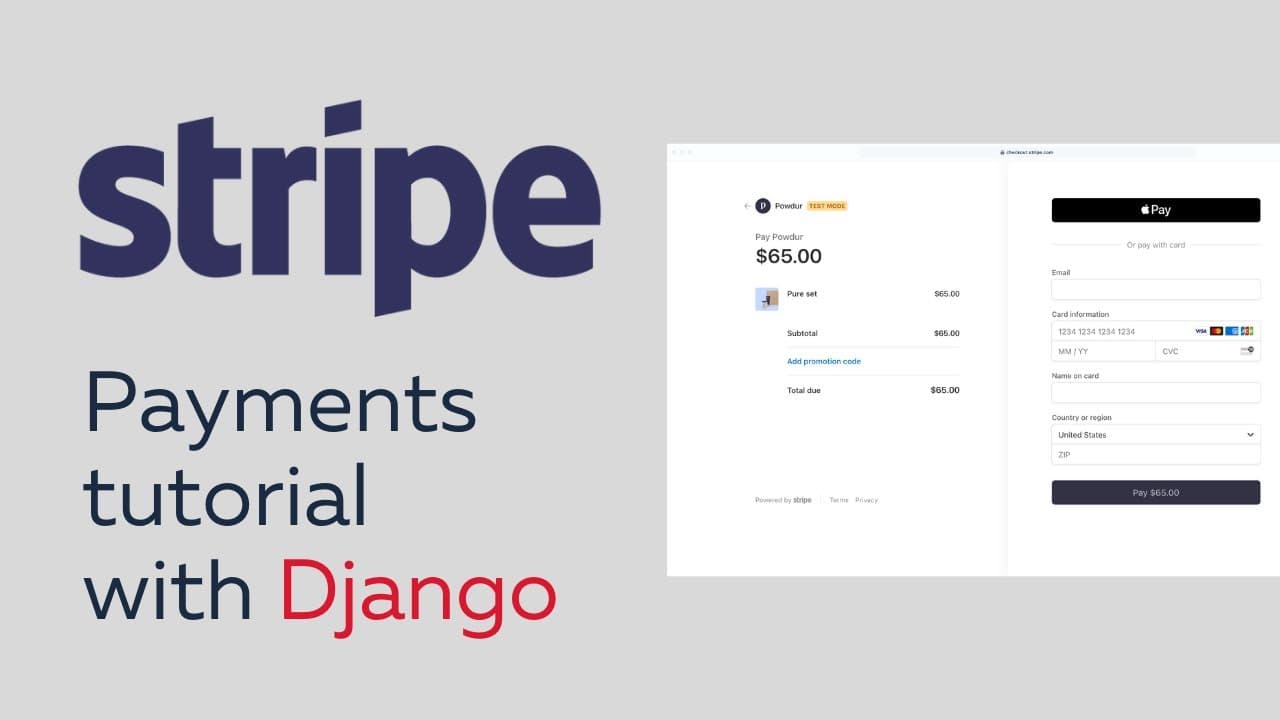
Follow this tutorial to learn how to integrate Stripe payments into your Django project, including creating a payment intent and handling webhooks.
Transcript
hey everyone welcome to another video in this one we're going to be showing how you can integrate stripe payments into a django project and you can follow along using the django stripe github repository link is in the description down below and there's this starter files branch that you can use to follow along with the starting code and so just clo... Read More
Key Insights
- 🎬 The video tutorial is about integrating stripe payments into a Django project using the django-stripe GitHub repository. The tutorial provides a link to the repository and suggests using the starter files branch to follow along with the starting code.
- 🎉 The tutorial emphasizes the importance of subscribing to the channel, liking the video, and supporting the channel to allow for the creation of more free content.
- 💼 The instructor mentions a new course on learn.justjango.com, where they build a clone of Gumroad, a marketplace for creators to sell their digital products. The course covers the use of stripe payments and stripe connect for handling payouts to creators.
- 🔑 To follow along with the tutorial, the viewer will need a stripe account and API keys, specifically the publishable key and secret key. These keys are stored in the settings.py file of the Django project.
- 🚀 The tutorial demonstrates the process of integrating stripe payments by creating a basic application to handle stripe payments. It starts with creating a product model in Django, setting up the stripe API keys, and making use of the stripe checkout for handling payments.
- 📚 An example of a digital product that can be sold is shown, where the user purchases access to a database, and after successful payment, receives an email with the URL to the product. The example serves as a simple implementation of stripe payments.
- 💡 The tutorial then moves on to demonstrate the creation of a payment intent, which is part of the custom payment flow. The payment intent tracks the customer's payment lifecycle and is used to confirm card payments. The video covers creating the payment intent on the server and using the client secret to handle payment confirmation on the front end.
- 📝 The tutorial explains how to handle stripe webhooks to receive event notifications when a customer makes a payment. Webhooks are used to fulfill orders and notify the seller of successful payments. The video covers creating an event handler in Django to process webhook events, verify their origin, and take appropriate action, such as sending the customer an email with access to the purchased product.
- 💳 The tutorial concludes by demonstrating the usage of the stripe CLI to test the event handler and ensure the successful handling of payment events, such as 'checkout.session.completed'. The instructor covers verifying the webhook signature, handling any errors, and processing the payment information to provide customers with the purchased product or access.
Install to Summarize YouTube Videos and Get Transcripts
Explore YouTube Video Summarizer or Get YouTube Transcript Extractor
Questions & Answers
Q: How can Stripe payments be integrated into a Django project?
To integrate Stripe payments into a Django project, follow the step-by-step instructions in the tutorial. It covers setting up the project, creating a payment intent, handling webhooks, and sending email receipts to customers. Additionally, the tutorial suggests implementing a custom payment flow and securely storing digital files or URLs for products.
Q: What are some examples of digital products that can be sold using Stripe payments in Django?
Examples of digital products that can be sold using Stripe payments in Django include ebooks, airtable databases, notion templates, and other digital files or content. With Stripe payments integrated into a Django project, creators can securely sell and distribute their digital products to customers.
Q: How can webhooks be used to handle events and ensure payment success in a Django project?
Webhooks allow for the handling of events, such as successful payments, in a Django project. By configuring webhooks in the Stripe dashboard and setting up a view in Django to receive webhook events, developers can ensure that payments are successfully processed and take necessary actions, such as sending email receipts or providing customers with access to purchased products.
Q: How can a custom payment flow be implemented in a Django project?
To implement a custom payment flow in a Django project, developers can follow the instructions in the tutorial. This involves creating a payment intent, building a custom payment form, and handling the payment confirmation process. By customizing the payment flow, developers have more control over the user experience and can tailor it to their application's specific requirements.
Summary & Key Takeaways
-
The video tutorial demonstrates how to integrate Stripe payments into a Django project.
-
It covers setting up the project, creating a payment intent, handling webhooks, and sending email receipts to customers.
-
The tutorial also provides guidance on implementing a custom payment flow and securely storing digital files or URLs for products.
Read in Other Languages (beta)
Share This Summary 📚
Summarize YouTube Videos and Get Video Transcripts with 1-Click
Try YouTube Summary with ChatGPT & Claude or YouTube Transcript Generator