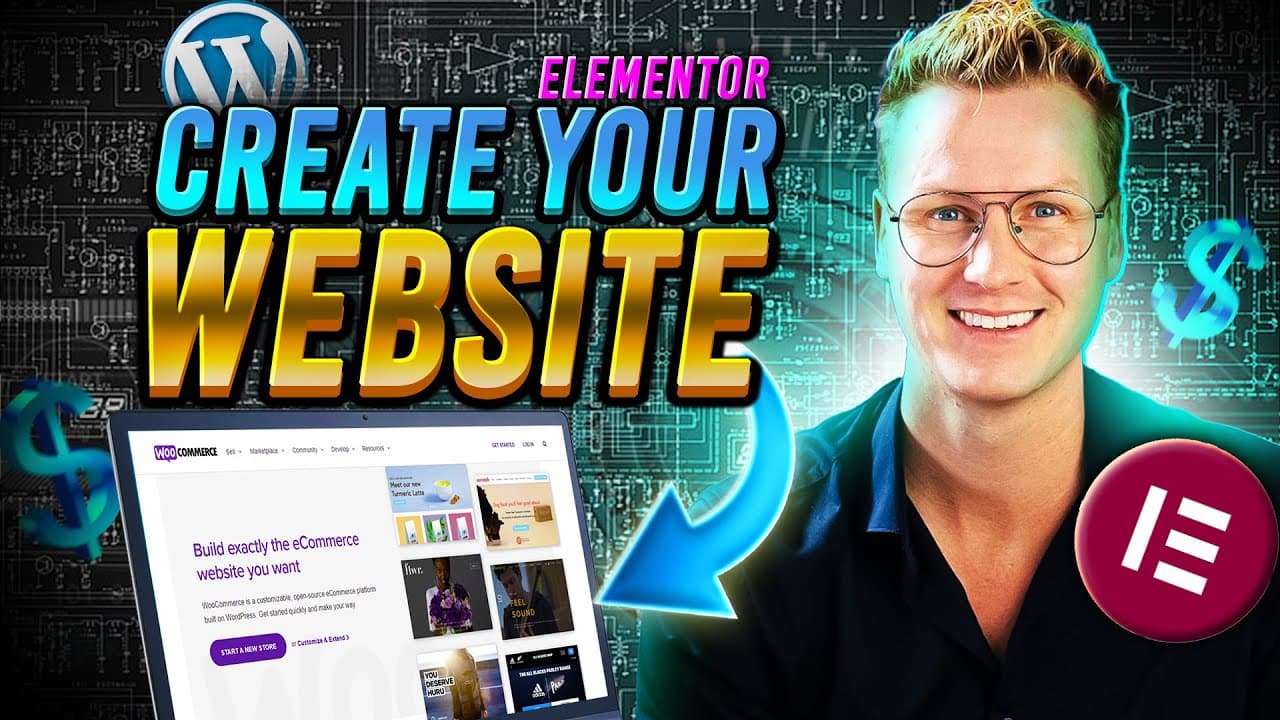
How To Create A Wordpress Website In 2024 | Elementor Flexbox Container Tutorial
TL;DR
Learn how to create a professional website using WordPress and Elementor, including branding, color schemes, fonts, and page design, all for free.
Transcript
making a website has never been easier and in this tutorial I will show you step by step how you can create your own website let me show you what we will cover in this tutorial I will show you how to get your own.com domain name for free if you don't have one and then we will install WordPress WordPress is the most powerful website builde... Read More
Key Insights
- 🎨 Branding: Building a website requires careful consideration of the branding elements such as colors, fonts, and logo design. It is important to select colors that reflect the brand's message and choose fonts that align with the desired style.
- 💻 WordPress: WordPress is an ideal website builder as it is free and offers a wide range of powerful features. It is the most popular website builder globally, powering over 43% of all websites.
- 🧩 Elementor: Elementor is a free page builder plugin for WordPress that enables users to create stunning websites using a simple drag-and-drop method. It allows for easy customization of website pages with just a few clicks.
- 🎨 Customization: With Elementor, users can easily customize the design and style of their websites using global colors and easy-to-use design settings. This allows for quick changes to the overall look and feel of the website.
- 🔖 Structuring: Proper page structuring is essential for creating an effective website. Users should focus on creating a homepage, about page, services or portfolio page, and a contact page. These pages should align with the goals of the website and contribute to its overall purpose.
- 🔍 SEO: Creating blog posts and optimizing the website for search engines can help generate organic traffic and attract potential clients. It is important to focus on creating high-quality content and using relevant keywords to improve search engine rankings.
- 🖼️ Portfolio: Showcasing your work through a portfolio page allows potential clients to see your skills and capabilities. Including high-quality images and relevant information can help impress potential clients and generate interest in your services.
- 🔌 Plugins: Integrating external plugins can enhance website functionalities and provide additional features such as custom Elementor elements and contact forms. It is important to carefully select and install plugins that are relevant to your website's needs.
- 🔄 Time-saving: Utilizing features such as saving parts of designs and copying and pasting sections of the website can save time in the website creation process. This allows users to easily reuse design elements and layouts across different pages.
- 👥 Income Generation: Through the skills learned in creating a professional website, individuals can start making websites for others and generate an additional source of income. The ability to create professional websites can be a valuable skill in today's digital world.
Install to Summarize YouTube Videos and Get Transcripts
Explore YouTube Video Summarizer or Get YouTube Transcript Extractor
Questions & Answers
Q: How can you obtain a free domain name for your website?
In the tutorial, the presenter recommends using Hostinger, a web hosting platform that offers a free domain name along with their web hosting plans. By signing up for a plan with Hostinger, you can obtain a free domain name for your website.
Q: What is the purpose of using Global colors in Elementor?
Global colors allow you to change the color scheme of your website with just a few clicks. By using Global colors in Elementor, you can ensure that the colors are consistent throughout your site and easily modify them if needed.
Q: How can you change the style of the website header using Elementor?
In Elementor, you can change the style of the website header by adding and customizing elements such as menus, buttons, social icons, and a search area. You can adjust the placement, design, and functionality of these elements to create a header that suits your website's branding and goals.
Q: Is it possible to create different page layouts using Elementor?
Yes, Elementor allows you to create various page layouts by using different templates, sections, and widgets. The tutorial demonstrates how you can design pages with different styles, such as a homepage, about page, portfolio page, and blog posts, using the drag and drop feature of Elementor.
Q: Can you change the fonts on your website using Elementor?
Yes, you can change the fonts on your website using the fonts feature in Elementor. You can select from a wide range of Google Fonts or import custom fonts, and apply them to different elements of your website, such as headings, body text, menus, and buttons.
Q: How can you make your website header sticky (fixed) so that it remains visible while scrolling?
Elementor allows you to make your website header sticky by enabling the sticky functionality in the global header settings. You can choose to stick the main row or multiple rows, select different effects for the sticky header, and even set an offset if needed.
Q: What are some additional functionalities you can add to your website using plugins?
The tutorial mentions that you can enhance your website's functionalities by adding external plugins, such as extra Elementor elements or contact forms. These can help you create a more interactive and feature-rich website for your visitors.
Summary & Key Takeaways
-
This tutorial guides you through the process of creating your own website using WordPress and Elementor, covering topics such as obtaining a free domain name, installing WordPress, and designing your website from scratch.
-
The tutorial emphasizes branding, including choosing the right colors and fonts, and creating or outsourcing a logo.
-
It also covers using Elementor, a free page builder, to easily create and edit pages on your website, and provides tips for optimizing your site for different devices, creating blog posts and a portfolio page, and adding additional functionalities through plugins.
Read in Other Languages (beta)
Share This Summary 📚
Summarize YouTube Videos and Get Video Transcripts with 1-Click
Try YouTube Summary with ChatGPT & Claude or YouTube Transcript Generator
Explore More Summaries from Ferdy Korpershoek 📚




Summarize YouTube Videos and Get Video Transcripts with 1-Click
Try YouTube Summary with ChatGPT & Claude or YouTube Transcript Generator