Upgrading to Windows XP in 2022
TL;DR
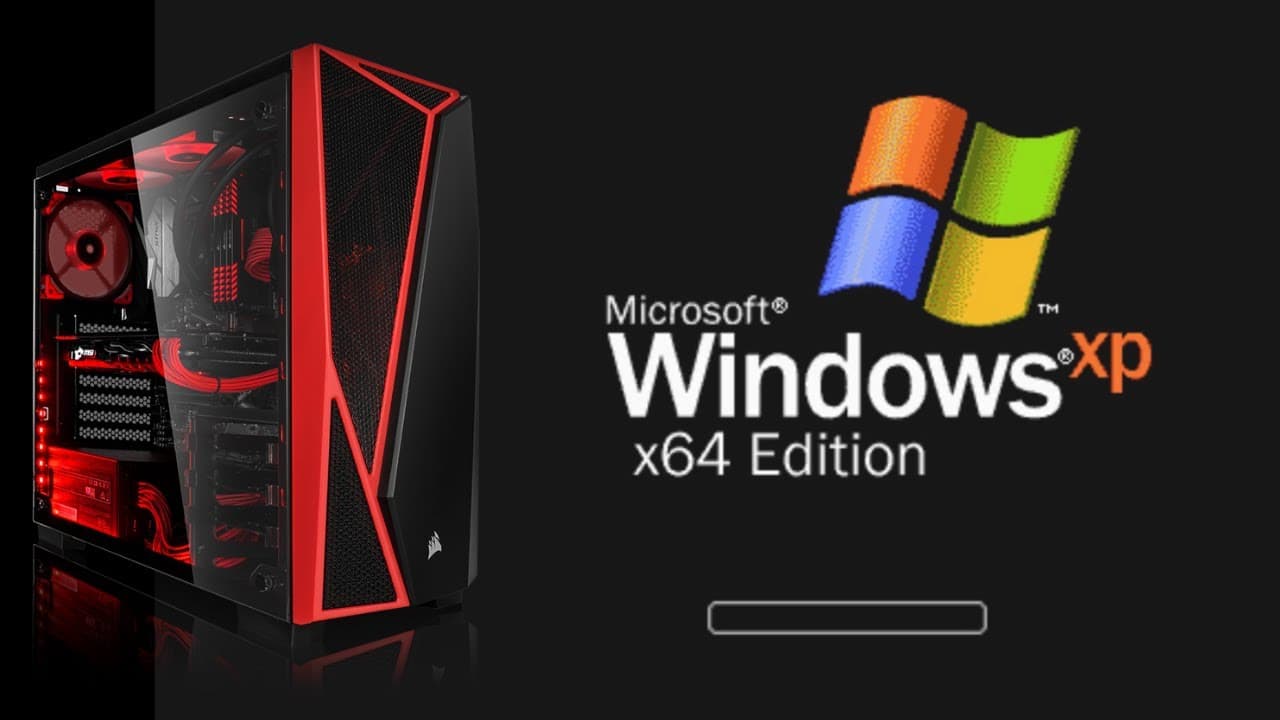
Watch as the content creator installs Windows XP on an SSD, reminiscing about the old days and exploring the simplicity and nostalgia of the operating system.
Transcript
what's it gonna be like installing windows xp on an ssd we're about to find out i totally forgot this part you didn't even have a gui while the initial setup was taking place so you had to do this with this uh blue and gray interface that looks kind of scary i'm almost getting ptsd from those days where i was scared if i messed up something in the ... Read More
Key Insights
- 👾 Windows XP's installation process on an SSD evokes nostalgia and curiosity about retro technology.
- 🤩 The lack of a GUI during initial setup and manual product key entry remind the content creator of the challenges of the past.
- 🏆 Compatibility concerns arise regarding the outdated Internet Explorer, while Google's functionality is tested.
- ❓ The simplicity and cleanliness of the Windows XP UI are appreciated, in contrast to the cluttered feel of modern operating systems.
- 👾 Familiar games like Solitaire and Minesweeper bring back fond memories of childhood.
- 😮 Windows XP's responsiveness and fast performance surprise the content creator, who compares it favorably to Windows 11.
- 👋 The content creator reflects on the popularity and enduring appeal of Windows XP, considering it one of the best Microsoft operating systems.
Install to Summarize YouTube Videos and Get Transcripts
Explore YouTube Video Summarizer or Get YouTube Transcript Extractor
Questions & Answers
Q: Why did the content creator choose to install Windows XP on an SSD?
The content creator wanted to create more fun content and explore retro malware. Installing Windows XP provides an opportunity to revisit the nostalgia of the operating system.
Q: Were there any challenges or concerns during the installation process?
While the initial setup with the blue and gray interface was reminiscent of older days, the content creator expressed concerns about typing in the product key manually. However, the installation process went smoothly overall.
Q: Why did the content creator believe that websites might not work with Internet Explorer in Windows XP?
Given the outdated nature of Internet Explorer, the content creator doubted its compatibility with modern websites. However, they speculated that Google might still function properly.
Q: How did the content creator feel about the simplicity of Windows XP compared to modern operating systems?
The content creator appreciated the simplicity and lack of clutter in Windows XP. They pointed out that the clean UI and limited file access made it easier to navigate and use the computer.
Summary & Key Takeaways
-
The content creator installs Windows XP on an SSD and reflects on the lack of GUI during the initial setup, reminiscing about the formatting fears of the past.
-
They highlight the outdated nature of Internet Explorer and speculate on website compatibility, while also discussing the reasons for upgrading to Windows XP in 2022.
-
The simplicity of the operating system is showcased through a demonstration of the clean UI, limited file access, and familiar games like Solitaire and Minesweeper.
Read in Other Languages (beta)
Share This Summary 📚
Summarize YouTube Videos and Get Video Transcripts with 1-Click
Try YouTube Summary with ChatGPT & Claude or YouTube Transcript Generator
Explore More Summaries from The PC Security Channel 📚






Summarize YouTube Videos and Get Video Transcripts with 1-Click
Try YouTube Summary with ChatGPT & Claude or YouTube Transcript Generator