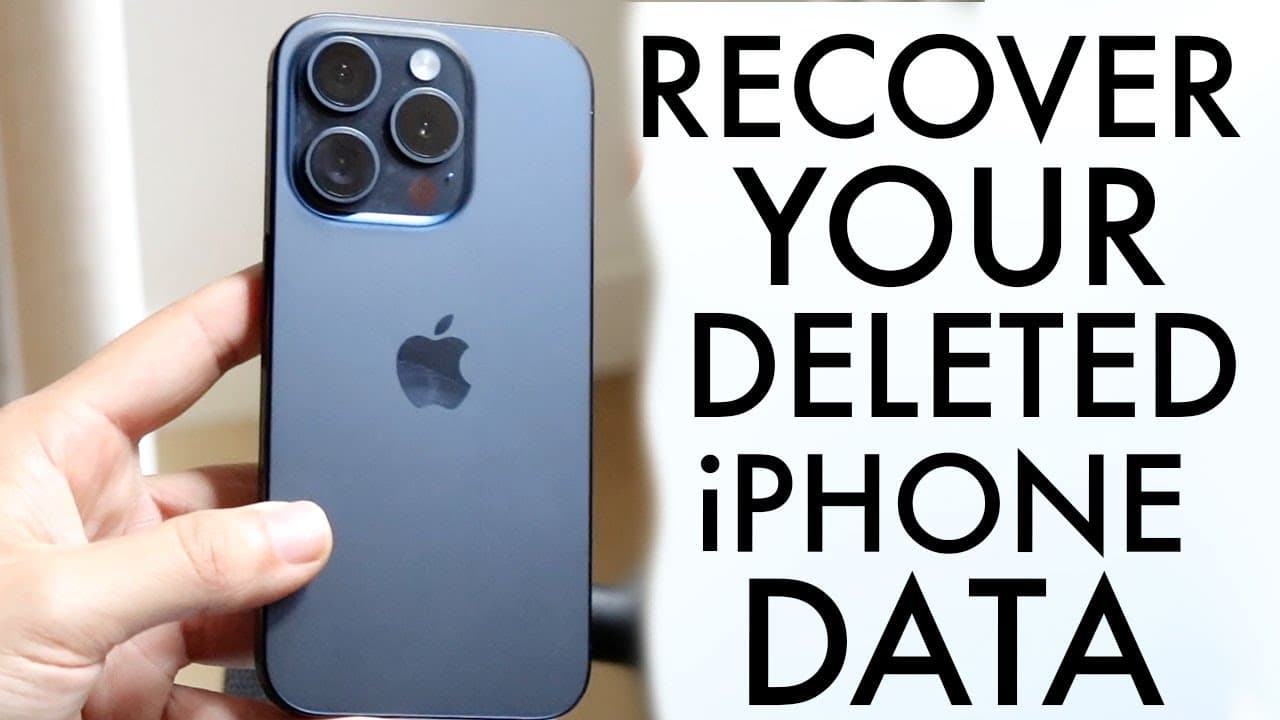
This Is How To Recover Deleted iPhone Data!
TL;DR
Learn simple methods to recover deleted messages, photos, and app data on your iPhone.
Transcript
so with every single iPhone out there you might be wanting to go ahead and recover some data that you accidentally deleted now luckily for us within our iPhones there are a many ways of recovering data from our iPhone without even having to do anything crazy anymore so the first things first if you want to recover deleted iMessages or messages that... Read More
Key Insights
- 🏃 iPhones running iOS 16 and above have a convenient "Recently Deleted" feature for message recovery, simplifying the data retrieval process.
- 😀 The Photos app also offers a "Recently Deleted" folder, allowing users to effortlessly recover deleted images within a month of deletion.
- 🈸 Reinstalling applications can often restore user data automatically, as many apps maintain data in the cloud.
- 🔐 iCloud backups provide a robust option for retrieving lost information, and users should regularly check and manage these backups for optimal data security.
- 😄 Ease of recovering deleted content highlights the importance of familiarizing oneself with iPhone settings and features to maximize data protection.
- 👤 Users are encouraged to back up their data regularly through iCloud to safeguard against accidental deletions and data loss.
- 📁 Utilizing additional devices for restoring backups can enhance recovery options, offering an alternative approach when direct recovery isn't possible.
Install to Summarize YouTube Videos and Get Transcripts
Explore YouTube Video Summarizer or Get YouTube Transcript Extractor
Questions & Answers
Q: How can I recover deleted messages on my iPhone?
To recover deleted messages on an iPhone, go to the Messages app, tap the "Edit" button in the top left, and select "Show Recently Deleted." From there, you can choose the message you wish to recover and tap "Recover" to restore it easily.
Q: Is there a way to restore deleted photos on my iPhone?
Yes, restoring deleted photos is straightforward. Open the Photos app, scroll to "Recently Deleted" at the bottom, select the photos you wish to recover, and click "Recover" to restore them to your main photo library.
Q: What should I do if I deleted an application and its data?
If you've deleted an app, simply reinstall it from the App Store. Most apps like Snapchat or Facebook save your data on their servers, so once you log back into your account, your information should be restored without additional steps.
Q: How do I check for iCloud backups on my iPhone?
To check for iCloud backups, open the Settings app, tap on your name at the top, then select "iCloud." Under "iCloud Backup," you can see if backups are available and access them if needed by following the prompts.
Summary & Key Takeaways
-
Recovering deleted messages on iPhones running iOS 16 or above can be done easily through the "Recently Deleted" section found in the Messages app settings.
-
For deleted photos, users can access the "Recently Deleted" folder within the Photos app and restore images with just a few taps.
-
If applications are deleted, users can simply reinstall them, and their data will often be restored automatically if the apps save information internally.
Read in Other Languages (beta)
Share This Summary 📚
Summarize YouTube Videos and Get Video Transcripts with 1-Click
Try YouTube Summary with ChatGPT & Claude or YouTube Transcript Generator
Explore More Summaries from Simple Alpaca 📚






Summarize YouTube Videos and Get Video Transcripts with 1-Click
Try YouTube Summary with ChatGPT & Claude or YouTube Transcript Generator