MacOS Sonoma On The Oldest MacBook Pro!
TL;DR
Mac OS Cinema offers minor updates, not recommended for early adoption.
Transcript
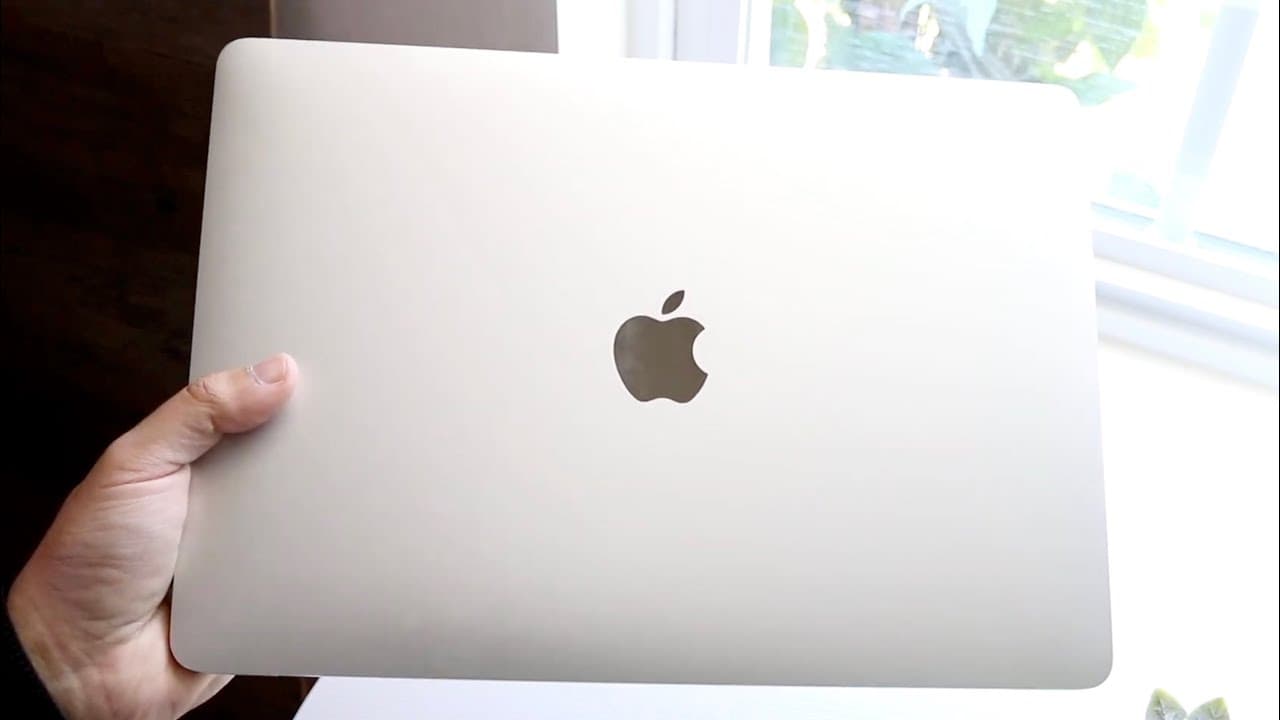
so I just got around to installing Mac OS Cinema on my actual 2018 MacBook Pro which according to Apple is the lowest supported MacBook that is available on Mac OS Cinema now it is very very interesting because I feel like even the 2015 MacBook Pro that Apple made could probably support this version of software in fact I think the 2012 unibody MacB... Read More
Key Insights
- 🥶 Mac OS Cinema is officially supported on the 2018 MacBook Pro and newer, but may run on older models.
- 💄 The beta version brings risks, such as instability and operational issues, making early adoption inadvisable.
- 👤 Users may appreciate the addition of desktop widgets, though their overall utility remains debatable.
- 🎮 Enhancements in video conferencing represent a progressive step in usability for virtual meetings and presentations.
- 🔒 The improvements in Safari provide an enriched browsing experience with better security and functionality.
- 👤 Quality-of-life improvements might resonate well with users, even if they don’t necessitate an upgrade.
- 🚚 Overall, while Mac OS Cinema delivers refreshing tweaks, it does not present a drastic evolution from its predecessor.
Install to Summarize YouTube Videos and Get Transcripts
Explore YouTube Video Summarizer or Get YouTube Transcript Extractor
Questions & Answers
Q: What are the main features of Mac OS Cinema?
Mac OS Cinema introduces several features including new screen savers, desktop widgets, and enhancements to video conferencing tools. These updates offer more interactivity during video calls and improved usability in Safari, allowing users to add web apps, enhancing the overall experience.
Q: Is Mac OS Cinema suitable for older MacBook models?
Although Mac OS Cinema officially supports only the 2018 MacBook Pro and newer, the review suggests that older models like the 2015 and 2012 versions could likely run it as well. However, users should evaluate their needs and consider sticking with older OS versions if their current setup works well.
Q: Why did the reviewer advise against installing the beta version?
The reviewer had a negative experience with the Mac OS Cinema beta on their 2018 MacBook Air, leading to boot issues and reliance on internet recovery. This experience highlights the risks and potential frustrations of installing beta software, particularly with stability and functionality concerns.
Q: What improvements does Mac OS Cinema bring to video conferencing?
Mac OS Cinema enhances video conferencing by allowing for greater interactivity. Features such as hand gesture recognition and other interactive tools make presentations and online meetings more engaging. However, while these are improvements, they may not be compelling enough for users to switch immediately.
Q: Is there a significant difference between Mac OS Cinema and its predecessor, Ventura?
The reviewer indicates there are minimal changes between Mac OS Cinema and Ventura. While there are some new features and quality-of-life enhancements, most users may find that they do not significantly alter their experience, suggesting it’s not essential to update right away.
Q: What security enhancements are included in Mac OS Cinema?
Mac OS Cinema improves security features, particularly within Safari. New security enhancements help protect user data while browsing and offer better password management tools, contributing to an overall safer experience for users on the platform.
Summary & Key Takeaways
-
The installation of Mac OS Cinema on a 2018 MacBook Pro reveals it as a stable yet minor upgrade compared to previous versions like Mac OS Ventura.
-
Key features include new screen savers, desktop widgets, improved video conferencing capabilities, and enhanced Safari functionality, but these changes don't justify an immediate upgrade for most users.
-
Users are advised against installing beta versions due to potential stability issues, as experienced by the reviewer, and should wait for the final release for a smoother experience.
Read in Other Languages (beta)
Share This Summary 📚
Summarize YouTube Videos and Get Video Transcripts with 1-Click
Try YouTube Summary with ChatGPT & Claude or YouTube Transcript Generator
Explore More Summaries from Simple Alpaca 📚






Summarize YouTube Videos and Get Video Transcripts with 1-Click
Try YouTube Summary with ChatGPT & Claude or YouTube Transcript Generator