How to Create an AI Chatbot in 10 Minutes
TL;DR
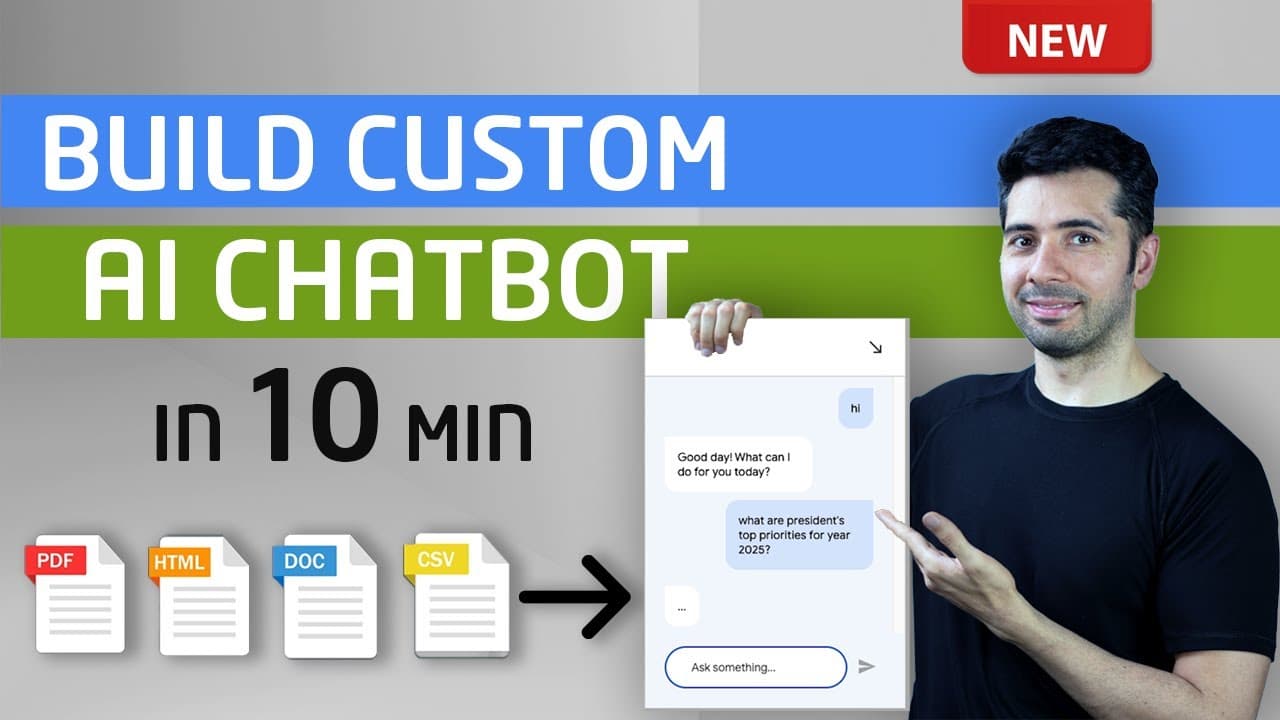
You can create an AI chatbot in under 10 minutes using Google Cloud's tools by transforming documents like PDFs and Word files into a knowledge base. This process involves setting up your chatbot, testing its responses, integrating it with websites, and enabling conversation history for performance insights, all without any coding skills.
Transcript
what if you could turn your website in all of those PDF documents manuals guides uh ebooks and reports into a helpful chatbot imagine asking questions and getting instant answers directly from your website your documents or any ebook will guess what I found a way to do this in less than 10 minutes in this video I'll show you how easy it is to build... Read More
Key Insights
- ⚾ The video explains the step-by-step process to create a chatbot using document-based knowledge in less than ten minutes.
- 👨💼 Customizing the chatbot's responses requires minimal coding knowledge, making it accessible for various users and businesses.
- 👻 Testing the agent is essential for ensuring interactive customer experiences, allowing real-time adjustments based on user behavior.
- 👤 Enabling conversation history helps users track interactions, providing insights into how the chatbot performs and where improvements may be necessary.
- ℹ️ This tutorial emphasizes the importance of using a versatile data source that caters to unstructured and structured data formats.
- 👀 Integration options expand the chatbot's utility, catering to businesses looking to provide support across different channels.
- 👨💼 The tutorial also highlights a revenue opportunity for businesses utilizing chatbots in their customer service strategies.
Install to Summarize YouTube Videos and Get Transcripts
Explore YouTube Video Summarizer or Get YouTube Transcript Extractor
Questions & Answers
Q: What software tools are required to create the chatbot?
To create the chatbot, you need to use Google Cloud services, particularly enabling the Vertex AI API and Dialogflow APIs. These tools allow for creating a custom chatbot that can answer queries based on documents uploaded to a data store in Google Cloud.
Q: Can the chatbot be integrated into platforms other than a website?
Yes, the chatbot can be integrated into various platforms, including Facebook Messenger, Slack, Discord, and Telegram. This flexibility allows businesses to reach users on their preferred messaging platforms, making it easier to provide instant support.
Q: What types of documents can be used as a data source for the chatbot?
The chatbot can utilize multiple document types as a data source, including PDF, HTML, TXT, CSV, Word documents, and PowerPoint presentations. This variety allows users to input different forms of data into the chatbot for a comprehensive knowledge base.
Q: How can you improve the chatbot's responses and handle shortcomings?
To improve the chatbot's responses, you can add more URLs or documents to its data source. Additionally, by reviewing conversation history and analytics, users can identify common questions or issues, allowing them to refine the chatbot's training and improve future interactions.
Summary & Key Takeaways
-
This video tutorial demonstrates how to create a chatbot using various document formats like PDF and Word without coding skills.
-
Viewers learn to set up a knowledge base and configure chatbot responses utilizing Google Cloud’s tools in under ten minutes.
-
The process includes testing the chatbot interactions, integrating it with websites, and accessing conversation analytics to improve user experiences.
Read in Other Languages (beta)
Share This Summary 📚
Summarize YouTube Videos and Get Video Transcripts with 1-Click
Try YouTube Summary with ChatGPT & Claude or YouTube Transcript Generator
Explore More Summaries from Coding Money 📚
Summarize YouTube Videos and Get Video Transcripts with 1-Click
Try YouTube Summary with ChatGPT & Claude or YouTube Transcript Generator