Canva: Apply more than 1 Link to the Same Text Box
TL;DR
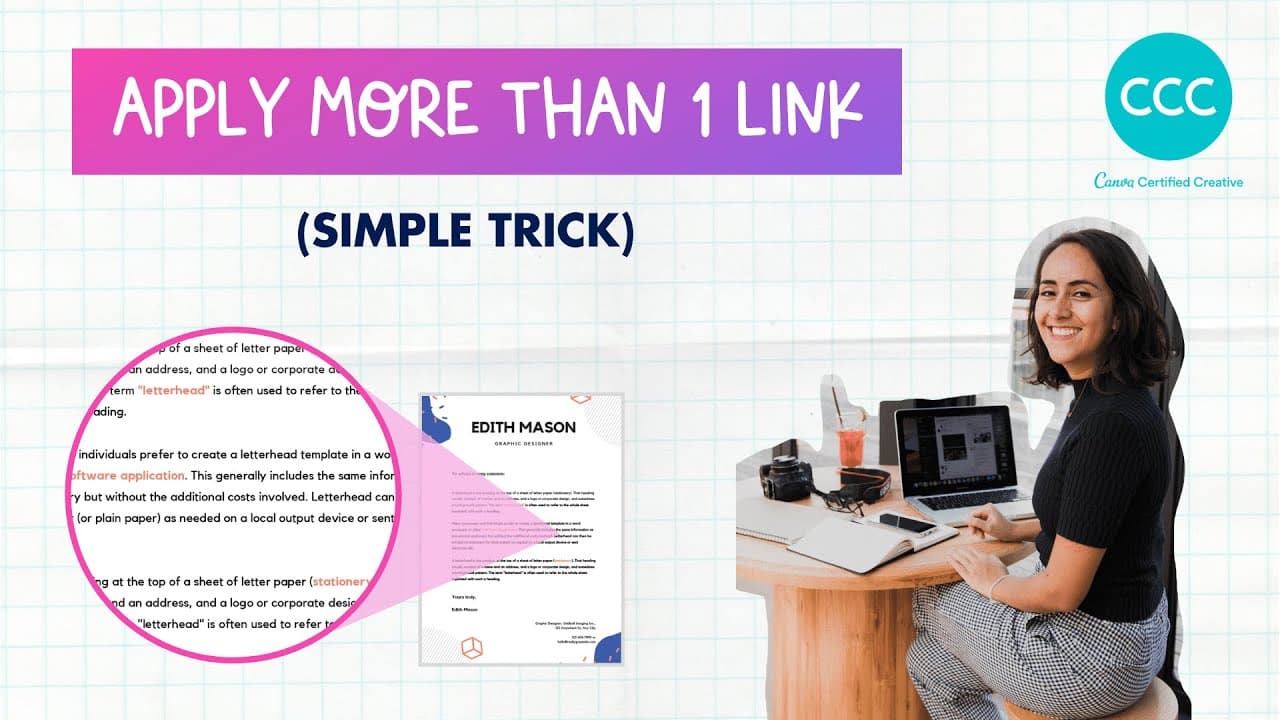
Learn how to add multiple links to a Canva design using a single text box and transparent shapes.
Transcript
hey guys how are you this is bianna today I want to show you something really cool I learned today in the group from one of the members the member is Cyrene I want to give her some credit for this amazing trick I want to show you this is a comment somebody was asking how to put some links in a twenty five pages long design she wants to put only lik... Read More
Key Insights
- 👻 Canva allows users to add multiple links to a design using a simple trick involving transparent shapes.
- 👤 By using this trick, users can avoid cluttering their design with multiple text boxes for each link.
- 😫 The transparency setting needs to be adjusted to 1% instead of 0% to make the links clickable.
- 👻 Duplicating and repositioning transparent shapes allows users to create different clickable areas within a single text box.
- 🥶 The trick works in both Canva's free and paid versions, making it accessible to all users.
- 🍻 Links added using this trick can be preserved when downloading the design as a PDF or publishing it as a shareable website link.
- 👨🦱 This trick is useful for designers who want to include multiple URLs in their Canva designs without compromising the overall aesthetic.
Install to Summarize YouTube Videos and Get Transcripts
Explore YouTube Video Summarizer or Get YouTube Transcript Extractor
Questions & Answers
Q: How can I add multiple links to a Canva design?
You can add multiple links by using transparent shapes and positioning them over specific words within a single text box. This creates clickable areas that redirect to different URLs.
Q: Can this trick be used in the free version of Canva?
Yes, this trick can be used in both Canva's free and paid versions. It is not restricted to Canva Pro users.
Q: Can I use different links for each transparent shape?
Yes, you can use different links for each transparent shape. Simply duplicate the shape, adjust its position, and change the URL associated with it.
Q: How can I ensure the links work when sharing the design?
To ensure the links work, you can either download the design as a PDF or use Canva's publishing options to create a shareable website link. Both options will preserve the functionality of the links.
Summary & Key Takeaways
-
Bianna shares a trick to add multiple links to a Canva design using only one text box and transparent shapes.
-
By using transparent shapes and adjusting their position, you can create different clickable areas within a single text box.
-
This trick allows you to add multiple URLs to your Canva design without creating separate text boxes or cluttering the design.
Read in Other Languages (beta)
Share This Summary 📚
Summarize YouTube Videos and Get Video Transcripts with 1-Click
Try YouTube Summary with ChatGPT & Claude or YouTube Transcript Generator
Explore More Summaries from Design with Canva 📚






Summarize YouTube Videos and Get Video Transcripts with 1-Click
Try YouTube Summary with ChatGPT & Claude or YouTube Transcript Generator