How to Edit Videos Using CapCut on Mobile
TL;DR
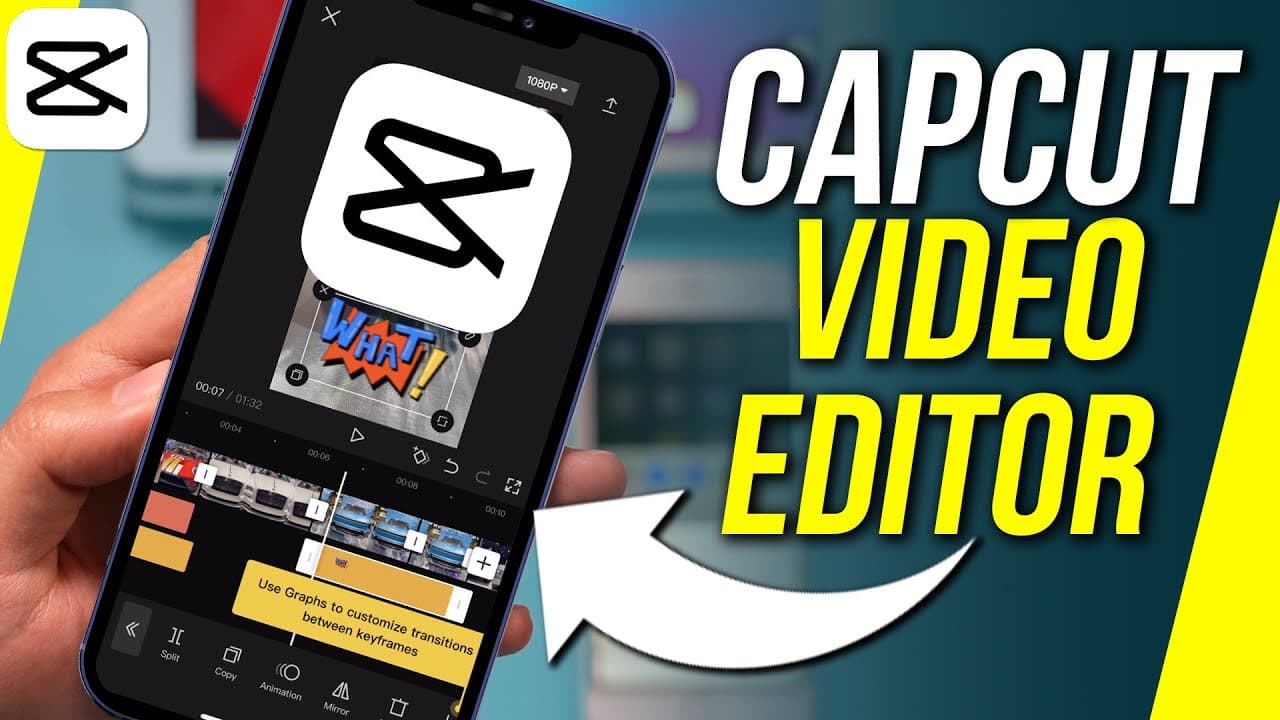
To edit videos using CapCut, create a new project, trim and reorder clips, adjust audio and text, and apply effects. The app allows for advanced features like background removal and resizing for social media. Finally, export your video in the desired format and resolution.
Transcript
capcom video editor is a really easy to use and a free app for editing videos right on your phone it's available both on androids and on iphones capcod could do basic editing like cuts and transitions but it has a lot of advanced things built into it like removing backgrounds from a video resizing it for different social media platforms so in less ... Read More
Key Insights
- 😀 Capcom Video Editor is a free and convenient app available for both Android and iPhone devices.
- 😀 The app offers basic editing features like trimming and reordering clips, as well as advanced options such as background removal and resizing for various social media platforms.
- 😀 Users can add audio tracks, including sound effects and music, and even record voiceovers within the app.
- 🎮 Text can be added to videos with customizable styles and animations.
- 👤 Users have the option to include stickers, overlays, effects, and filters to enhance their videos.
- 😀 The app provides formatting options to adjust the video's shape, size, and resolution.
- 🧑🦽 Users can make manual adjustments to the video's brightness, contrast, saturation, and apply filters.
Install to Summarize YouTube Videos and Get Transcripts
Explore YouTube Video Summarizer or Get YouTube Transcript Extractor
Questions & Answers
Q: How can I download and open Capcom Video Editor?
To download the app, search for "Capcom Video Editor" on the Google Play Store or Apple App Store. Once installed, open the app to start editing.
Q: Can I use stock photos and videos in Capcom Video Editor?
Yes, the app allows you to use stock photos and videos if you don't have any footage of your own. Simply select the desired clips from the stock library provided in the app.
Q: How can I trim and reorder clips in Capcom Video Editor?
In the editing mode, you can trim a clip by dragging its ends and adjust the starting point by dragging the beginning of the clip. To change the order of clips, press and hold a clip, then move it to the desired position.
Q: Does Capcom Video Editor support adding text to videos?
Yes, you can add text to your videos using different styles and customize their size. The app also offers animation options to add dynamic effects to the text.
Summary & Key Takeaways
-
Capcom Video Editor is a user-friendly app for editing videos on Android and iPhone devices, offering basic editing functions like cuts and transitions.
-
The app also includes advanced features such as background removal, resizing for different social media platforms, and adding stock photos and videos.
-
The editing process involves creating a new project, basic editing (trimming and reordering clips), working with audio and text, adding effects and filters, adjusting the video format, and exporting the final video.
Read in Other Languages (beta)
Share This Summary 📚
Summarize YouTube Videos and Get Video Transcripts with 1-Click
Try YouTube Summary with ChatGPT & Claude or YouTube Transcript Generator
Explore More Summaries from Howfinity 📚






Summarize YouTube Videos and Get Video Transcripts with 1-Click
Try YouTube Summary with ChatGPT & Claude or YouTube Transcript Generator