What Are the Key Features of the Wacom Cintiq Pro 27?
TL;DR
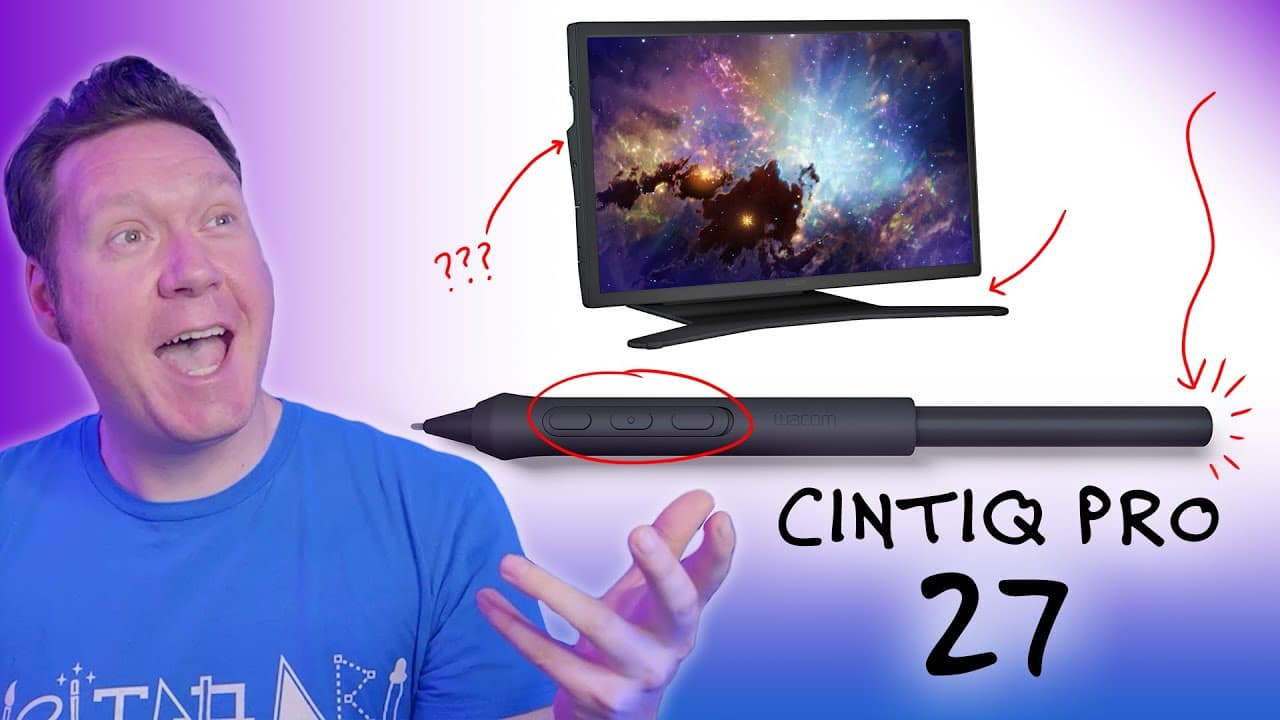
The Wacom Cintiq Pro 27 features a 27-inch UHD display with a 120Hz refresh rate for reduced lag and enhanced responsiveness. It includes the new Pro Pen 3 with customizable components but lacks an eraser, alongside a robust pen stand and eight external Express Keys for improved usability.
Transcript
welcome has just announced their newest display tablet the cintiq pro 27. while I won't have one to review until October I thought I'd at least share some images of the device and a few first impressions that I think are noteworthy I won't go over everything though because I want to save some content for the full review as its name implies this is ... Read More
Key Insights
- 📱 The new Wacom Cintiq Pro 27 is a 27-inch display tablet with upgraded UHD resolution and a refresh rate of 120 hertz, reducing lag and improving user experience.
- 🖊️ The Pro Pen 3 features interchangeable parts for customization, but notably, it does not have an eraser, which may be an issue for some users.
- 💡 The new pen stand is robust and attaches to the side of the bezel, providing better support for the pen compared to previous stands.
- 🔲 The Cintiq Pro 27 has external Express Keys located on the rear, with a unique grip design that may make it easier to find the buttons without looking.
- 🖥️ The bezel on the Cintiq Pro 27 is thinner compared to the previous model, which may make it feel smaller but allows for less depth space and a sleeker look.
- 🔌 There are no USB ports for peripherals on the Cintiq Pro 27, which may require some adjustment for users who rely on them.
- 🌡️ The holes on the side of the tablet are for the pen stand and ventilation purposes, while the fan vents are located at the bottom of the device to minimize noise.
- 💰 The price of the Cintiq Pro 27 is on the higher end, but it comes with a one or two-year limited warranty, depending on the country, and offers convenient replacement options in select areas of the EU.
Install to Summarize YouTube Videos and Get Transcripts
Explore YouTube Video Summarizer or Get YouTube Transcript Extractor
Questions & Answers
Q: How does the 120Hz refresh rate of the Cintiq Pro 27 improve the user experience?
The 120Hz refresh rate allows the display to react more quickly to pen input, greatly reducing the perception of lag when working on the device. This means that your pen strokes will be more responsive and accurate, improving the overall drawing experience.
Q: How does the customizable Pro Pen 3 differ from previous Wacom pens?
The Pro Pen 3 has a radically different design and comes with interchangeable parts, allowing users to customize the weight, grip thickness, quantity of pen buttons, and center of balance. This customization feature offers artists more control and comfort when using the pen for extended periods.
Q: Can you explain the design and functionality of the new pen stand?
The new pen stand is a robust cradle that attaches to the side of the bezel. It is designed to securely hold the pen, preventing it from toppling over or easily getting knocked down. The improved design addresses previous issues with stand stability, providing artists with a reliable place to store their pen during breaks.
Q: How does the thinner bezel of the Cintiq Pro 27 impact the user experience?
The thinner bezel on the Cintiq Pro 27 gives the device a more modern and sleek look. However, it may take some getting used to for artists who are accustomed to resting their palm and having a buffer zone for their pen. The thinner bezel also takes up less space on the desk and blocks less of the other monitors.
Summary & Key Takeaways
-
Wacom has introduced the Cintiq Pro 27, a 27-inch display tablet with upgraded UHD resolution and a 120Hz refresh rate.
-
The Cintiq Pro 27 comes with a new Pro Pen 3 that allows for customization of weight, grip thickness, pen buttons, and center of balance.
-
It features a robust pen stand, eight external Express Keys, and a thinner bezel compared to previous models.
Read in Other Languages (beta)
Share This Summary 📚
Summarize YouTube Videos and Get Video Transcripts with 1-Click
Try YouTube Summary with ChatGPT & Claude or YouTube Transcript Generator